
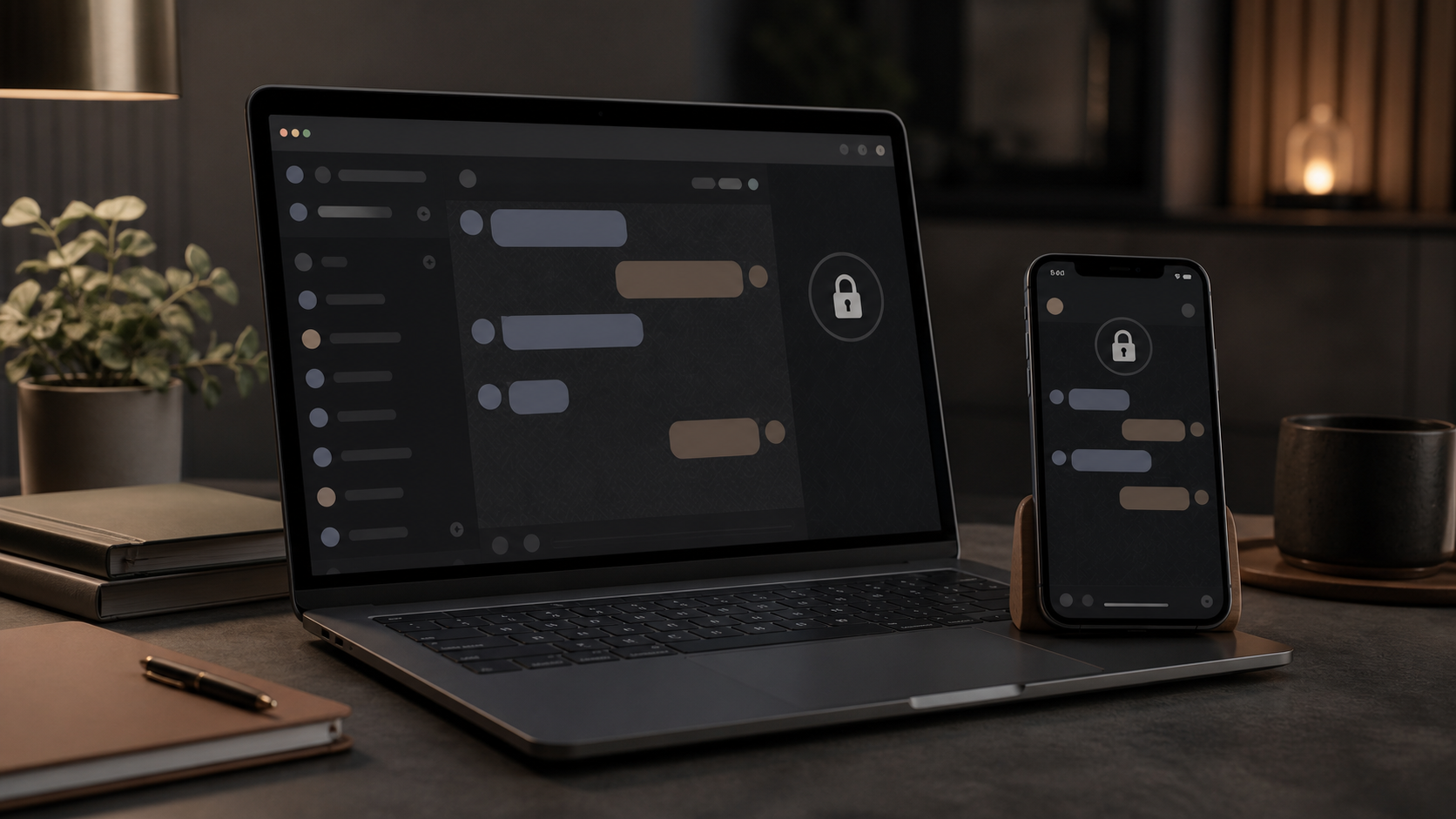
PigeonChat.site explained for private browser messaging
Learn what PigeonChat.site is, how browser-based private messaging works, and why people compare it with WhatsApp, Signal and Telegram.
If you are trying to understand PigeonChat.site without installing yet another app, the basic idea is refreshingly simple: it is browser-first private messaging. You open a link, start a chat, and keep going in the web browser you already use every day. That makes it easier to try than a typical alternative chat app that asks for a download before you can even see how it works.
That browser-first approach matters because many people only want a quick, private conversation, not a new account, a new inbox, and another notification stream. With private browser messaging, the browser becomes the place where the chat lives. For some people that is a practical way to reduce friction. For others it is simply easier to understand than the usual app-store route.
This guide explains what PigeonChat.site is, how it fits alongside whatsapp, signal and telegram, and what “private” can realistically mean in a web-based chat tool. You do not need to be technical to follow along.
What PigeonChat.site is trying to do
PigeonChat is built around a straightforward idea: messaging should be accessible in the browser first. Instead of assuming you will install a dedicated mobile app, it lets you use a web page as the starting point for a conversation. That makes the service easy to inspect, easy to open on different devices, and easy to share with someone who does not want more software on their phone.
That is the main reason people search for pigeonchat.site in the first place. They are usually not looking for an all-in-one social platform. They want a private chat space that feels lightweight, understandable, and immediate. In that sense, it sits in the same broad conversation as whatsapp, signal and telegram, but with a much more browser-centric entry point.
The phrase pigeon chat also fits the product nicely. It suggests direct, simple messaging without extra clutter. Whether you are using it for a one-off conversation or as an occasional alternative chat app, the value is in reducing the steps between “I need to message someone” and “the message is sent”.
How private browser messaging works in practice
Private browser messaging means the communication happens through the browser rather than a native app. That may sound like a small difference, but it changes the user experience a lot. There is nothing to install, and you can often begin in seconds from a link or a web address. For many people, that is the least intimidating way to start a private conversation online.
Privacy in this setting usually depends on two things: how messages are handled while they move between people, and what information the service keeps about the session. A browser-based tool can still be private, but “private” does not automatically mean invisible, anonymous, or impossible to misuse. It is worth checking what a service says about encryption, storage, and account requirements rather than assuming all private browser messaging works the same way.
The useful mental model is this: the browser is the front door, not the whole security story. The service design, your device security, and how you share access all still matter. If you are comparing options, that is true for PigeonChat.site as much as it is for whatsapp, signal or telegram.
Why people compare it with whatsapp, signal and telegram
Most people already understand messaging through familiar apps, so comparisons help. whatsapp is often the default choice for everyday contact. signal is widely associated with privacy-first messaging. telegram is often chosen for groups, channels and convenience features. PigeonChat.site sits in a different spot: it is not trying to win by being the biggest app, but by being easy to use in a browser.
That makes it especially interesting as an alternative chat app for people who dislike installing software just to have a conversation. If you are on a shared computer, a work device with tighter restrictions, or a temporary setup, browser-first access can be more practical than an app download. It can also be useful when you want to explain the service to someone in one sentence: “Open the site and chat”.
Of course, browser access alone is not a reason to switch from your current messenger. The better question is whether the service matches your needs. If your priorities are convenience and a low-friction private browser messaging experience, PigeonChat may make sense. If your priorities are long-standing network effects, large groups, or a specific ecosystem, you may still prefer the familiar options.
What to check before you trust any browser-based chat
When a messaging service is web-based, it is sensible to ask a few practical questions. You do not need to be paranoid. You just need a clear idea of what the service does and does not promise. That is good advice for any alternative chat app, not just this one.
- Does it explain whether messages are encrypted end to end, in transit, or both?
- Does it tell you what account data, if any, is stored?
- Can you use it without sharing unnecessary personal details?
- Does it work comfortably on mobile and desktop browsers?
- Is it clear how to leave, delete, or clear your chat history?
Those questions help you judge whether a service is actually private or just private-looking. A clean interface can be reassuring, but privacy is mostly about design choices and policies. If a product like PigeonChat.site makes those choices easy to understand, that is a useful sign. If the details are vague, it is wise to be cautious.
It is also worth remembering that browser convenience has trade-offs. A tab can be closed accidentally. A shared browser can expose a conversation if you do not sign out. A synced browser profile can carry data across devices in ways you may not expect. These are not reasons to avoid private browser messaging, but they are reasons to use it thoughtfully.
When browser-first messaging is the better fit
There are several situations where a browser-first tool is especially appealing. You may want to message someone from a work machine without installing software. You may be helping a less technical friend who would rather avoid app stores. You may simply want a quick, private exchange without adding another permanent app to your phone. In those cases, the browser route is often the easiest path.
It can also help when you want a messaging experience that feels temporary. Not every conversation needs a heavyweight app relationship attached to it. Sometimes you just want to open a page, talk, and move on. That is where a service like PigeonChat can feel more natural than a conventional mobile-first messenger.
At the same time, browser-first does not mean browser-only in spirit. The best private browser messaging tools are the ones that feel clear enough to use repeatedly, even if you are not a regular user. If the interface is obvious, the trust questions are answered plainly, and the setup stays light, the whole experience becomes more approachable.
How to evaluate PigeonChat.site without overthinking it
If you are considering pigeonchat.site, the simplest way to evaluate it is to treat it like a practical tool rather than a philosophy. Open the site, read the on-page explanation, and see whether the workflow makes sense to you. Good messaging software should be easy to describe in plain English. If it takes a long time to explain, that is often a warning sign.
You can also compare the experience against the tools you already know. Ask yourself whether it feels simpler than whatsapp, more direct than telegram, or lighter than the app-based options you use now. The goal is not to crown a winner. The goal is to see whether this browser-first approach solves a real problem for you.
For many people, that answer will be yes only in specific circumstances. That is perfectly fine. A useful messaging product does not have to replace everything. Sometimes the right alternative chat app is the one that is easiest to open, easiest to understand, and easiest to trust in the moment.
Frequently asked questions
Is PigeonChat.site the same as a normal chat app?
Not exactly. It is better described as private browser messaging rather than a traditional app-store messenger. The main difference is that you use it in a browser, which makes it simpler to try and easier to explain to other people.
Do I need to download anything to use PigeonChat?
No download is the main appeal. The idea is that you can use pigeonchat.site directly in the browser. That is what makes it feel different from many whatsapp, signal and telegram-style workflows, which usually begin with an installed app.
Is browser-based messaging automatically private?
No. Privacy depends on how the service is designed and how you use it. Browser access can be convenient, but you should still look for clear information about encryption, storage, and account handling before relying on any service for sensitive conversations.
PigeonChat.site is worth understanding because it shows how messaging can be made simpler without becoming mysterious. If you want a browser-first private messaging option, it is a sensible thing to evaluate on its own terms. And even if you stay with your current app, knowing how these tools differ helps you make better choices about convenience, privacy, and control.
Ready to try PigeonChat?

Writer & Editor at PigeonChat
Related Articles

Why people want a best chat app UAE option

PigeonChat.site: what the private browser app is for

PigeonChat.site explained for private browser messaging

What chat features users expect in modern private apps

Why chat folders matter for busy group conversations
