
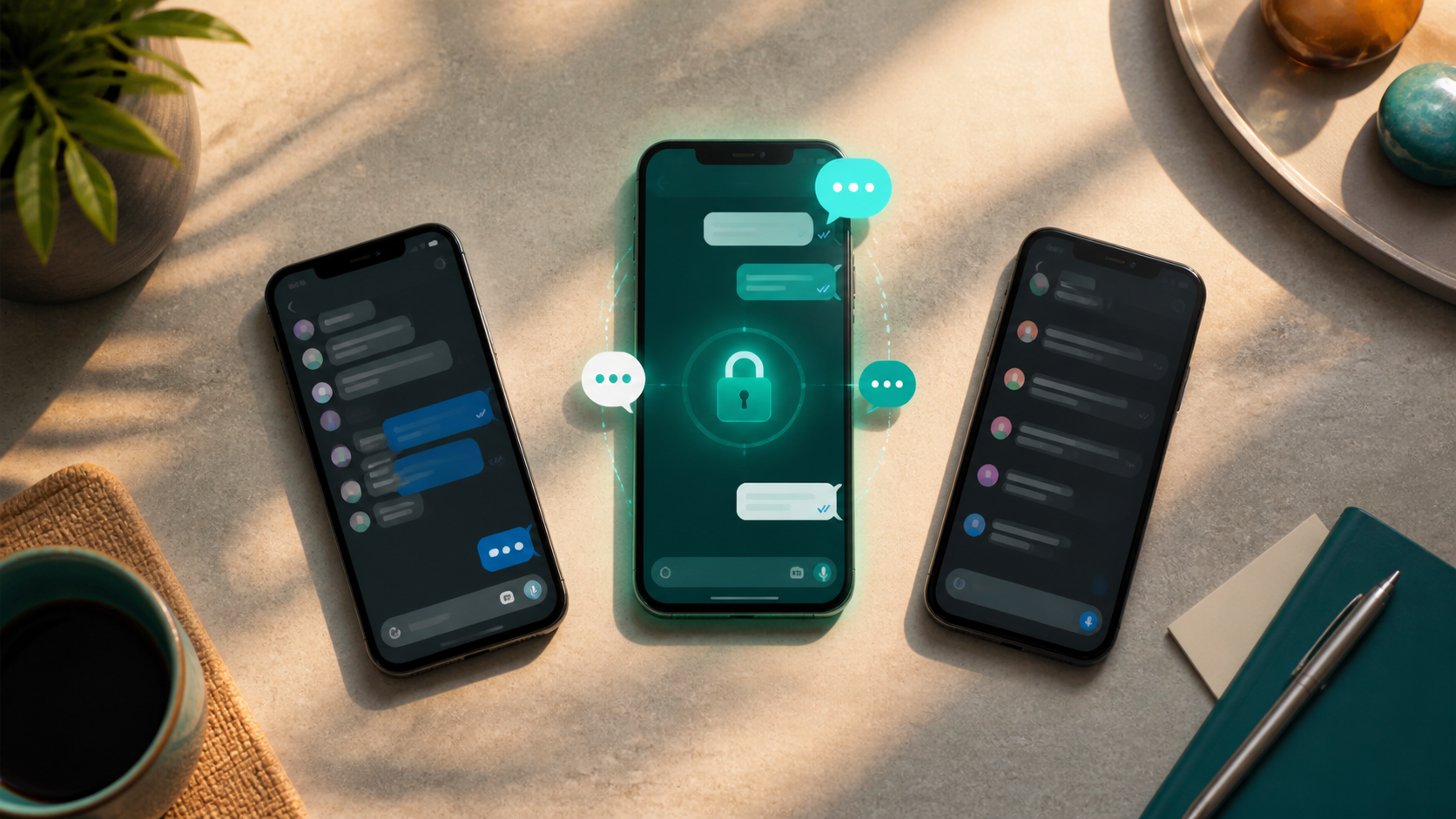
What a true WhatsApp alternative should include
If you want a WhatsApp alternative, look for no phone number, encrypted chats, cross-device access, and tools for groups, folders, and sharing.
When people compare a whatsapp alternative with the app they already know, the real question is usually not about novelty. It is about trust, reliability, and whether the everyday basics feel better. A messaging app can have a polished interface and still fail at the things people use most: messages arriving on time, group chats staying manageable, and media not becoming a mess.
If you are looking at a new alternative chat app, it helps to separate marketing from the features that matter in practice. A true competitor should make communication easier, not add friction. It should respect privacy, work well across devices, and handle both quick personal chats and more organised group conversations without making you fight the app.
This guide focuses on the practical chat features that matter most when comparing apps like whats app, and what to look for whether you are choosing for yourself, a team, or a family group.
Reliable messaging first, not just a prettier interface
The foundation of any messaging app is simple: send a message, and be confident it gets there. That sounds obvious, but reliability is where many apps feel different in daily use. A proper whatsapp alternative should handle delivery states clearly, sync across devices without confusion, and recover gracefully when the connection drops.
People often notice reliability only when it is missing. Messages appear out of order, a reply never seems to land, or the desktop app acts as if it lives in a different universe from the phone app. Good messaging should feel boring in the best possible way. You should not have to think about whether a chat is up to date.
This is also where a serious PigeonChat-style product earns trust. Even if you never switch, you can still use the same checklist when judging any app: does it keep conversations in sync, does it handle media cleanly, and does it make it obvious when something has been sent, delivered, or read?
Privacy and end to end encryption chat that is actually understandable
Privacy is often the biggest reason people seek an alternative chat app. The phrase end to end encryption chat gets used a lot, but it should mean something concrete to the user. At minimum, messages should be protected so only the participants can read them. Just as important, the app should explain what is encrypted, what is not, and what data is still stored for service delivery.
A good privacy story is not only about cryptography. It also includes sensible defaults for message retention, device access, backups, and screenshots where relevant. Some apps are technically secure but make the user guess what happens to their data. Others are more transparent, which is often more valuable in practice.
If privacy matters to you, look for straightforward controls. Can you verify devices? Can you manage session history? Can you leave a group without broadcasting your details too widely? These details matter more than slogans, and they are often the difference between a genuine whatsapp alternative and a clone with nicer branding.
Group chats that stay usable as they grow
Most people do not only use messaging for one-to-one conversation. Families, school groups, clubs, and small teams all need group chat features that do not become chaotic. A strong app should make it easy to mention people, reply in thread or context, mute notifications sensibly, and find old messages without scrolling forever.
Moderation tools matter too. In larger groups, it should be simple to manage membership, remove spam, and set permissions without needing a manual. If the app is being used for work, community projects, or shared coordination, the group chat experience can be more important than sticker packs or custom themes.
Useful group features often include:
- clear replies and message quoting
- search that finds messages, media, and files quickly
- role-based admin controls for larger groups
- mute and notification settings that are easy to understand
- media previews that do not clutter the conversation
These chat features are not glamorous, but they make the difference between a group people tolerate and one they can actually use. A good alternative chat app should feel calm even when many people are talking at once.
Cross-device support and simple account recovery
A messaging app is only useful if it follows you through your day. That means phone, desktop, and perhaps tablet support that feels coherent rather than bolted together. You should be able to continue a conversation without wondering whether the desktop client is missing half the history or whether voice notes behave differently on each platform.
Account recovery is another practical test. If you change phone, lose a device, or reinstall the app, can you get back in without a frustrating maze of codes and delays? People often underestimate this until something goes wrong. A serious whatsapp alternative should make re-entry smooth while still being secure.
For many users, device flexibility is a bigger advantage than flashy extras. The best apps keep the experience consistent, so you do not have to relearn the same feature on every screen. That consistency is one of the quiet signs of a mature product.
Media, files, and search that save time
Modern messaging is more than text. People share photos, voice notes, PDFs, links, and the occasional important document. A capable app should handle these without making the conversation feel heavy or disorganised. Media should be easy to preview, download, and find later.
Search is especially important. If the app cannot quickly find a file, a link, or a message from last month, then the conversation history becomes less useful over time. Good search is one of the most underrated chat features, because it turns messaging from a stream into a living archive.
It also helps when uploads are predictable. Nobody wants a file to fail without explanation or a photo to arrive in a compressed state that makes it unusable. A practical whatsapp alternative should respect the small but important ways people share information every day.
What to compare before you switch
If you are deciding between apps, do not focus only on interface or popularity. Compare the basics that shape everyday use. A strong messaging app should be easy to trust, easy to recover, and easy to use in both one-to-one and group settings.
Before switching, ask whether the app supports the following:
- reliable message delivery and sync
- clear end to end encryption chat controls and privacy explanations
- useful group management tools
- good search for messages, media, and files
- smooth phone and desktop support
- practical recovery if you change devices
You do not need every app to be perfect, and you certainly do not need every feature. But a true alternative chat app should make everyday communication simpler, not harder. That is the real standard, whether you are comparing against whats app or exploring something newer like PigeonChat.
Frequently asked questions
What makes a true whatsapp alternative different from a clone?
A real alternative is not just a visual copy. It should solve practical problems better, whether that means clearer privacy controls, better group management, improved search, or more reliable syncing across devices. If it only looks familiar but does not improve the basics, it is more imitation than alternative.
Is end to end encryption chat enough on its own?
No. Encryption is important, but it is only one part of a good messaging experience. You also need sensible device support, recovery options, clear app behaviour, and a trustworthy approach to metadata and backups. Privacy should be understandable, not just technically impressive.
Which chat features matter most for everyday use?
The most useful features are usually the least flashy: reliable delivery, search, replies, group controls, media handling, and cross-device sync. These are the things people use constantly. If those work well, the app feels effortless. If they fail, even a stylish interface becomes tiring.
In the end, the best messaging choice is the one that fits your habits without demanding attention. If an app gives you reliable chats, sensible privacy, and group tools that stay manageable, it is doing the job properly. That is the standard worth using, whether you stay where you are or try something new.
Ready to try PigeonChat?

Writer & Editor at PigeonChat
Related Articles
Viber, Telegram, and Messenger compared for private chat

Signal alternative chat app: what users actually want
WhatsApp, Signal, Viber, and Telegram compared
What makes a true Signal alternative chat app

Why chat folders matter for busy group conversations
