
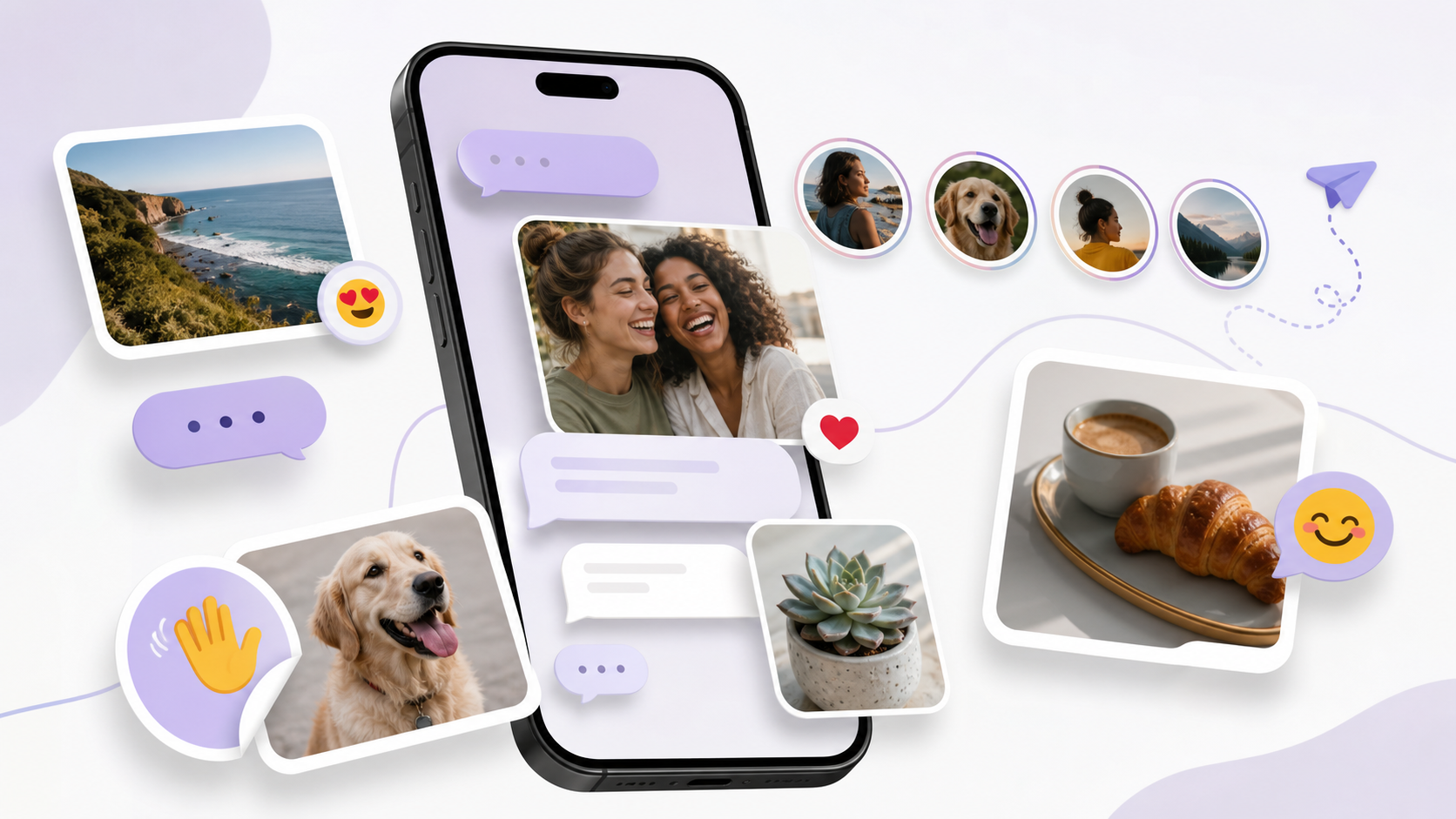
What chat features users expect in modern private apps
From image sharing to stickers and stories, these are the chat features users now expect before switching to a private app.
When people look at private messaging apps, they are usually not asking for fewer features. They are asking for the right ones, the ones that make everyday communication feel easy, familiar and trustworthy. A privacy-focused app can be secure and still feel complete. In fact, the best private apps do both.
The challenge is that modern users have been trained by years of mainstream social apps to expect a certain baseline. They want quick sharing, visible reactions, readable threads and a sense that the app can keep up with real life. If those basics are missing, people often interpret privacy as inconvenience rather than protection.
This is where good product design matters. Strong chat features do not need to be noisy or invasive. They just need to help people talk, share and stay connected without making them work too hard. If you are building, choosing or evaluating a private app such as PigeonChat, it helps to know which features people now consider part of the package.
Why modern private apps need familiar chat features
Privacy alone is rarely enough to win daily use. Most people use messaging apps many times a day, so small bits of friction add up quickly. If sending a photo feels awkward or replying to a conversation takes too many taps, the app starts to feel like a compromise.
That is why familiar patterns matter. Users bring expectations from the tools they already know, including fast messaging, media previews, reactions and simple conversation management. A private app does not need to copy every social platform, but it should recognise the habits people already have.
The best approach is usually to keep the interface calm while covering the basics well. Privacy should be the reason people feel safer, not the reason they lose everyday conveniences. PigeonChat, for example, makes more sense to users when it behaves like a proper chat app first and a privacy tool second.
Core chat features people expect from the start
At the very least, modern users expect messaging to be smooth and predictable. That means one-to-one chats, group chats, typing indicators, read receipts where appropriate, and clear delivery states. These are not flashy extras. They are the small signals that help conversations feel alive.
People also expect practical controls. Search, mute options, pinned conversations and message deletion are all common expectations now. Without them, even a secure app can feel unfinished. The more private the app, the more important it is that users can still manage their conversations easily.
A useful baseline often includes:
- Fast text chat with reliable delivery
- Group conversations with clear member management
- Typing and presence indicators, if they fit the privacy model
- Search across chats or within a conversation
- Mute, archive and pin controls
- Message delete, edit or unsend options where possible
These features do not make an app complicated. They make it usable. In privacy-focused products, this balance matters because people are more willing to adopt security when the day-to-day experience feels comfortable.
Image sharing and other media that feel essential now
Image sharing is no longer optional in modern messaging. People send screenshots, receipts, memes, quick updates and spontaneous photos constantly. If a private app handles text well but makes media awkward, users will notice immediately.
Good image sharing does not mean endless filters or social-network style editing. It means fast upload, sensible compression, clear previews and confidence that the recipient can open the file without fuss. A private app should make it easy to share what matters without turning the conversation into a media production.
Voice notes, short videos and file sharing are often part of the same expectation. Not every user needs everything, but many expect the app to support more than plain text. If you are evaluating chat features, think about whether the app helps people communicate in the format they already prefer, not just the format that is simplest to build.
Stickers, reactions and small expressions of personality
Many users now expect a sticker or reaction layer in chat. These features may seem lightweight, but they do a lot of work in real conversations. A quick emoji reaction can acknowledge a message without interrupting the flow, while a sticker pack can make a group chat feel more human and less formal.
The key is to keep these tools tasteful. In a private app, stickers and reactions should complement conversation, not compete with it. Overloaded interfaces, distracting animations and aggressive prompts can undermine the calm feeling that privacy-conscious users often want.
It is also worth remembering that small expressive tools can reduce message fatigue. Not every reply needs to be a paragraph. Sometimes a reaction is enough. That is one reason people notice when a private app lacks these familiar touches. The product may be secure, but it does not yet feel complete.
Stories, status and the line between useful and distracting
Stories are a more delicate expectation. Some users want them because they are already part of how people share updates elsewhere. Others see them as unnecessary in a private messaging app. The right answer depends on the audience and the product’s purpose.
If stories are included, they should be optional and clearly separate from core messaging. They work best as lightweight updates, not as a way to push users into public posting habits. In a privacy-focused environment, the feature must respect the idea that people may want to share with a small circle, on their own terms.
Status features can serve a similar purpose in a less attention-heavy way. A simple “busy”, “away” or “available” indicator can be genuinely useful. The main thing is to avoid turning the app into a feed-driven product if its real strength is private conversation.
Trust, control and the features that reassure users
Many expected chat features are really trust features in disguise. Message delete controls, lock screens, device management and clear privacy settings all help people feel in control. Users may not ask for them first, but they notice their absence quickly.
Notification settings matter too. A private app should let people choose how much is shown on the lock screen, how group chats are surfaced and whether media previews appear. These small controls are a practical part of privacy, not a technical footnote.
It also helps when the app explains itself clearly. If users understand who can see what, they are more likely to explore the rest of the product. That is one reason PigeonChat and similar apps benefit from simple language and sensible defaults rather than dense settings menus.
Frequently asked questions
Do private apps need all the same chat features as mainstream apps?
Not every feature, but most users do expect the basics to be there. If an app is missing simple tools such as image sharing, group chats or message search, it can feel unfinished even if the privacy is strong. The goal is not to mimic every social platform. It is to remove avoidable friction.
Are stories a bad idea in a privacy-focused app?
Not necessarily. Stories can be useful if they are optional, limited and easy to control. The problem is when they start to dominate the app or encourage public-style behaviour. In a private setting, they should support selective sharing rather than replace direct conversation.
What matters more to users, security or convenience?
In practice, most people want both. Security may be the reason they try the app, but convenience is what makes them keep using it. That is why the best private messaging products combine sensible privacy controls with familiar chat features that already feel natural.
In the end, modern private apps do not need to be bloated to feel complete. They just need to cover the everyday habits people rely on: quick replies, image sharing, reactions, group conversations and a few thoughtful controls. When those pieces come together, privacy stops feeling like a trade-off and starts feeling like a better way to chat.
Ready to try PigeonChat?

Writer & Editor at PigeonChat
Related Articles

What a private browser chat app can do today

What people mean by a Signal alternative chat app

PigeonChat.site explained for private browser messaging

PigeonChat.site explained for private browser messaging

Why chat folders matter for busy group conversations
