
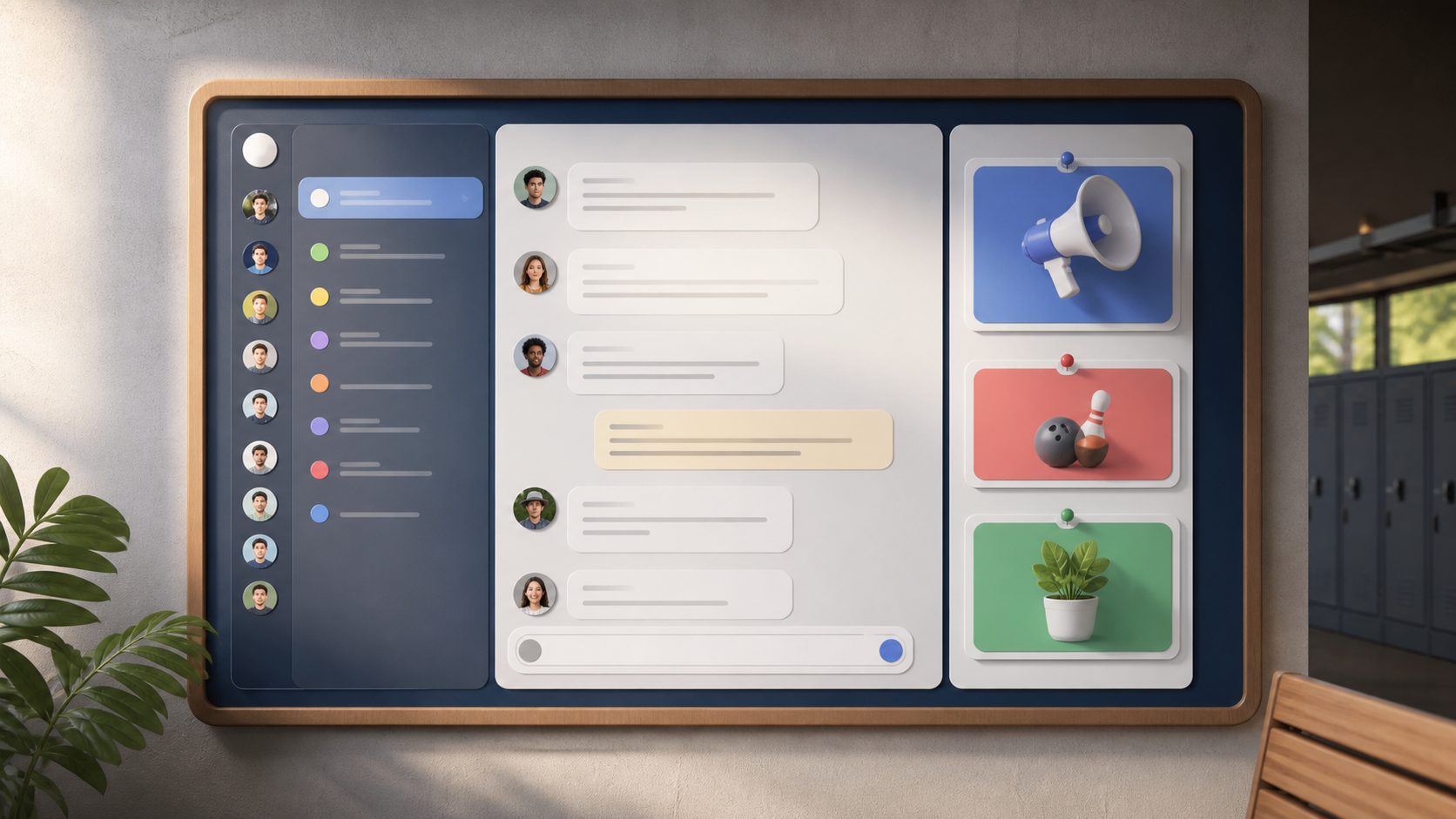
How school and university chats stay organized
A practical guide to keeping class groups, club chats, and announcements tidy so students and staff can find the right message fast.
In school and university settings, the best chats are rarely the busiest ones. What keeps a group useful is not a constant stream of messages, but a clear structure that helps people know where to look, what to read, and when to speak. Without that, even a small class chat can become hard to follow in a matter of days.
That is why organised group chats matter so much in education. Students are juggling timetables, deadlines, links, reminders, questions, and the occasional urgent change of plan. A well-structured chat reduces friction. It saves time, lowers confusion, and makes it easier for everyone to stay involved, including quieter students who do not want to wade through endless back-and-forth.
Whether you are managing a seminar group, a society, a course cohort, or a whole department, the same principle applies: make the chat easy to scan. Platforms such as PigeonChat can help with this kind of clarity, but the main habits are useful anywhere. Good structure is more important than fancy features.
Start with a clear purpose for each group
The simplest way to keep school and university chats organised is to decide what each group is for. A chat that tries to do everything tends to do nothing well. If one group is meant for urgent announcements, keep it for announcements. If another is for seminar discussion, keep the discussion there. If a third is for social plans, let it stay informal.
This matters because people read chats differently depending on expectations. In a class-wide group, students usually want dates, room changes, assignment reminders, and official updates. In a project group, they need task ownership, draft links, and decisions. Mixing those purposes creates noise and makes important posts easier to miss.
A good rule is to name the group plainly and write a short description if the tool allows it. That alone can prevent a lot of confusion. People are more likely to post in the right place when the purpose is visible from the start.
Use public channels for announcements, not replies
Public channels work well in education because they create one readable source of truth. A tutor, lecturer, year rep, or club organiser can post updates there without those messages being buried in a side discussion. Students know where to check first, and nobody has to repeat the same question in three different places.
The key is to keep these channels one-directional as much as possible. If the channel is full of replies, reactions, and off-topic chatter, it stops being a reliable reference point. For announcements, clarity usually improves when posting is limited to a small number of people or to specific, well-understood moments.
When a question does come up, it is often better to direct it into a separate thread, a companion group, or a private message to the organiser. That keeps the announcement feed clean while still leaving room for follow-up.
- Use one channel for official timetable or deadline updates.
- Use another for seminar discussion or coursework questions.
- Keep social chat separate from academic chat.
- Reserve urgent alerts for genuinely time-sensitive changes only.
- Agree who is allowed to post in each space.
Make the posting habits simple and consistent
Organisation does not depend only on chat structure. It also depends on how people write. Short, specific messages are easier to follow than vague ones. Instead of “Need to talk about the essay”, say “Can we confirm the essay question for week 5?” Instead of “Meeting moved”, say “Thursday reading group moved to 2pm in Room B12.”
Consistency helps as well. If people always include the date, time, location, or course code where relevant, readers can scan faster and make decisions faster. In education, a message is often useful for only a moment. Good formatting helps that moment count.
It also helps to avoid scattering one update across many small posts. A single clear message is easier to save and quote than a chain of fragments. This is one of the reasons organised group chats feel calmer. They ask less of the reader.
Separate academic work from social noise
Students often want one place where everything happens, but that rarely stays manageable for long. A group chat that mixes assignment questions, memes, lecture reminders, and weekend plans can become difficult to navigate. The solution is not to ban friendly conversation, but to give it a home of its own.
Academic chats work best when they stay focused on learning, logistics, and coordination. Social chats can be more relaxed and forgiving. When the two are separated, students are less likely to mute important groups out of frustration. That is especially useful during busy periods such as exam season or coursework deadlines.
This distinction is also helpful for staff. Tutors and lecturers do not need to monitor every casual conversation, and students do not want formal notices buried beneath ten unrelated comments. Clear boundaries make the whole communication system more sustainable.
Give people a reason to check, not just scroll
In schools and universities, people are often already overloaded. If a group chat feels like another feed to monitor, they will skim it or ignore it. A better approach is to make each space genuinely useful. That means posting things people need at the right time, and avoiding low-value repetition.
One practical method is to set expectations about when updates appear. For example, a class channel might only be used for timetable changes, deadline reminders, and resource links. If students know that important information appears there and nowhere else, they have a reason to check it.
You can also encourage habits that reduce search time later. Pin key messages, use clear titles, and ask people to keep answers under the right post rather than starting new ones. Small habits like these make organized chats much easier to live with day to day.
Design the chat around the real rhythm of education
School and university communication follows a rhythm. At the start of term, people need orientation and access details. During teaching weeks, they need reminders and quick clarification. Near deadlines, they need precise instructions and reliable updates. A well-organised chat reflects that rhythm instead of forcing everyone into one noisy stream.
That is why chat design should feel practical rather than decorative. It is not about adding more channels for the sake of it. It is about choosing the few spaces that genuinely help people find what they need. When that happens, students spend less time searching and more time working.
If you are setting up a new class, society, or cohort space, begin with the simplest possible structure and improve it only when necessary. The best systems are usually the ones people barely notice, because they simply work. That is the same logic behind PigeonChat and, more importantly, behind any good educational group chat.
Frequently asked questions
Should every class have one single chat?
Not usually. One chat can work for very small groups, but it becomes harder to manage as the amount of information grows. A better setup is often one channel for official updates and another for discussion or questions.
How do you stop a university group chat from becoming noisy?
Keep each chat focused on one purpose, ask people to post specific messages, and separate social conversation from academic coordination. It also helps to limit who can post in announcement spaces.
What should go in a public channel for students?
Use it for important information that everyone needs to see, such as timetable changes, deadlines, room updates, and key links. Avoid long discussions there, because they make the channel harder to scan.
In education, organised chats are not about controlling conversation. They are about making communication easier to trust and easier to use. When groups, channels, and posting habits all have a clear purpose, students and staff spend less time untangling messages and more time getting on with the work that matters.

Writer & Editor at PigeonChat
Related Articles

PigeonChat.site for teams that need private group chat

How chat groups help schools and universities stay organized

How chat groups help schools and universities

How chat groups help schools and universities stay organized

What a European chat app should offer now
