

What users expect from chat features in 2026
From encrypted chats to stickers, stories, folders and AI help, this guide maps the features people now expect in a modern private app.
By 2026, people are not asking chat apps for one clever trick. They expect a blend of privacy, convenience, and a few lightweight social touches that make everyday messaging feel less bare. The basic idea of a chat inbox has not changed much, but the surrounding expectations have. Users now want tools that help them organise, share, react, and move quickly without feeling watched or overloaded.
That shift matters because chat features are no longer judged only on speed or reliability. People also care about how a product handles private conversations, how easy it is to sort noisy group threads, and whether the app offers enough personality to feel alive. If you are building, choosing, or simply comparing tools, it helps to look at what users now take for granted.
This is also where products such as PigeonChat tend to stand out: not by piling on everything at once, but by making the useful parts easy to find and easy to trust. The most successful chat experiences in 2026 are usually the ones that stay calm, helpful, and flexible.
Privacy is now a baseline, not a bonus
For most users, privacy is the first filter. They want to know who can see a message, whether content is stored, how notifications behave on shared devices, and whether a conversation feels private by default. Even when people happily share photos, stickers, or quick updates, they still expect sensible controls around them.
This is why chat features increasingly need to be understandable at a glance. End-to-end encryption, disappearing messages, device management, and clear per-chat settings matter more when users are comparing apps side by side. The best experience is usually the one that makes privacy feel practical rather than technical.
Users also expect products to avoid unnecessary data collection. In 2026, convenience does not excuse confusion. If someone cannot tell what is synced, backed up, or visible to others, they are likely to hesitate before using the chat more broadly.
Convenience now means less friction across devices
People move between phone, laptop, and browser constantly, so they expect chat to follow them without drama. That means messages should sync quickly, drafts should survive a device change, and notifications should behave predictably. A chat app that works on one screen but feels awkward on another now looks dated.
Convenience also covers how little effort it takes to start or resume a conversation. Users want searchable histories, pinned threads, sensible mute controls, and links that open in the right place. If a chat feature saves a few taps every day, it starts to feel essential.
Good products also make it easy to deal with interruptions. That might mean quiet hours, granular notification settings, or a way to mark something as read without pretending to reply immediately. These are small details, but they shape how respectful the app feels.
Image sharing and media handling should feel effortless
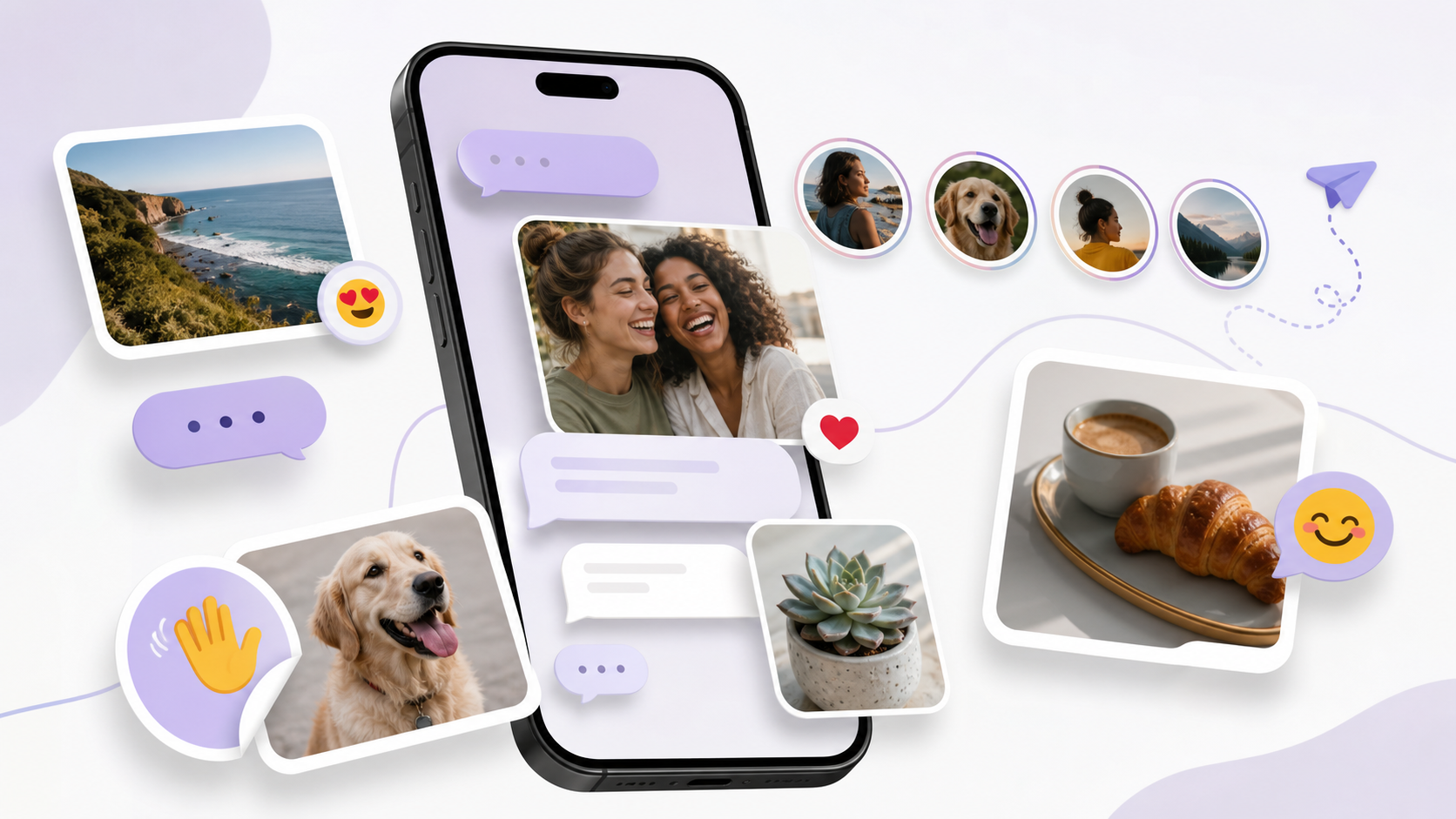
Image sharing is now part of ordinary conversation, not a special feature. People send screenshots, receipts, venue photos, memes, and quick visual explanations with the same ease they use text. A modern app needs to handle that flow smoothly, with clear previews and sensible compression so the shared image still looks good.
The best chat features around media are not just about uploading files. They include captions, inline viewing, basic editing, download controls, and a sensible way to keep media from cluttering the conversation. Users also expect the app to behave well on slower connections and to avoid turning every photo into a complicated process.
For many people, good media handling is also about memory. They want to find that one picture again later, whether it was sent last week or last year. Searchable conversations, media tabs, and straightforward folders all help make image sharing useful rather than messy.
Organisation tools are becoming standard
As chats multiply, organisation becomes a daily survival skill. Users expect chat folders, archived chats, pinned conversations, and sometimes labels or categories that separate work, family, community, and casual groups. Without those controls, even a well-designed inbox can feel cluttered very quickly.
Folders are especially useful because they let people shape the app around their life rather than the other way around. A calm inbox with a few clear sections is far easier to manage than an endless scroll of mixed priorities. That is one reason chat folders now appear in more product discussions than ever.
There is also a growing expectation that organisation should be lightweight. People do not want to spend ages maintaining the system. They want something that mostly sorts itself, with a few simple controls when life gets complicated.
- Pin the most important conversations so they stay visible.
- Archive old threads without deleting them.
- Use chat folders for work, personal, and community groups.
- Mute noisy chats without leaving them.
- Keep media and links easy to revisit later.
Lightweight social tools make chats feel alive
Users still enjoy conversation that has a bit of texture. Stickers, reactions, replies, voice notes, and short-status formats all add personality without forcing people into a full social network experience. The key is that these features should feel optional and quick, not performative or distracting.
Stickers remain popular because they are easy to use and easy to understand. They let people express tone without typing a full response. In the same way, stories or other short-lived updates can be useful when they stay small and informal, giving people a way to share a moment without turning every chat into a broadcast.
This is where balance matters. Users want a chat app to feel human, but not noisy. The best lightweight social tools support everyday expression while keeping the main job, which is talking to people, front and centre.
The ai assistant is expected to help, not take over
By 2026, an ai assistant is becoming a familiar part of chat features, but users are more selective about what they want it to do. They are usually happy with practical help such as summarising a long thread, suggesting a reply, finding a file, or rewriting a message more clearly. They are much less interested in an assistant that interrupts the flow or feels pushy.
The strongest pattern is support, not substitution. People still want to sound like themselves, especially in personal conversations. So the most useful ai tools are the ones that stay in the background until needed and then save time without changing the tone of the chat.
Users also expect clear boundaries. If an assistant touches their messages, they want to know when, how, and why. Trust rises when the product is explicit about what the tool can access and what it cannot.
What this means for product design
If you are designing for modern chat expectations, the lesson is not to add every trend at once. It is to build around a few steady principles: privacy users can understand, convenience they can feel, and social touches that make the product pleasant without making it noisy.
That usually means prioritising clarity over novelty. Strong defaults, simple organisation, dependable syncing, and thoughtful media handling often matter more than a long list of extras. When a product gets those basics right, features like stickers, stories, and an ai assistant become genuinely helpful instead of decorative.
PigeonChat is a useful reminder that chat can be modern without becoming complicated. The best apps in this space do not try to impress people with every possibility. They help people communicate well, stay in control, and keep things moving.
Frequently asked questions
What chat features do users care about most in 2026?
Most users care about a mix of privacy, convenience, and light social expression. They want clear controls, smooth syncing, easy image sharing, and a way to keep conversations organised. Extras are welcome, but the basics still matter most.
Are stickers and stories still relevant in modern chat apps?
Yes, but only when they stay lightweight. Stickers help people express tone quickly, and stories or similar short updates can add a casual social layer. The best versions do not distract from messaging itself.
How should an ai assistant fit into chat?
An ai assistant should save time without taking over the conversation. Summaries, smart search, drafting help, and small organisational tasks are often useful. Users are less comfortable when the assistant feels intrusive or unclear about what it can access.
In the end, what users expect from chat features in 2026 is fairly simple to describe, even if it is harder to build well. They want private conversations that feel easy, useful tools that do not get in the way, and small social touches that keep messaging human. Get those three things right, and the rest tends to follow.
Ready to try PigeonChat?

Writer & Editor at PigeonChat
Related Articles

PigeonChat.site in the UAE chat app search

What makes a strong European chat app today

How PigeonChat.site fits private messaging needs today
What chat features users expect in modern private apps

What a European chat app should offer now
