
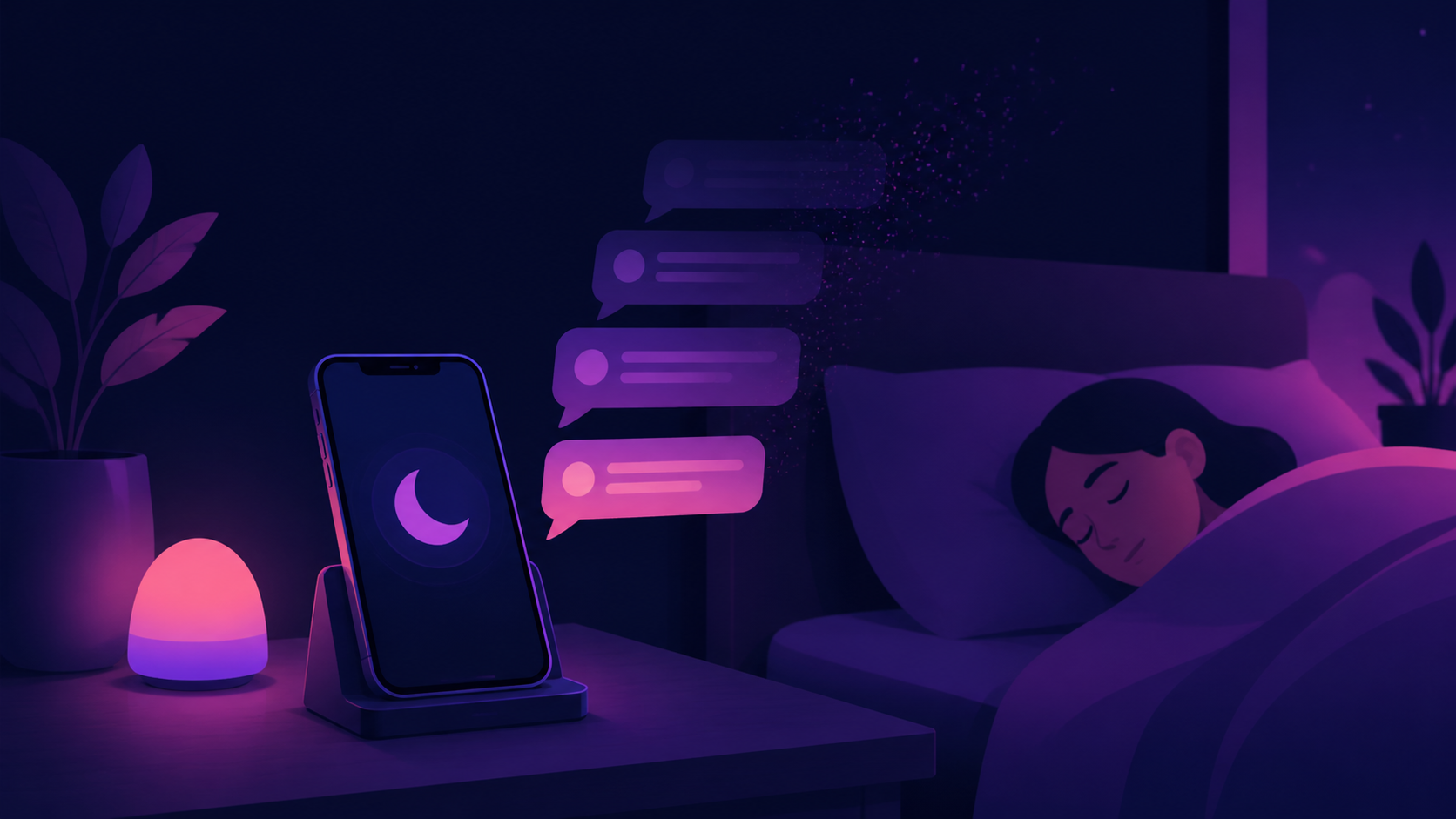
Why digital wellbeing is becoming a chat app feature
Users are looking for chats that feel calmer, lighter, and less addictive. This article explains how private messaging can support digital wellbeing.
Chat apps used to compete on speed, stickers, and whether the message arrived instantly. That still matters, but it is no longer the whole story. More people now expect messaging tools to help them feel calmer, safer, and more in control of their attention. In other words, digital wellbeing is becoming part of the product value itself, not just a personal habit users try to maintain on the side.
This shift shows up in small design choices. Fewer interruptions, better notification controls, clearer privacy settings, and less pressure to stay constantly available all shape how a chat app feels to use. For people who spend much of the day in private messaging, those choices can be the difference between a useful tool and another source of noise.
For app makers, this is more than a lifestyle trend. It is part of chat app trends more broadly, alongside stronger online privacy expectations and a growing discomfort with overbuilt feeds, unread badges, and always-on social pressure. A calmer messaging experience is becoming a feature users can evaluate, not an afterthought.
Why messaging fatigue is pushing design changes
Most people do not object to messaging itself. They object to the accumulation of interruptions, pings, group chats, reaction bubbles, and message threads that never quite stop. When an app asks for attention too often, the problem is not the conversation. It is the way the conversation is presented.
That is why digital wellbeing has become relevant to private messaging. A good chat app now needs to respect that users may want to reply later, mute a thread without guilt, or avoid being pulled into endless back-and-forth. The best experiences reduce friction without creating pressure.
There is also a cultural shift behind this. People are more aware that design can shape behaviour, including compulsive checking and the feeling of being always reachable. That makes calmer defaults more important. It is not about making chat less useful. It is about making it less demanding.
What calmer chat app design looks like
Less noisy messaging is usually not about one dramatic feature. It is the result of many small decisions that add up. A chat app can support digital wellbeing through notification controls, conversation muting, message scheduling, message previews, and the ability to set boundaries around status indicators or read receipts.
These features do not remove communication. They make it more intentional. If a user can see what matters without being dragged into every thread, the app feels more respectful. That matters just as much as delivery speed or encryption in many everyday use cases.
- Granular notification controls for contacts, groups, and mentions
- Clear mute and snooze options without hidden menus
- Offline-friendly drafting and later sending
- Optional read receipts and presence indicators
- Simple ways to leave, archive, or silence a conversation
- Interface choices that reduce visual clutter
These are practical improvements, not wellness theatre. They help people manage attention in the same way calendar tools help manage time. A chat app like PigeonChat may or may not be the right fit for every person, but the broader lesson applies across the category: restraint can be a product advantage.
Online privacy and digital wellbeing are starting to overlap
Privacy and wellbeing might sound like separate concerns, but in messaging they often meet. If a chat app is overly invasive, overly social, or overly eager to expose status and activity, it can create a sense of being watched. That feeling alone can make communication more tiring.
Strong online privacy practices do more than protect data. They can reduce pressure. For example, not forcing a phone number, limiting metadata exposure where possible, and keeping profile signals modest can make a service feel less demanding. Users are not just asking, “Is this secure?” They are also asking, “Does this app let me communicate without putting me on display?”
This is one reason privacy-focused products tend to resonate with people who also care about digital wellbeing. The same instinct drives both preferences. Users want fewer unnecessary signals, fewer social obligations, and less noise around the actual message.
Why less noisy messaging is becoming a product feature
In the past, app makers often treated attention as something to capture. The more time spent in the product, the better. Messaging apps were not exempt from this logic. They added more indicators, more engagement prompts, and more ways to keep people active.
That approach is under more scrutiny now. For many users, a great chat app is one that gets out of the way. It should be easy to find the right conversation, send the message, and leave without feeling like the interface is pushing for more. Minimal friction is not the same as manipulative friction, and people can usually tell the difference.
This is why digital wellbeing is no longer a niche concern. It is part of the decision-making process when people choose a messaging tool for work, family, or close friends. In that context, less noise is not a bonus. It is part of the value proposition.
How builders can design for calmer communication
Teams building chat products do not need to strip the experience down to nothing. The aim is to reduce unwanted pressure while preserving usefulness. That usually means giving people control, being honest about defaults, and avoiding design patterns that turn every interaction into an urgency signal.
Some useful questions for product teams include: Does this feature help the conversation, or only increase time in app? Is the notification essential, or just attention-seeking? Can the user choose quieter defaults without digging through settings? These questions are often more valuable than trying to bolt on a separate wellbeing mode later.
A practical approach might include:
- Making notifications opt-in by category rather than on by default
- Keeping status indicators subtle and user-controlled
- Allowing people to separate high-priority chats from casual ones
- Designing empty states and badges so they do not create anxiety
- Explaining privacy and presence settings in plain language
These choices support both trust and usability. They also help a product stand out in a crowded market where many apps look similar on the surface. Calm can be a differentiator.
Frequently asked questions
Is digital wellbeing only relevant for social media, not chat apps?
No. Messaging can be just as draining as social media when it is full of interruptions, group pressure, and constant status cues. Chat apps are part of daily communication, so their design has a direct effect on attention and stress.
Does a calmer chat app have to be less feature-rich?
Not necessarily. The goal is not fewer features for the sake of it. It is better feature design. A useful app can still include groups, voice notes, file sharing, and search, while making notifications, presence, and privacy less intrusive.
How do privacy and digital wellbeing connect in practice?
When a service collects less, reveals less, and signals less, it often feels less intrusive. That can make users more comfortable and less self-conscious. In messaging, privacy settings and wellbeing often support the same outcome: communication that feels more controlled and less noisy.
The main change in chat app trends is simple to describe, even if it is hard to do well. People want communication tools that help them connect without turning every conversation into a demand for attention. That is why digital wellbeing is becoming a feature, not a slogan. For products like PigeonChat and for the wider market, the future of messaging may be less about being louder and more about being thoughtfully quiet.

Writer & Editor at PigeonChat
Related Articles

What browser chat changes for people who hate installs

How digital wellbeing changes the way people chat
Why digital wellbeing matters in chat app design

Why digital wellbeing is becoming a chat app feature

What a European chat app should offer now
