
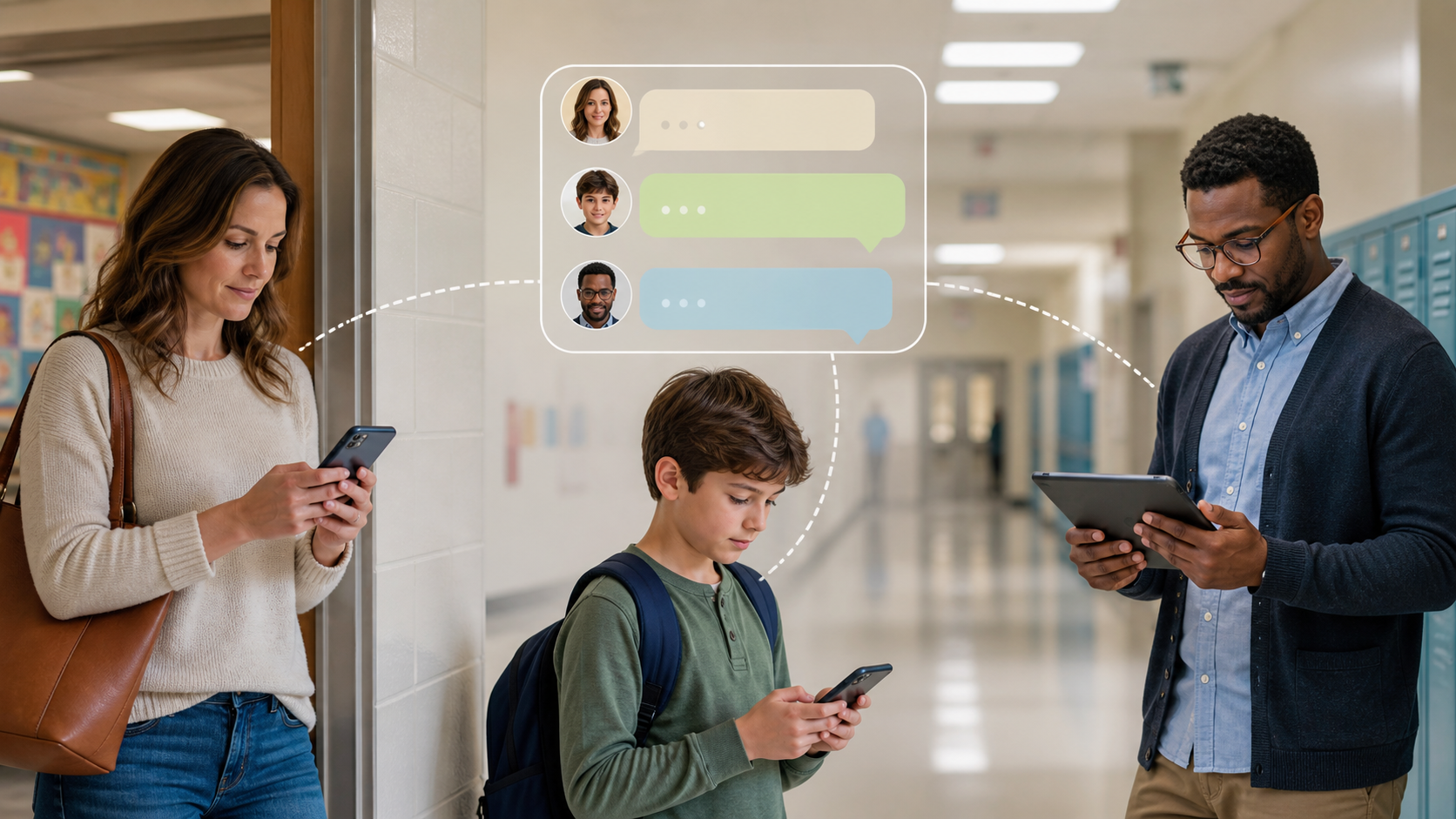
Why school chats need better privacy and control
School groups often mix parents, students, and staff in one noisy thread. This article explains why privacy and control matter in school chats.
School chats are supposed to make life easier. They help parents hear about timetable changes, trip reminders, homework, rain delays and all the small bits of everyday coordination that keep a school running smoothly. But the moment a school chat group starts acting like a casual social feed, the tone changes. What feels convenient for adults can quickly become awkward, distracting or unsafe for families, staff and pupils.
The issue is not that people should stop messaging. It is that school communication needs clearer boundaries than ordinary social messaging. A class notice, a club update and a parent debate about uniform policy do not all belong in the same space, and they should not all be treated as if they do. Good online privacy and sensible control are not luxuries here. They are part of making school chats usable, calm and respectful.
That is why many schools, clubs and parent groups start to look for tools and habits that keep information in the right place. A well-run channel can cut confusion without exposing phone numbers, personal profiles or private family details. PigeonChat is one example of how structured group messaging can be approached with clearer boundaries in mind.
Why school chats become messy so quickly
Most school chat groups begin with a practical purpose. Then the list grows. A single year group chat may start with announcements, but soon it is carrying reminders, questions, links, lost-property photos, screenshots and side conversations. Once that happens, important messages get buried. Someone misses the venue change for the sports day because the thread has moved on to lunch options and weekend plans.
There is also a social layer that is easy to underestimate. In a school setting, people are not just chatting. They are parents, carers, teachers, pupils, staff and volunteers with different roles and different expectations. A message that seems harmless in a private group can feel intrusive when it lands in a work context, or when a personal phone number becomes visible to people who did not expect to share it.
That is the heart of the problem. School chats are not like casual social messaging because the stakes are higher and the audience is mixed. The group may include people who only need one-way updates, people who want to ask questions, and people who should not be forced to interact at all. When one thread tries to do everything, control disappears.
What online privacy means in a school setting
Online privacy in school communication is not only about hiding secrets. It is about limiting unnecessary exposure. A parent may be happy to receive an attendance reminder, but not to have their full name, phone number and profile photo visible to everyone else in a large chat group. A teacher may be willing to share homework notes, but not to be added to unrelated conversations outside school hours.
Good privacy also reduces the risk of accidental oversharing. In chat groups, people often forward messages, reply in the wrong thread or include the wrong recipient. In a school context, that can mean personal details travel further than intended. Once a contact list is shared widely, it becomes difficult to pull back. Clearer controls help reduce that exposure from the start.
- Use groups for shared notices, not for every discussion.
- Keep personal contact details separate where possible.
- Make sure parents and staff know who can see what.
- Avoid adding people to chats unless they genuinely need access.
- Use channels, replies or sub-groups when the topic becomes specific.
These ideas are simple, but they matter. A school does not need a perfect technical system to improve privacy. It needs a habit of asking, “Does this person need to see this message?” That one question often prevents most of the clutter and many of the privacy problems.
Boundaries that make communication easier for everyone
Boundary setting sounds formal, but in practice it makes chat groups more relaxed. When people know what a group is for, they use it more confidently. A parent group that is clearly for announcements does not need every member to respond to every message. A club chat that has defined posting rules feels less noisy. Staff can focus on teaching and administration instead of managing endless back-and-forth.
Boundaries also reduce pressure. In casual social messaging, silence can feel rude and instant replies can feel expected. In school communication, that creates avoidable stress. Parents may worry that they have missed something if they do not keep up constantly. Staff may feel they must respond at night or over the weekend. Clear rules about who posts, when messages are sent and how replies are handled can lower that pressure.
This is where better-controlled group chat tools have an advantage. PigeonChat and similar approaches are more useful when they support structure, not just speed. A sensible school chat setup should make it easy to announce, organise and follow up without turning every conversation into a public room with no floor plan.
Practical rules for safer school chats
If you help run a school group, the simplest improvements usually work best. Start with the purpose of the group, then remove anything that does not support that purpose. If people are arguing about a decision, move it out of the announcement thread. If a conversation is only relevant to one class, one club or one event, do not keep it in a larger community chat.
It also helps to be explicit about moderation. Someone should know who can add members, who can post, and what to do when a message is inappropriate or off-topic. This is not about heavy-handed control. It is about preventing the chat from becoming a place where the loudest voices set the tone. Good moderation keeps the group usable.
A practical school chat checklist might look like this:
- Define the purpose of each group before people join.
- Limit posting rights in announcement-only spaces.
- Use separate chats for each year, class, club or event.
- Write short rules about tone, privacy and response times.
- Choose one contact person for admin issues.
- Review members regularly so old contacts are removed.
None of these steps needs advanced technical knowledge. They are mostly about discipline and consistency. The more predictable the chat becomes, the less people have to guess how to behave.
When school communication should not be a group chat
Some information is better sent another way. Sensitive matters, individual concerns and anything involving behaviour, safeguarding or personal circumstances should not be discussed in a broad group chat. Those conversations need a private channel with the right people only. Group messaging is efficient, but efficiency is not the same as suitability.
It is also worth separating public convenience from private necessity. A reminder about a trip deadline can go to a group. A conversation about a child’s needs should not. A notice about a school closure can be posted widely. A discussion about fees, family circumstances or contact details should remain tightly controlled. The more personal the issue, the more care it deserves.
Schools and parent groups often do best when they treat chat as one tool among several. Email, school apps, noticeboards and direct calls all still have a place. The aim is not to put everything into one stream. The aim is to place each message where it belongs, with the least exposure necessary.
Frequently asked questions
Should schools use one big chat group for everyone?
Usually not. One large group is hard to moderate, noisy to read and awkward for privacy. Smaller groups with a clear purpose are easier to manage and less likely to expose unnecessary personal information.
How can parents protect their own privacy in school chats?
Check whether your phone number, profile photo or full name is visible to everyone in the chat. If the platform allows it, limit who can contact you directly. Also avoid sharing private family details in a busy group when a quieter channel would be better.
What makes a school chat feel professional instead of casual?
Clear purpose, limited posting, predictable tone and sensible moderation. If the group is meant for announcements, keep it that way. If discussion is allowed, set expectations so people know what belongs there and what does not.
A better standard for school communication
School chats work best when they are designed with the real world in mind. Families are busy, staff are under pressure and not every message deserves equal attention. Privacy and control are not barriers to communication. They are what make communication trustworthy enough to use.
Whether a school uses email, an app or a more structured messaging tool like PigeonChat, the principles stay the same: share less, define the space, and keep the right people in the right conversation. That is how school communication becomes clearer, calmer and far less stressful for everyone involved.

Writer & Editor at PigeonChat
Related Articles

PigeonChat.site for teams that need private group chat

How chat groups help schools and universities stay organized

How chat groups help schools and universities

How chat groups help schools and universities stay organized

What a European chat app should offer now
