

Private Chats in a Browser App for Company Teams
Explain how companies can use browser messaging for internal coordination, encrypted private chats, and public channels without forcing installs.
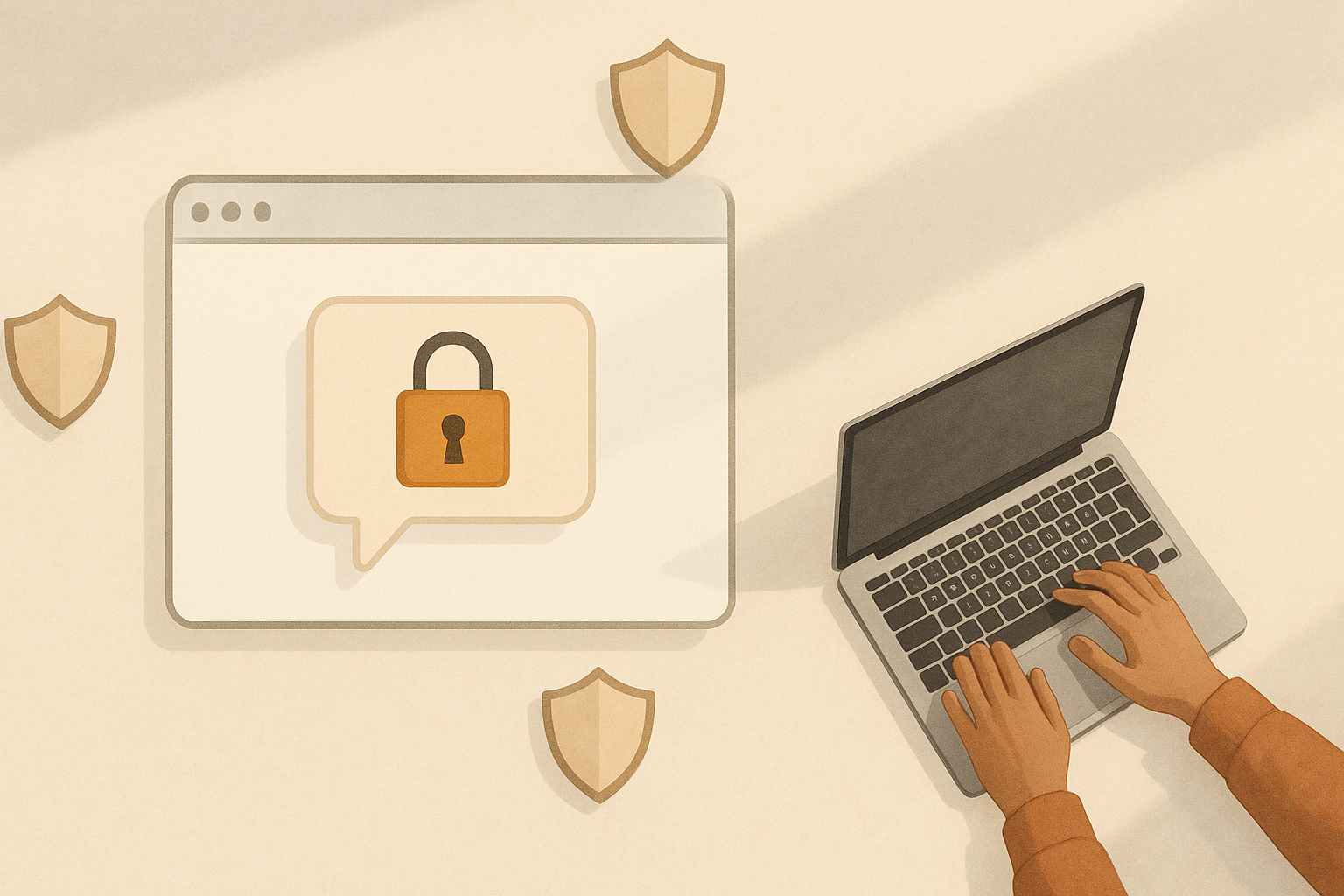
Browser based private chats are often treated as a compromise option, useful only when a desktop app is not available. In practice, that is too narrow a view. For many company teams, a browser app can support private chats, tighter access control, and quicker onboarding without forcing everyone into a heavy install process.
The key is not whether messaging runs in a browser. The key is whether it gives teams the controls they need. If a tool handles authentication well, limits who can join, and protects message content appropriately, it can fit real workplace use cases. That is why browser based private chats deserve a closer look.
This matters for companies that want communication to be simple for staff, but still controlled for admins. It also matters for distributed teams, contractors, and short term projects, where speed of access can make the difference between a tool people use and one they ignore.
Why browser access can be an advantage
One of the biggest strengths of browser messaging is reach. If someone has a modern browser and the right account, they can join without waiting for a download, update, or device permission step. That makes the first experience with the product faster, which is especially helpful for onboarding new starters or external collaborators.
In a company setting, that speed is not just convenient. It reduces friction at moments when people most need access. A new joiner can read team messages on day one. A contractor can be given temporary access and start working straight away. A manager can share private chats for a project without asking everyone to install another app first.
Browser access can also make support simpler. IT teams are not chasing app versions across different operating systems, and staff on locked down devices may still be able to use the service where a native install would be blocked. For some organisations, that makes browser based private chats the practical default.
What privacy means in a company chat tool
Privacy in workplace messaging is not only about keeping outsiders out. It also includes deciding who can see a conversation inside the company, how long access lasts, and what happens when someone leaves a team or the business.
For company teams, private chats should usually mean that access is deliberate, not accidental. That can include invitation only spaces, role based permissions, and clear membership lists. If a chat is meant for a specific project, only the people working on that project should be able to read it.
Encryption is often part of the conversation too, and rightly so. Encrypted private chats can help protect message content in transit and, depending on the design, at rest as well. But encryption is only one piece of the picture. A secure system still needs sensible account management, audit trails where appropriate, and careful handling of shared devices.
Access control is the real test
Many tools say they are private, but the practical question is whether access can be managed cleanly. A company needs to be able to add people quickly, remove them promptly, and avoid creating stray links or forgotten accounts that keep old conversations open longer than intended.
Good access control usually means a few basics working well:
- Invitation only rooms or direct membership approval
- Role based permissions for admins, managers, and guests
- Fast revocation when a contract ends or a staff member leaves
- Clear separation between internal teams and external contributors
- Logging or visibility over membership changes where needed
These controls matter more than fancy features. A browser app can be suitable for private chats if it makes these tasks straightforward. If it is awkward to manage users, the system will become messy no matter how polished the interface looks.
How browser based private chats fit company workflows
Different teams use messaging differently. A product group may need a private space for roadmap discussion. Finance may want a tightly controlled chat for sensitive coordination. Operations may need short lived rooms for incidents or shift handovers. Browser based private chats can support all of these if the controls are designed for business use rather than casual social use.
One helpful pattern is to treat chats like workspaces with defined purpose. Instead of creating one large room for everything, companies can create smaller private spaces around specific tasks. That keeps discussions easier to follow and reduces the risk of unnecessary visibility.
Another useful pattern is separating internal and external access. Contractors may need to see a limited thread, but not the wider company discussion. The best systems make that separation obvious. For teams using PigeonChat, for example, the value is not in adding more noise, but in making the private space easy to enter and simple to control.
What to check before choosing a tool
It is worth asking a few practical questions before choosing any browser messaging tool for company use. The answers will tell you more than a feature list ever could.
Start with identity and login. Can the service support strong authentication? Can access be tied to company accounts? Can a user be removed quickly if needed? Then look at the chat structure itself. Can private rooms stay private? Can membership be restricted? Can sensitive conversations be separated from general team chat?
You should also consider device and session handling. Shared offices, remote work, and bring your own device policies all create different risks. A good browser app should make it easy to log out, expire sessions, and avoid leaving sensitive threads open on unattended machines.
Where browser messaging is strong, and where it is not
Browser based private chats are strong when speed, access, and low friction matter. They are often a good fit for onboarding, temporary work, mixed device environments, and teams that value simplicity over installation overhead. They can be especially useful when people need to join from managed laptops, borrowed devices, or different operating systems.
They are less suitable if a team expects highly specialised desktop integration or complex local workflows. In those cases, a native app may still be the better choice. The point is not that the browser should replace everything. The point is that a browser app can absolutely meet workplace needs when privacy and control are built in from the start.
For many companies, the most realistic approach is to choose the tool that people will actually use, then make sure it has the controls the business requires. That is where browser based private chats earn their place.
Frequently asked questions
Are browser based private chats secure enough for company use?
They can be, provided the product is designed with proper account security, access control, and sensible protection for message content. Security depends more on the implementation and administration than on whether the app runs in a browser.
Do browser chats work well for encrypted private chats?
Yes, they can. Encryption is compatible with browser delivery, as long as the system is built to handle keys and sessions carefully. The important part is to understand what is encrypted, when it is encrypted, and who can manage access.
What should a company look for before adopting a browser chat tool?
Look for strong login controls, easy user management, private room membership, and clear rules for contractors or guests. It also helps if the tool is quick to onboard and simple enough that staff do not avoid using it.
In the end, company teams need messaging that is private, manageable, and easy to adopt. A browser app can deliver that combination when it is designed with workplace realities in mind. If a tool removes friction without removing control, it is doing its job well.
Ready to try PigeonChat?

Writer & Editor at PigeonChat
Related Articles

What a European chat app should offer now

What an EU chat app needs beyond privacy claims
What a browser-based end to end encryption chat app needs

How PigeonChat.site fits the EU privacy app search

Why browsers are becoming the new private chat home
