
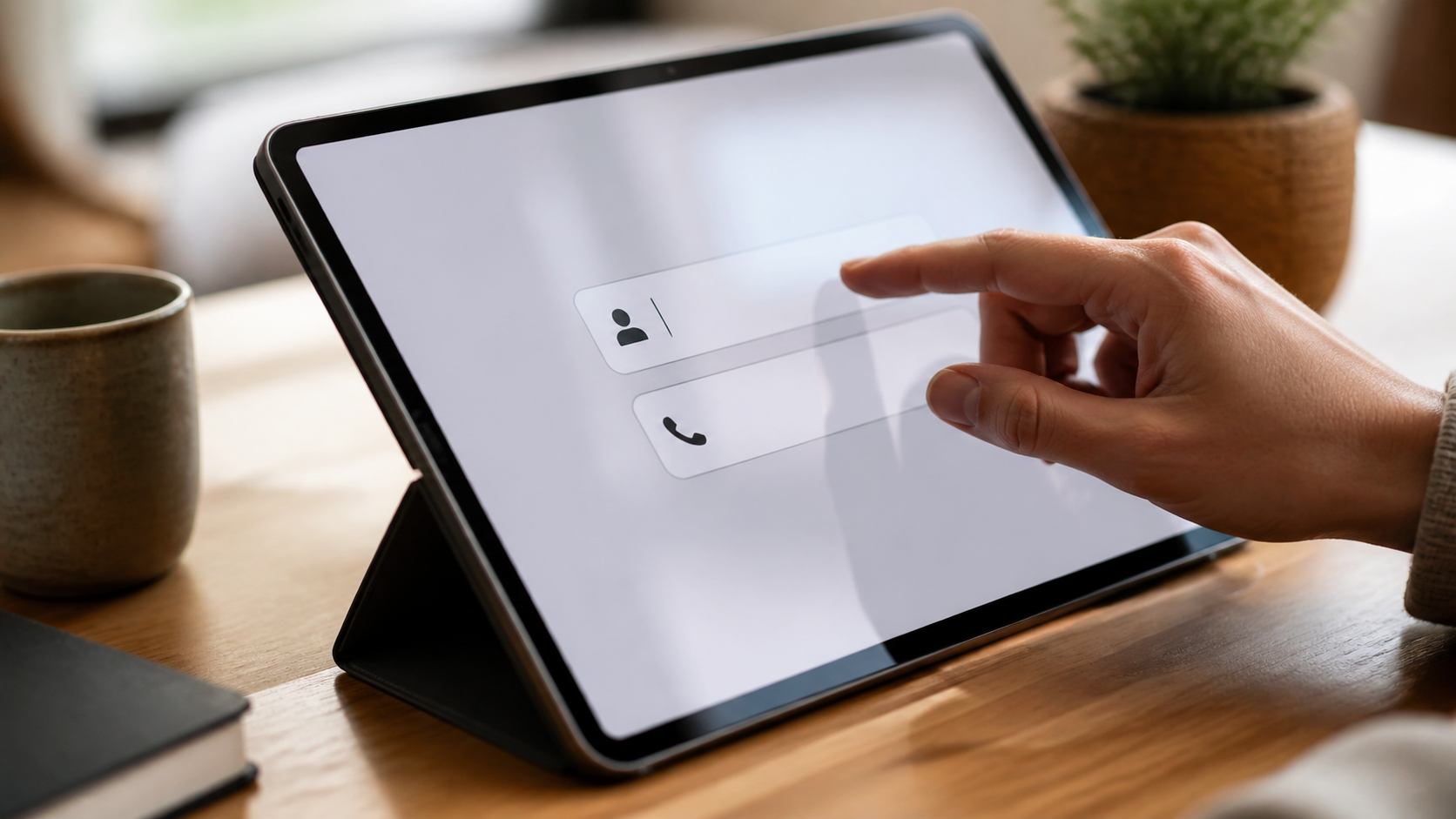
What no phone number login changes in messaging
No phone number login changes who can join, how private a chat feels, and how easily people can use messaging on shared devices.
For years, the phone number has been the default key to modern messaging. It is convenient, familiar, and easy to explain. But it also comes with assumptions that many people now question: that a messenger should know your mobile identity, that contacts should be tied to a telecom record, and that joining a conversation should start with a personal number.
When a service removes phone numbers from sign-up, the experience changes in a quiet but important way. The first change is friction. The second is the privacy feel. A no phone number login does not make a service magically anonymous, but it can make it feel less intrusive from the outset and easier to use in contexts where sharing a number seems unnecessary.
That shift matters for browser-based messaging in particular. If you can open a chat tool in your browser, create an account without exposing a mobile number, and begin talking without handing over a piece of identity that many people treat as semi-permanent, the product feels different. Not necessarily better in every case, but clearly different.
Why phone numbers became the norm
Phone numbers made sense early on because they were already widely available and easy to verify. They gave messaging apps a straightforward way to match contacts and reduce fake sign-ups. They also offered a convenient bridge between the old world of SMS and the newer world of app-based chat.
That convenience came with a trade-off. A phone number is not just a login token. It is often linked to a real person, a long-lived device, a SIM contract, and sometimes a wider set of services. When a messenger relies on that number, it can feel as though your private conversations are tied to a broader identity layer from the very beginning.
For some people, that is acceptable. For others, it creates a barrier before they have even tried the service. They may want a private space for work, a temporary account for a project, or simply a way to message without making their mobile number part of the exchange.
How no phone number login lowers friction
Removing the phone number step can make onboarding feel lighter. You are not waiting for a text code, checking whether your SIM can receive it, or deciding whether you are comfortable sharing the same number you use for family, banking, and deliveries. In browser-based messaging, that simple reduction in steps can make the whole product feel more immediate.
It also helps people in edge cases. Not everyone wants to use the same number across every service. Some people use multiple devices. Some do not want a messenger tied to a personal handset at all. Others simply prefer to try a service first and decide later whether they want to add more personal details.
Here is the practical effect in everyday use:
- No SMS verification step to interrupt sign-up.
- No need to share a mobile number with every service you test.
- Less dependence on one device or one SIM.
- A cleaner path for temporary, project-based, or work-only accounts.
- A more natural fit for browser-based messaging, where the browser itself is the entry point.
What it changes about privacy perception
Privacy is not only about technical controls. It is also about how a product feels. A messenger that asks for a phone number can feel more personal, but not always in a good way. Some users read that request as a sign that the service wants to know more than it needs to know.
A no phone number login changes that first impression. It suggests restraint. It suggests that the service can identify you without anchoring you to a telephone identity. That does not guarantee strong privacy on its own, but it can improve trust because it removes a familiar point of discomfort.
This matters because people often judge privacy products by the first screen they see. If the path into the app is simple and does not ask for a number, there is one less reason for a cautious user to back away. That is especially true when the tool is designed for messaging with a lighter footprint, such as PigeonChat.
What changes for contact discovery and sharing
Phone-number-based messengers often make contact discovery feel automatic. If your address book is uploaded or matched, the app can suggest who to talk to. That can be useful, but it also means the service may sit between you and your contacts in a way that feels opaque.
Without phone numbers, contact sharing usually becomes more deliberate. You may share a username, an invite link, or a chat room link instead. That can feel more private because the connection is created by choice, not by a pre-existing phone identity. It also gives people more room to decide what they want to reveal.
There is a balance here. Deliberate sharing can be slightly less convenient than instant address-book discovery. But for many people, that is a worthwhile exchange. The point is not to maximise automation at all costs. The point is to make it easier to talk without leaking more identity than needed.
Where browser-based messaging fits in
Browser-based messaging is well suited to this model because the browser already acts as the entry point. You do not need to install a heavy app before sending a first message, and you do not need to bind the experience to a handset number as a matter of course.
That can be useful in shared environments too. If you need to message from a work laptop, a temporary machine, or a device where you would rather not add another app, a browser can provide a simpler route. It is not automatically the most private setup, but it can be the least intrusive way to begin.
Services such as PigeonChat show how this approach can work in practice. The focus is on reducing unnecessary barriers so that the act of joining a conversation feels less like identity collection and more like opening a channel.
What to check before you trust a messenger
Even without a phone number, a messenger can still collect data or make poor design choices. So the absence of a number should be treated as one good sign, not as the whole privacy story. It is worth looking at how the product handles accounts, sessions, encryption, and retention.
A simple checklist can help you judge whether the service matches your needs:
- Does it require a phone number, email address, or neither?
- Can you use it in the browser without installing an app?
- Does it explain what metadata it stores?
- Can you delete an account cleanly?
- Does it make contact sharing opt-in rather than automatic?
- Does the product describe its security model in plain language?
These questions matter because privacy is cumulative. A service can improve one part of the experience and still leave other parts unchanged. The goal is to reduce unnecessary exposure where possible and to understand what remains.
Frequently asked questions
Does no phone number login mean the messenger is anonymous?
Not necessarily. It usually means you do not need to provide a mobile number to create or use an account. You may still have a username, session data, device information, or other account records. That is why it helps to think of it as lower-friction identity, not full anonymity.
Is a browser-based messenger less secure than an app?
Not by default. Security depends on how the service is built and how you use it. A browser-based messenger can be secure if it uses sound authentication, good session handling, and clear privacy practices. The main benefit is convenience and a lighter entry point, not automatic security superiority.
Why do people prefer private messengers without phone numbers?
Because they want more control over what identity they reveal. A phone number can feel more sensitive than a username or invite link, especially when the conversation is temporary, professional, or experimental. Removing that requirement often makes the service feel less invasive and easier to try.
The real shift from a no phone number login is not just technical, it is psychological. It lowers the sense that you are handing over a core piece of identity before you have even sent a message. For many users, that is enough to make a messenger feel more private, more flexible, and more respectful of their boundaries.
Ready to try PigeonChat?

Writer & Editor at PigeonChat
Related Articles

What a European chat app should offer now

What an EU chat app needs beyond privacy claims
What a browser-based end to end encryption chat app needs
How PigeonChat.site fits the EU privacy app search

Why browsers are becoming the new private chat home
