
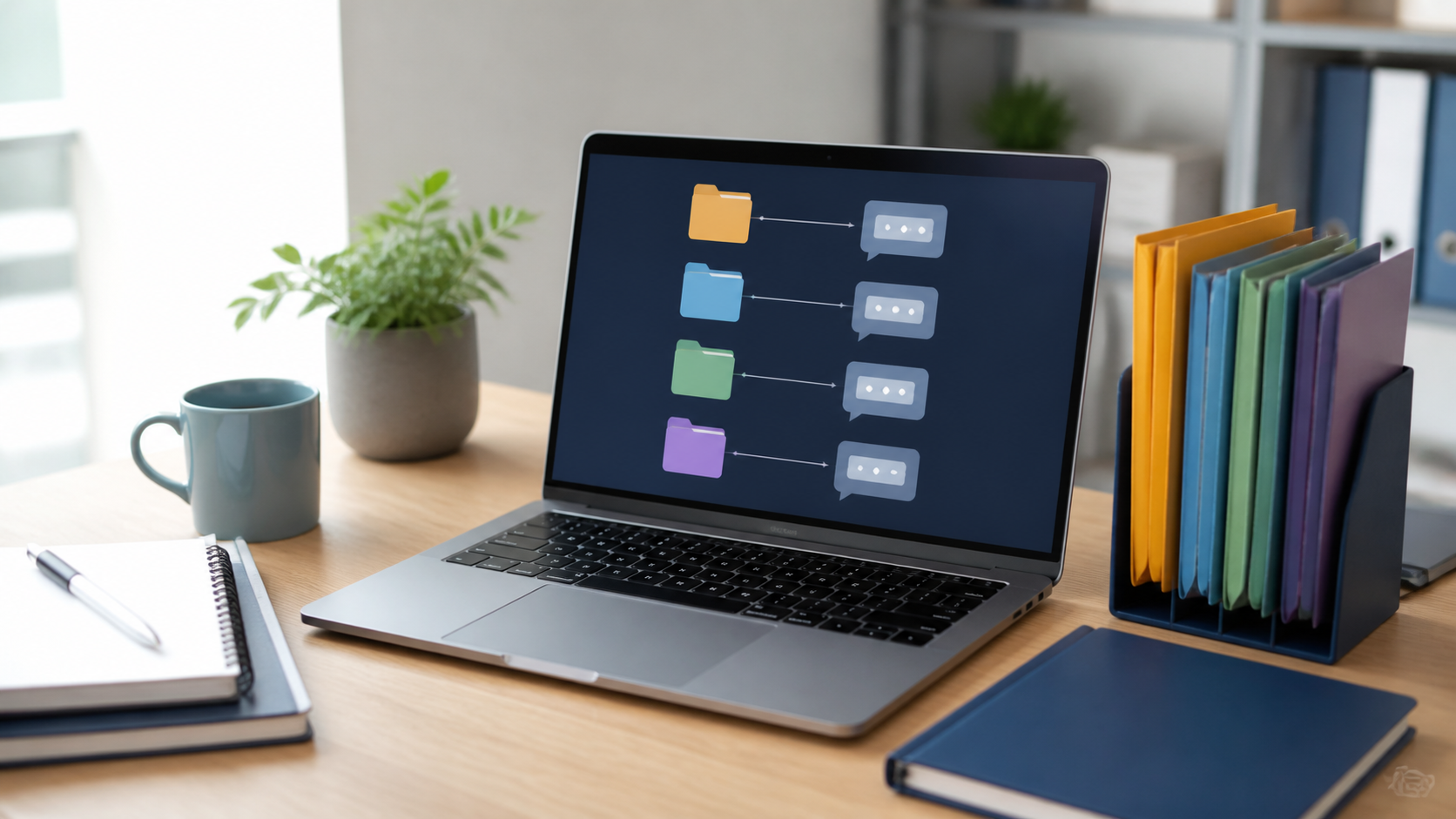
How group chat folders help busy teams stay organized
Learn how chat folders help teams separate projects, reduce noise, and keep important group conversations easy to find.
Busy teams do not usually struggle because they lack chat tools. They struggle because every conversation starts to look equally urgent. A quick question about lunch sits next to a client update, a project decision, and a file drop that someone will need next week. Without a simple way to separate those threads, people spend more time scanning than acting.
That is where group chat folders earn their place. They are not about adding another layer of process for its own sake. They are about making it easier to find the right group at the right moment, so people can stay on top of work without being pulled into every notification.
For teams that value clarity, folders can do something surprisingly useful: they reduce noise by creating structure. Used well, they help a company keep informal chat useful rather than overwhelming.
Why folders matter more than more notifications
When a team is overloaded, the instinct is often to ask for better alerts, more mentions, or a new status channel. In practice, that usually makes the problem worse. If everything is important, nothing feels distinct. People end up treating every ping as something they must check immediately, which makes focused work harder.
Group chat folders work differently. They help people decide what belongs where before a message is sent, which is far more valuable than being reminded about it afterwards. A folder for projects, another for company-wide announcements, and another for social or cross-team chatter gives everyone a clearer mental map.
This is why folders are most useful for teams that need structure, not more notifications. The point is not to increase attention. The point is to make attention more selective. PigeonChat takes this approach seriously by keeping organisation simple enough that people actually use it.
How folders support real work patterns
Most teams do not communicate in one neat stream. A manager may need to keep a leadership group separate from a product launch group. A support team may need one folder for urgent incidents and another for routine coordination. A company may want all-hands discussions visible without burying everyday collaboration in the same place.
Folders help mirror those working patterns. They make it easier to group chats by purpose, audience, or urgency. That means a person can check the part of the company that matters to their current task, rather than stepping through every group one by one.
This also helps with handovers. If a colleague is away, a foldered layout makes it simpler to see which group holds the relevant updates. The structure is not just tidy, it is practical. It gives teams a way to work across groups without losing context.
- Keep project chats separate from social chats.
- Place urgent operational groups in one clearly labelled folder.
- Use a folder for company-wide announcements and policy updates.
- Group client or external-facing chats away from internal planning.
- Set up folders around how people actually work, not around org chart theory.
Folders are a form of load management
It is easy to think of organisation as a nice-to-have. In reality, it affects how much mental effort people spend just orienting themselves. Every time someone opens chat and has to ask, “Which group was that in?” they are paying a small cost in attention. Over a day, those costs add up.
Folders reduce that friction. They shorten the path between a person and the conversation they need. They also make chat feel less chaotic for newcomers, who often have to learn several groups at once. Instead of being dropped into a wall of names, they can navigate by category.
That is one reason tools like PigeonChat can be helpful even when teams are already disciplined. A good layout does not replace good habits, but it supports them. And when structure is built in, people are less tempted to create workarounds like endless @mentions or duplicate groups.
How to set up folders without overcomplicating things
The best folder systems are usually modest. If you create too many categories, you recreate the same confusion in a different form. A lean setup is easier to remember and easier to maintain as the company changes.
Start by asking what kinds of conversation your team already has. In many companies, the answer falls into a handful of buckets. You might have delivery, operations, leadership, support, and informal spaces. That is often enough. If you need more granularity later, add it carefully.
A useful rule is to design folders around decision-making, not just topics. A group about a single project may belong in one folder because people need to act on it quickly. A company news group may belong in another because it is read differently. The folder should reflect how the chat is used.
Good folder habits for busy teams
Folders work best when they are maintained lightly but consistently. That means reviewing them occasionally, removing stale groups, and making sure the names still make sense. A folder system should feel like a map, not a museum.
It also helps to agree on a few shared rules. For example, if a message is meant for action, it should go into the relevant work folder. If it is only for visibility, it should live in the announcement space. If a chat no longer serves a clear purpose, retire it rather than letting it linger.
Here are a few practical habits that keep folders useful:
- Keep folder names short and obvious.
- Review inactive groups every so often.
- Avoid creating separate folders for every small project unless there is a clear need.
- Use the same naming pattern across the company.
- Explain the system once, then let people follow it naturally.
What folders cannot fix
Folders are helpful, but they are not magic. They cannot turn poor communication into good communication. If a team already sends too many low-value messages, folders may make the clutter easier to sort, but they will not solve the habit itself.
They also cannot replace judgement. A well-organised company still needs people to think about who needs to see a message, what belongs in a group, and when a direct conversation is better. Folders support that thinking, but they do not do it for you.
That said, a simple structure often makes better behaviour easier to sustain. When teams are less overwhelmed, they are more likely to keep messages relevant. That is where folders prove their worth: not by creating more activity, but by making useful communication easier to keep under control.
Frequently asked questions
Are group chat folders only useful for large companies?
No. Small teams can benefit just as much, especially if they juggle several projects at once. A small company may not need many folders, but it can still benefit from separating operational chat from casual conversation and from keeping leadership updates distinct from day-to-day work.
Should every group chat go into a folder?
Not necessarily. The goal is clarity, not completeness. Some chats may not need to be grouped at all, particularly if they are temporary or very specific. Use folders where they help people find and prioritise conversations more easily.
What is the biggest mistake teams make with folders?
The most common mistake is creating too many categories too quickly. When the system becomes hard to understand, people stop using it properly. A simple folder structure that matches how the team actually communicates is usually more effective than a detailed one that looks tidy on paper.
For busy teams, the real value of group chat folders is not decoration or extra control. It is breathing room. A sensible structure helps people see what matters, ignore what does not, and return to work faster. If you want a chat setup that favours clarity over noise, that is the kind of improvement worth making, whether you use PigeonChat or another platform.
Ready to try PigeonChat?

Writer & Editor at PigeonChat
Related Articles

How chat folders change the way busy chats stay organized

Chat features that make private apps easier to use

Why chat folders matter for busy group conversations

Why chat folders matter for busy group conversations

What a European chat app should offer now
