
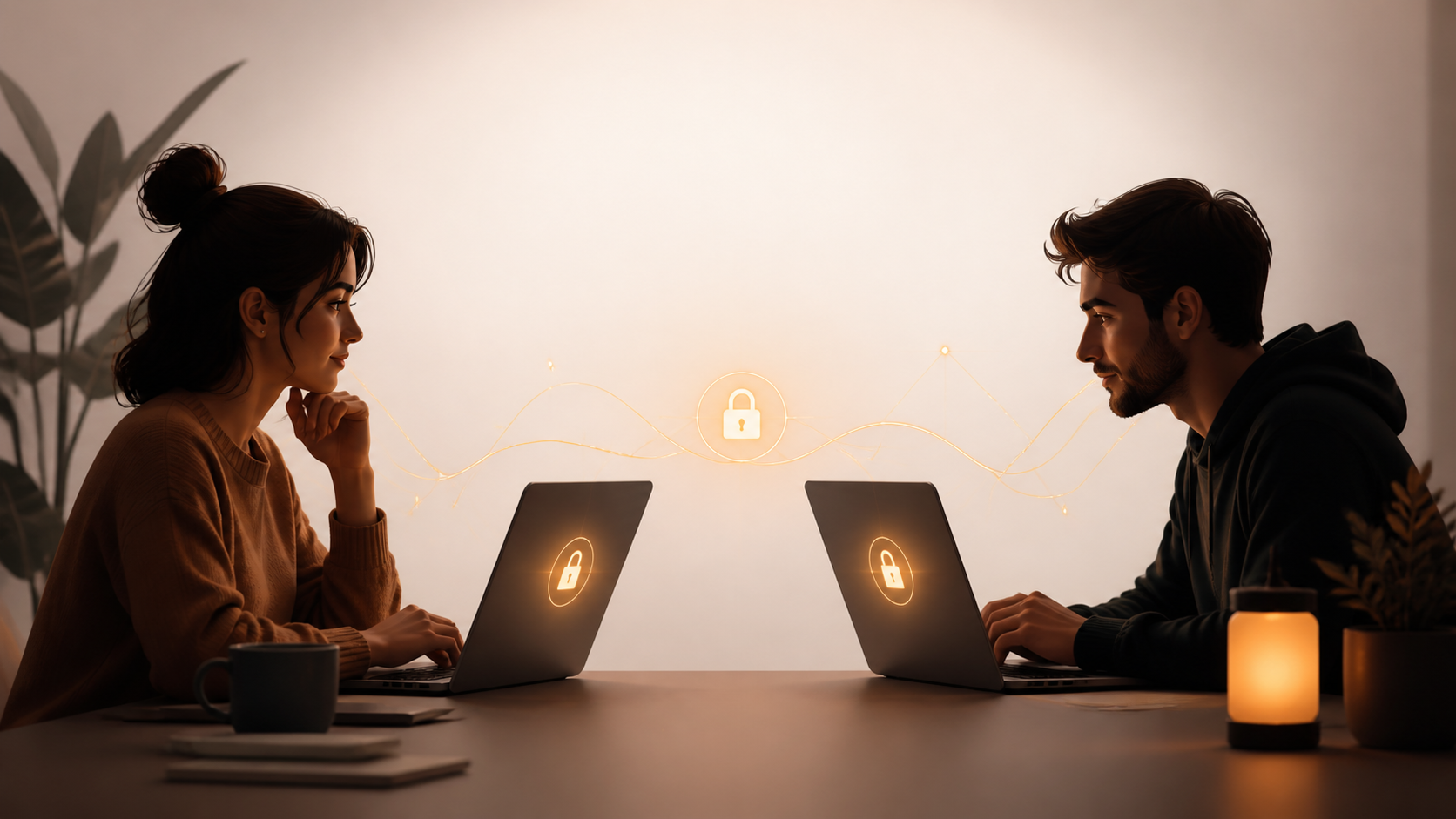
What encrypted private chats mean in a web app
A browser app can still support encrypted private chats. This guide explains what that means for everyday messaging and trust.
Encrypted private chats can sound, at first glance, like something that belongs in a dedicated mobile app. In practice, though, a browser app can support strong privacy features without turning itself into a second-rate compromise. The key is to be clear about what is protected, where encryption happens, and how much the service can or cannot see.
If you are evaluating a web-based messenger, the important question is not whether it runs in a browser. It is whether the app is designed so that private conversations remain private even while the product stays convenient to use. That balance is possible, but it depends on careful design, not marketing language.
This is where the details matter. A service like PigeonChat can be a useful example of how a browser-first product can still treat privacy seriously, while remaining accessible on any modern device. You do not have to sign up to benefit from understanding the model.
What encrypted private chats actually protect
At a basic level, encrypted private chats are designed so that the message content is unreadable to anyone without the right key. In a well-built system, that means the service provider should not be able to casually read your messages as they move through the platform. The same idea applies to attachments, voice notes, and other shared content if the app supports them.
It helps to separate three things: content, metadata, and device security. Encryption mainly protects content. Metadata can still reveal things such as who is talking to whom, when messages were sent, or how often an account is active. Device security is about what happens on your own screen, because if someone can access your unlocked browser session, encryption alone will not save you.
People often compare any privacy-focused messenger to Signal, which has set a strong expectation for secure design. That comparison is useful, but it should not become a shortcut. Different products make different trade-offs, and a browser app can be private if it is honest about those trade-offs and implements encryption correctly.
Why a browser app is not automatically insecure
There is a common assumption that web apps are inherently less safe than mobile apps. That is too broad. A browser app can be secure when it uses modern cryptography, keeps sensitive data off the server where possible, and reduces the amount of information stored in plain form. The browser is not the problem by itself. Poor implementation is.
The main advantage of a web app is accessibility. You can use it on different machines, on work or personal devices, and without forcing everyone into a single operating system. That matters for teams, families, and communities that need a private messenger to work wherever they happen to be. Convenience is not the enemy of privacy, provided the product is built with restraint.
There are also practical security benefits to a browser-based model. Updates can be rolled out centrally, which means fixes reach users quickly if the vendor maintains the app well. Of course, that only helps if the provider is disciplined about release quality and avoids unnecessary scripts, trackers, or broad third-party dependencies.
What to look for in private messaging design
When assessing encrypted private chats in a browser app, focus on specific design choices rather than broad promises. A privacy-first service should explain where encryption starts and ends, what is stored, and how much user data is needed to run the system. If the explanation is vague, that is a warning sign.
Here are a few practical questions worth asking:
- Are messages encrypted before they leave your device, or only after they reach the service?
- Does the provider claim access to message content, or explicitly state that it cannot read chats?
- What account information is required, and is it minimal?
- How long are messages, keys, or logs retained?
- Can you verify login sessions, devices, or active connections?
- Are attachments and media handled with the same care as text messages?
These questions help you judge the product more accurately than a privacy badge ever could. Even if you never use a service like PigeonChat, this checklist gives you a sensible way to compare any browser app that claims to protect private conversations.
Also pay attention to session handling. A secure system should make it easy to end a session, review connected devices, and understand where your account is signed in. Privacy is not only about encryption. It is also about control.
Web privacy trade-offs you should understand
No messenger is magic. In a browser, some risks are simply different from those in a native app. Browser extensions, shared computers, cached pages, and shoulder surfing all deserve attention. If you use a web app on a public or workplace machine, the safety of your private chats also depends on your habits.
There is also the issue of trust in the client itself. With a browser app, the code that runs in your browser can change when the page is updated. That is normal for web software, but it means the provider must be careful and transparent about deployment. If possible, users should look for signs of ongoing security review and sensible release practices.
That said, web-based does not mean weak. The right model can be surprisingly strong because it lowers friction. Users are more likely to keep their software current if they do not need to manage separate desktop installs or wait for app-store updates. A privacy feature that people actually use is often better than a perfect feature that feels difficult.
How to use a private browser app more safely
If you want to get more value from encrypted private chats in a browser app, simple habits make a real difference. Use a strong password, lock your device, and sign out of sessions you no longer need. Avoid leaving sensitive conversations open on shared screens, even for a minute.
It also helps to keep your browser tidy. Limit unnecessary extensions, especially ones that read or modify page content. Use separate browser profiles for personal and work use if you can. If the app offers extra verification or device management, turn those features on.
A few habits are especially worth keeping in mind:
- Use a password manager instead of reusing passwords.
- Enable any available multi-factor authentication.
- Review active sessions regularly.
- Clear signed-in sessions on shared or public computers.
- Keep your browser and operating system updated.
These are not dramatic measures, but they are effective. Privacy is usually won through consistent habits rather than rare technical tricks. Even a service built around private messaging still depends on how you use it day to day.
Frequently asked questions
Is a browser app safe enough for encrypted private chats?
Yes, it can be, if the app is designed properly. The important question is whether encryption is done well, whether the service minimises data collection, and whether the client behaves predictably in the browser. A browser app is not automatically unsafe.
Does encrypted private chat mean the provider cannot see anything?
Not necessarily. Encryption usually protects message content, but some metadata may still exist. That can include account details, connection times, or device information. A good privacy policy should explain what is and is not visible to the provider.
Why choose a web-based messenger instead of a mobile-only one?
A web-based messenger is often easier to access across different devices and operating systems. That flexibility matters if you want privacy without being locked into one platform. The best option is the one that combines usable privacy with everyday convenience.
In the end, encrypted private chats in a browser app are not a contradiction. They are a design choice. If the product is honest about its limits, careful with its cryptography, and respectful of user control, it can offer meaningful privacy without demanding a mobile-only setup. That is the direction many people want, whether they use PigeonChat or simply want a better standard from the tools they choose.
Ready to try PigeonChat?

Writer & Editor at PigeonChat
Related Articles

What a European chat app should offer now

What an EU chat app needs beyond privacy claims
What a browser-based end to end encryption chat app needs
How PigeonChat.site fits the EU privacy app search

Why browsers are becoming the new private chat home
