
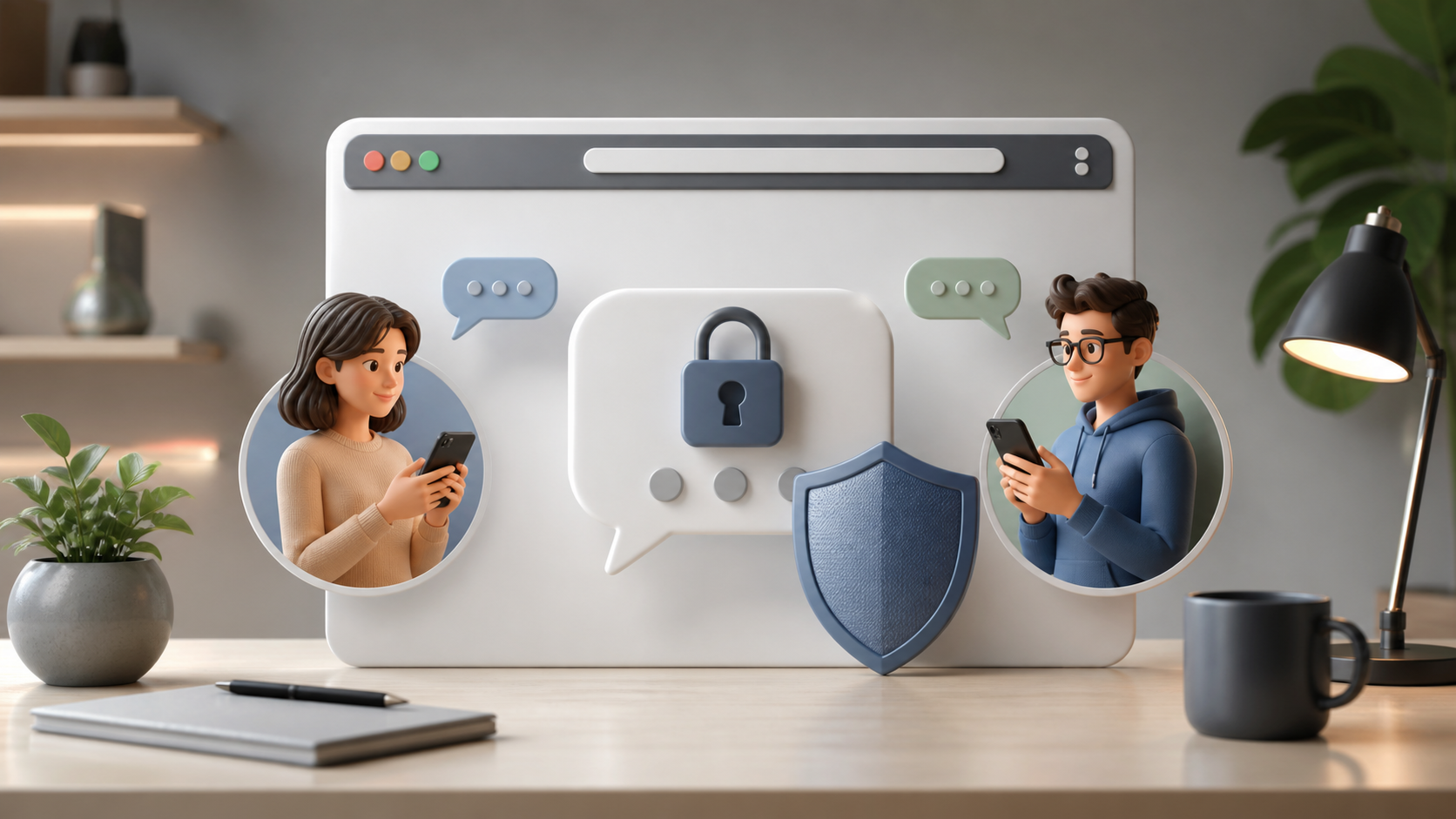
How encrypted private chats work in a browser app
Browser-based messaging can still offer encrypted private chats. This article explains how users think about privacy in a no-install app.
Encrypted private chats in a browser app can feel paradoxical at first. A browser is convenient, familiar and always close at hand, while privacy sounds like something that belongs in specialised software or on a locked-down device. In practice, those two ideas can work together very well.
The key is to separate where the message is visible from where it is protected. With modern private messaging, the browser is often just the window you use to send and read messages. The protection comes from encryption, careful key handling and a design that avoids exposing readable content to anyone except the intended participants.
If you are evaluating a service such as PigeonChat or simply trying to understand the model, it helps to know what is happening behind the scenes. That makes it easier to choose sensible tools and avoid assumptions that can weaken your privacy.
What encryption actually protects
Encrypted private chats use cryptography to turn readable text into data that only authorised devices can turn back into readable form. In a well-designed private messaging system, the service provider should not be able to casually read the content of your messages as they pass through its servers.
This is the central promise of end-to-end encryption. Your message is encrypted on your device, sent across the network in unreadable form, and decrypted only on the recipient’s device. The browser acts as the interface, but it does not have to mean the message is exposed in plain text to the platform itself.
That said, encryption does not make every part of communication invisible. A service may still know some metadata, such as when a message was sent or which account connected to which session, depending on how it is built. Good privacy means reducing that exposure as much as possible, not pretending it can be eliminated entirely.
How browser-based private messaging usually works
A browser-based app needs to run the cryptographic logic inside the browser environment, typically using JavaScript, WebAssembly or a mixture of the two. The app generates or accesses keys locally, encrypts outgoing messages before they leave the page, and decrypts incoming messages after they arrive.
The server’s role is usually limited to transport and storage of encrypted data. It may route messages, keep them until the recipient connects, and help sync across devices. If the system is designed properly, those stored messages remain unreadable without the correct keys.
For the user, this feels simple: open the app, log in, and chat. But under the surface, the browser is performing tasks that once required a dedicated desktop client. That is one reason browser-based private messaging has become more practical. It can offer access from many devices without forcing you to sacrifice confidentiality.
- Encryption happens before data leaves your device
- Servers store or forward unreadable ciphertext, not plain text
- Keys stay with the user or user-controlled devices
- The browser provides access, not automatic visibility to the provider
- Security still depends on implementation quality and user habits
Where the trust boundaries sit
It is useful to think in layers. The browser app is one layer, the messaging service is another, and your own device and account are another again. Encryption helps most when it moves trust away from the service and onto cryptographic protection that the service cannot bypass on demand.
However, browser apps can introduce extra trust questions. You are trusting the web app code that loads into your browser, the website that serves it, and any scripts it depends on. If that code were altered maliciously, it could potentially affect what gets encrypted, what gets displayed, or where data is sent.
This is why secure design is not just about choosing encryption. It is also about how much code is loaded, whether the app can be inspected, how updates are delivered and whether sensitive operations happen locally. A browser app can be privacy-preserving, but it should earn that trust through transparent engineering rather than convenience alone.
Common privacy risks in browser apps
People often assume that encryption solves everything. It does not. The most common risks are usually around the edges: compromised devices, phishing, weak passwords, suspicious browser extensions and careless session handling. These can undermine even strong cryptography.
One of the biggest concerns is the browser itself. If your browser profile is shared with many extensions or you are signed into multiple services on the same device, there is more opportunity for leakage. A browser-based private chat is only as private as the environment you use to access it.
Another issue is account recovery and session persistence. If a service lets you stay logged in for long periods, that convenience can be useful, but it also means a stolen device or exposed session could reveal your chats. Any private messaging system should make it easy to review active sessions and revoke access when needed.
Practical habits matter a great deal here:
- Use a modern browser with timely security updates
- Keep extensions to a minimum, especially on chat profiles
- Lock your device and use a strong account password
- Check whether the app offers session management
- Log out on shared machines rather than relying on the browser alone
What to look for in a private messaging app
If privacy is your priority, read beyond marketing terms. “Encrypted” can mean many things, and not all encryption models are equal. The most reassuring apps explain what is encrypted, where keys live and what data, if any, the service can still access.
Look for clear language about end-to-end encryption, client-side encryption, and whether the app keeps logs or metadata. A good privacy-focused service should not require you to reverse-engineer its claims. PigeonChat, for example, is a reminder that browser access does not have to be at odds with private messaging, but the real test is always in the implementation details.
It also helps to ask whether the service supports multiple devices securely, how it handles lost access, and whether chats can be exported or backed up without breaking the privacy model. Features are useful, but in a secure app they should not quietly weaken the encryption story.
Browser convenience without giving up privacy
The real appeal of browser-based private chats is flexibility. You can use them on a work laptop, a home machine, or a temporary device without installing a full native client. For many people, that makes private communication more accessible, not less secure.
Convenience does not have to be the enemy of confidentiality. It only becomes a problem when convenience is used to justify shortcuts such as weak authentication, excessive tracking or unreadable terms about data handling. Good products strike a balance. They reduce friction for ordinary use while keeping the sensitive parts protected.
If you are a careful user, the browser can be a perfectly reasonable place for encrypted chat. Treat the browser as the delivery mechanism, not the trust anchor. The trust anchor should be the cryptographic design, the handling of keys, and the discipline of the service behind it.
Frequently asked questions
Can a browser app really keep my messages private?
Yes, if it uses strong end-to-end encryption and handles keys correctly. The browser is only the interface. The important question is whether the service can read your messages or whether they remain encrypted until they reach the intended recipient.
Does browser-based mean less secure than a native app?
Not automatically. Browser apps can be secure, but they depend more visibly on the browser environment, loaded scripts and extensions. A native app may reduce some risks, yet it also needs careful design. Security depends more on implementation than on the app type alone.
What should I do to improve my privacy when using private messaging in a browser?
Keep your browser updated, limit extensions, use a strong password and lock your device. If the app offers it, review active sessions and sign out on machines you do not control. Small habits make a large difference to real-world privacy.
Encrypted private chats in a browser app are not a contradiction. They are a design choice that can work well when the cryptography, the code and the user experience are all aligned. If you understand the boundaries, you can use browser-based private messaging with more confidence and fewer assumptions.

Writer & Editor at PigeonChat
Related Articles

What a European chat app should offer now

What an EU chat app needs beyond privacy claims
What a browser-based end to end encryption chat app needs

How PigeonChat.site fits the EU privacy app search

Why browsers are becoming the new private chat home
