
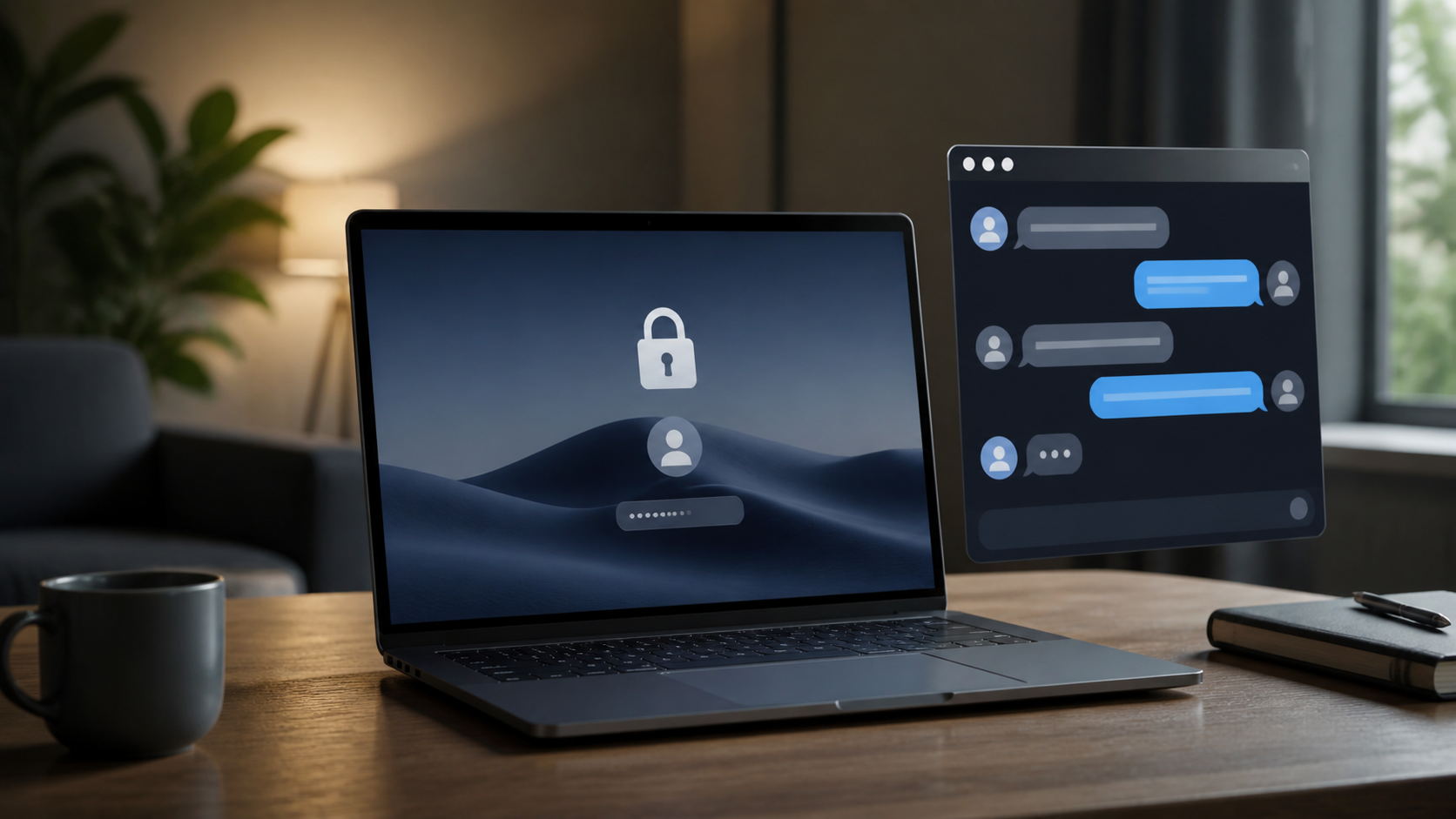
Browser based private messaging without a phone number
Learn why browser-based messaging is appealing for people who want private chats, quick access, and no phone number required on signup.
When people look for private messaging, they are often balancing two things at once: they want real privacy, and they want the conversation to be easy to start. For many, the biggest point of friction is the phone number. Not everyone wants to hand over a personal number just to send a message, join a group, or have a quick one-to-one chat.
Browser based private messaging can help with that. It removes the need to install an app, keeps the process lightweight, and can make it easier to separate casual communication from your main mobile identity. If you are comparing options, the important question is not just whether a service feels convenient, but whether it gives you sensible controls over access, identity, and message protection.
This is where encrypted private chats matter. A browser interface is only the front door. What happens behind it, such as how messages are protected, how accounts are created, and what data is collected, is what really determines whether the service is suitable for private use. PigeonChat is built around that idea: reducing friction without treating privacy as an afterthought.
Why people want messaging without a phone number
Phone numbers are useful for calling and texting, but they are also a stable personal identifier. Once a number is tied to a messaging account, it can become the easiest way for other people to find you, recognise you, or link separate parts of your life together. That is not always desirable, especially if you use one number for work, another for family, and another for projects or communities.
There are also practical reasons to avoid using a phone number. Some people travel often, use secondary devices, live in places where SIM registration is awkward, or simply prefer not to expose a personal number to every service they try. Others want a private chat space for temporary discussions, sensitive topics, or small groups where everyone does not need to know each other’s mobile details.
In short, no phone number is not just about anonymity. It is often about reducing unnecessary disclosure. A good messaging service should ask only for what it truly needs.
What browser based private messaging actually offers
Browser based private messaging runs in a web browser rather than a native app. That means you can usually open it on a laptop or desktop quickly, and in some cases on a mobile browser too. For many people, that makes the first step much easier. There is no installation, no app store account, and less device clutter.
The privacy advantage is not automatic, though. A browser can be a good access point for encrypted chats, but the service still needs to be designed with care. Look for clear information about encryption, account recovery, and whether the platform can read your messages. If a service does not explain those basics plainly, the browser experience is not enough on its own.
Browser access is especially useful for people who need private chats in shared environments such as offices, libraries, or borrowed devices. It can let you sign in briefly, send what you need, and log out without leaving a long-term app footprint behind.
What to check before trusting a service
If you are choosing a private messaging tool, focus on the details that affect both privacy and everyday use. A polished interface is nice, but it should never distract you from the fundamentals.
- Whether registration requires a phone number or allows other methods
- Whether messages are encrypted in transit and at rest, and whether the service can read them
- How account recovery works if you lose access
- What metadata is collected, such as IP addresses, timestamps, or contact lists
- Whether links, previews, and file uploads are handled in a privacy-conscious way
- Whether the service supports one-to-one chats, groups, or both
If you do not know what to prioritise, start with identity and data handling. A service that avoids phone numbers but keeps excessive logs may still expose more than you want. Likewise, a service that advertises encryption but makes recovery so fragile that you can easily lock yourself out may be frustrating in practice.
It is often better to choose a tool that is straightforward about trade-offs than one that promises total privacy while glossing over the details. PigeonChat takes this approach by aiming to keep private chats simple enough to use without making the security story vague.
How encrypted private chats reduce risk
Encryption is one of the main reasons people choose private messaging in the first place. In simple terms, it helps ensure that messages are not readable to outsiders while they are being sent, and in some designs it also limits what the service itself can access. That matters if your messages contain personal details, business conversations, or anything you would not want exposed.
However, encryption is not a magic shield. It does not stop someone from reading messages on an unlocked device, forwarding screenshots, or copying content into another channel. It also does not automatically prevent a service from collecting account metadata. For that reason, encrypted private chats are best seen as one layer in a wider privacy approach.
Good messaging habits still matter. Use strong account protection, keep devices updated, and be careful about what you share in any chat, even a private one. Encryption lowers risk, but it does not remove the need for judgment.
Browser convenience does not have to mean weak privacy
There is a common assumption that browser based tools are less private than native apps. Sometimes that is true, but not always. The browser is simply the environment. The real question is whether the platform is designed with privacy controls that make sense for that environment.
A well-designed browser experience can be very practical. It can help you get into a private chat quickly, use the service on different devices, and avoid tying communication too closely to a single phone. That can be especially helpful for freelancers, organisers, small communities, and anyone who wants a cleaner boundary between personal identity and messaging use.
Convenience is not the enemy of privacy. The problem is convenience that comes at the cost of clarity. If you can understand how the service works in a few minutes, that is usually a good sign.
Choosing a private chat service that fits real life
The best service is the one you can actually use consistently. If a platform is technically secure but so awkward that you avoid it, then it is not serving you well. Likewise, if it is easy to sign up but demands more personal data than you are comfortable sharing, it may not be a good fit.
Think about your own use case. Do you need a throwaway conversation space, a stable private channel for a small team, or a longer-term encrypted chat system? Do you care more about browser access, or about keeping your identity separate from your mobile number? These answers will help narrow the choice more than marketing claims will.
If you are comparing browser based private messaging options, use the same basic test each time: minimal sign-up friction, sensible encryption, clear privacy terms, and a workflow that respects how people actually communicate. That is the balance PigeonChat tries to strike.
Frequently asked questions
Is browser based private messaging secure enough?
It can be, but only if the service is built properly. The browser itself is not the key issue. What matters is whether the platform uses strong encryption, handles metadata carefully, and gives you sensible account protection. A browser interface can be perfectly reasonable for private chats if those foundations are in place.
Why do some people avoid using a phone number for messaging?
Many people do not want to link every conversation to a personal mobile identity. A phone number can be easy to trace, easy to share, and hard to change. Avoiding it can reduce friction, improve separation between contexts, and make private chat use feel less exposed.
What should I look for if I want encrypted chats in a browser?
Start with a clear explanation of encryption, then check whether the service says what data it stores and why. Also look at login and recovery options, because a secure service should still be usable. If you cannot quickly understand how the product protects messages and accounts, it is worth being cautious.
Private messaging should feel private from the first step, not only after you have learned a maze of settings. Whether you are just browsing options or ready to use a service like PigeonChat, the goal is the same: keep the process simple, keep the data exposure low, and make room for conversations that do not need a phone number attached to them.

Writer & Editor at PigeonChat
Related Articles

What a European chat app should offer now

What an EU chat app needs beyond privacy claims
What a browser-based end to end encryption chat app needs
How PigeonChat.site fits the EU privacy app search

Why browsers are becoming the new private chat home
