
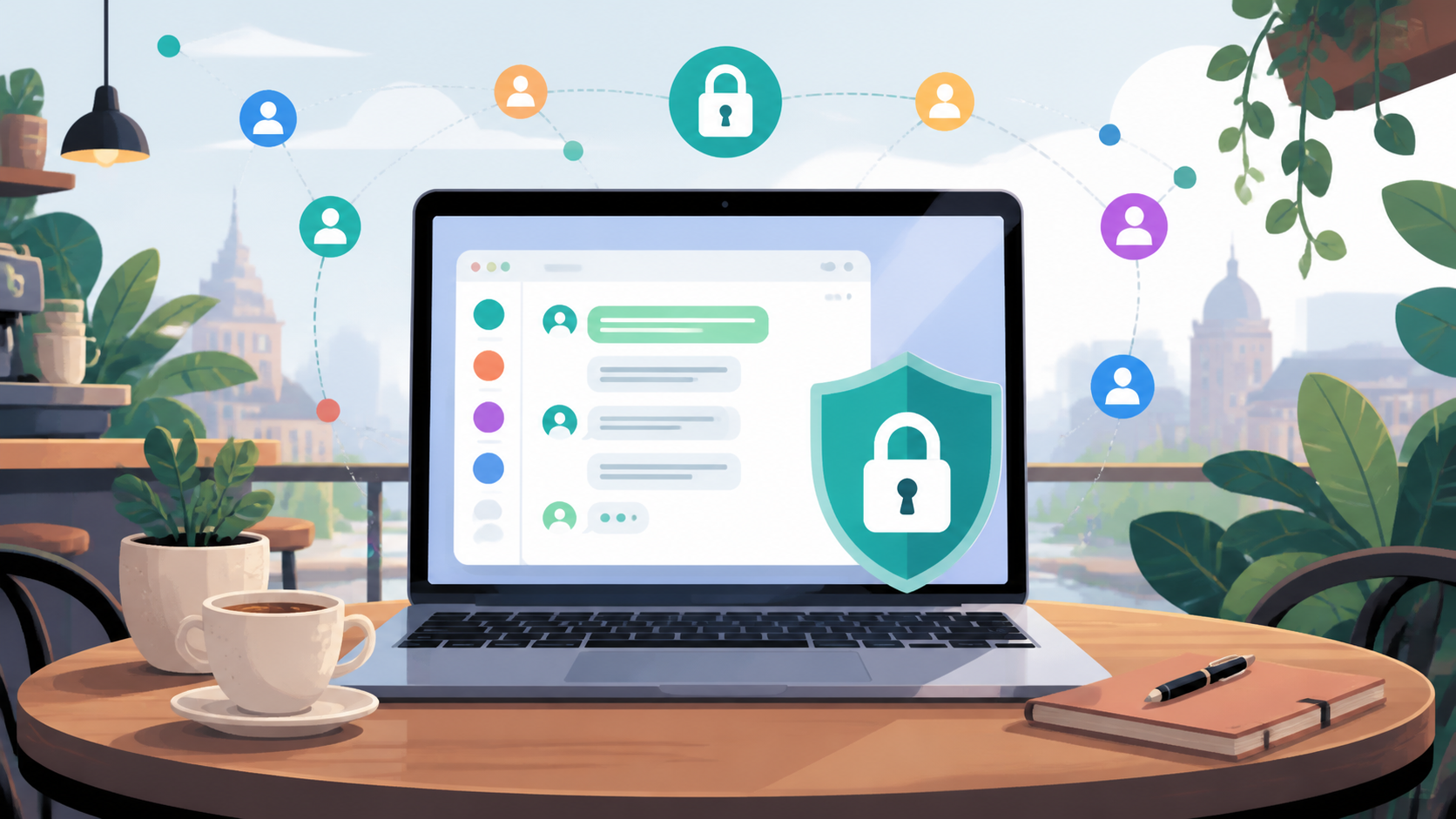
Do browser-based private chats really stay encrypted?
Answer the core privacy question: what encryption means in a browser messaging app, what stays private, and what users should still verify.
Browser-based private chats can be genuinely secure, but only if encryption is designed and implemented properly. The fact that a chat runs in the browser does not, by itself, weaken it. What matters is where the encryption keys live, when messages are encrypted, and who can access the decrypted content.
That is why it is useful to separate the idea of a browser app from the security model behind it. A browser is just the delivery mechanism. It can host a private chat that encrypts messages end to end, or it can host a service that simply protects traffic in transit while the provider still has access to the plaintext. Those are very different things.
If you are weighing up encrypted private chats, the practical question is not “browser or app?” but “what can the service provider see, and what can my device reveal?” A browser-based design can keep conversations private without a phone number or install, as long as the product avoids the usual shortcuts that weaken trust.
What encryption actually protects
In a well-designed private chat, encryption protects messages at rest and in transit, and ideally end to end. In plain terms, that means your message is turned into unreadable data before it leaves your device, and only the intended recipient can turn it back into text. Even the service running the browser app should not be able to read it.
It is important to distinguish this from standard HTTPS. HTTPS protects the link between your browser and the server, which is useful, but it does not automatically make the service itself blind. If the server can see your decrypted messages, then the conversation is not private in the strongest sense, even if the network connection is secure.
So when people ask whether browser based private chats really stay encrypted, the answer depends on the architecture. A browser can perform strong cryptography locally using modern web APIs. The bigger question is whether the service is built to keep keys and plaintext out of reach.
Why a browser app can be secure
A browser app has a few advantages. It is easier to access from different devices, it can update quickly, and there is no need to install a native application before starting a conversation. That makes it more practical for private chats that need low friction without demanding a phone number.
Security-wise, a browser app can still do the important work on the client side. Messages can be encrypted in your browser before they are uploaded, and decrypted only by the other participant’s browser. If the design avoids storing reusable secrets on the server, then the server becomes much less useful to an attacker.
This is one reason some people prefer browser based private chats for sensitive but ordinary communication. They want a service that feels lightweight, yet still respects the basic rule that the provider should not be able to casually read conversations. PigeonChat is built around that idea, but the general principle applies beyond any single product.
Where browser-based chats can go wrong
The browser is not the weak point on its own. The weak point is usually the implementation. A service can claim to be encrypted while still handling keys in ways that reduce privacy. For example, if encryption happens only after a message reaches the server, the provider can still inspect the content.
Another common issue is metadata. Even when message content stays encrypted, a chat service may still know who contacted whom, when messages were sent, and from which IP address or browser session. Metadata can reveal a lot, so it should not be ignored just because the text itself is encrypted.
It is also worth thinking about the browser environment itself. A compromised device, malicious browser extension, or phishing page can undermine even excellent cryptography. Encryption cannot protect a conversation if the endpoint has already been taken over.
What to look for in a private chat
If you want encrypted private chats that stay private in practice, look for a service that explains its model clearly. Good products usually tell you where encryption happens, whether the provider can read messages, and what data is retained. Vague language such as “bank-level security” is not enough.
Useful signs include the following:
- Messages are encrypted before they leave your browser.
- The service does not require a phone number to create an account.
- Keys are generated and stored in a way that limits server access.
- The provider is clear about what metadata it keeps.
- Chats work in the browser without asking for unnecessary permissions.
- The product explains what happens if you clear cookies or change devices.
These points do not guarantee perfect security, but they are the right questions to ask. A browser app that answers them plainly is usually more trustworthy than one that hides behind marketing language.
How to judge trust without becoming paranoid
You do not need to be a cryptographer to make a sensible choice. Start with the basics. If the service requires a phone number, ask why. If it stores conversations in a way the provider can read, decide whether that fits your needs. If the model is unclear, treat that as a warning sign rather than an invitation to assume the best.
At the same time, avoid expecting absolute invisibility. Private chats can be encrypted without being anonymous, and that distinction matters. A service may protect message content well while still collecting some operational data for abuse prevention, support, or reliability. The goal is to keep that data proportionate and well explained.
That is why browser based private chats can be a strong option when built honestly. They are accessible, lightweight, and capable of serious encryption, but only if the design does the hard work instead of outsourcing trust to the user.
Practical habits that improve your privacy
Even the best encrypted private chats benefit from a few habits. Use a current browser, keep your device updated, and be careful with extensions. If you are discussing something sensitive, avoid using shared computers or public terminals. Small precautions often matter more than people expect.
It also helps to separate identity from convenience where possible. A service that does not require a phone number reduces one obvious link between your chat account and your real-world identity. That does not make you invisible, but it does reduce unnecessary exposure.
If a browser app offers a straightforward, private experience without demanding a bulky install, that can be a real advantage. Services such as PigeonChat aim to make that balance easier to understand, but the general lesson is simple: privacy works best when the product is explicit about what it can and cannot see.
Frequently asked questions
Can a browser-based chat be end-to-end encrypted?
Yes. A browser-based chat can be end-to-end encrypted if messages are encrypted on the user’s device before upload and only decrypted by the recipient. The browser is just the interface. The real question is how the encryption is implemented.
Is a browser app less private than a native app?
Not necessarily. Either model can be secure or insecure depending on design. A browser app may be easier to audit in some ways and easier to update quickly, but it also depends on how carefully the service handles keys, scripts, and metadata.
Does encryption protect everything about a conversation?
No. Encryption usually protects message content, but not always metadata such as who contacted whom, when, and from where. That is why a private chat should be judged on more than just whether the text is encrypted.
So, do browser-based private chats really stay encrypted? They can, and often do, provided the service is designed properly and you use it with sensible care. The browser is not the problem. Weak assumptions, vague promises, and poor key handling are the real risks. When those are addressed, a browser app can be a very practical way to keep conversations private.
Ready to try PigeonChat?

Writer & Editor at PigeonChat
Related Articles

What a European chat app should offer now

What an EU chat app needs beyond privacy claims
What a browser-based end to end encryption chat app needs
How PigeonChat.site fits the EU privacy app search

Why browsers are becoming the new private chat home
