
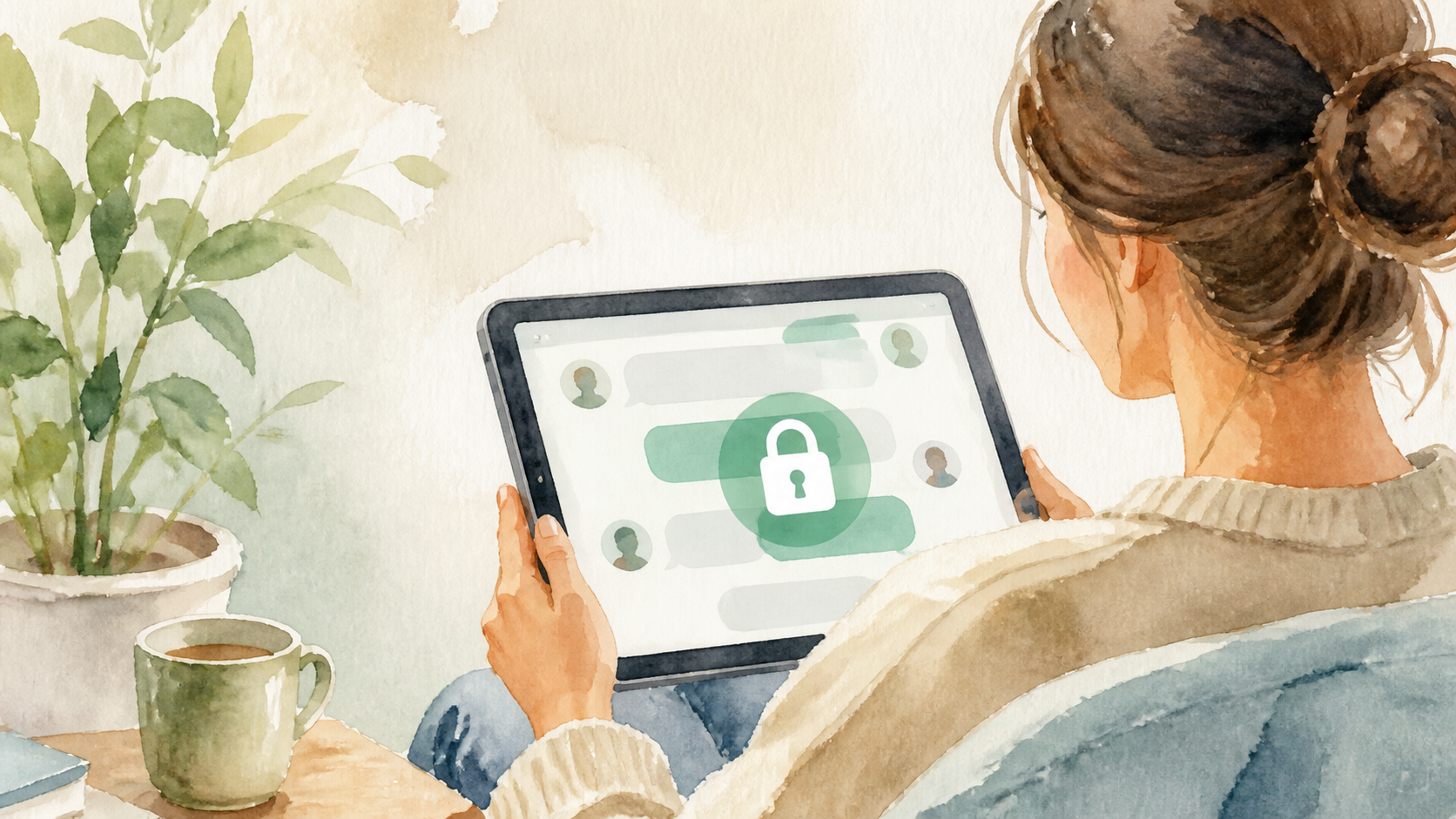
How browser based private chats work in practice
Browser-based messaging can still support encrypted private chats without installs. Learn how that setup works and when people prefer it.
Private messaging no longer has to mean installing a separate app, creating yet another account, and hoping everyone else will do the same. Browser based private messaging brings the conversation into a tab you already trust and know how to use. That makes it easier to start quickly, especially when you need a secure chat for work, a project, or a one-off conversation.
The important part is not the browser itself, but how the service is designed. Good encrypted private chats can run entirely in the browser while still protecting message content from casual snooping. The convenience comes from avoiding the install step, while the privacy comes from strong encryption, careful session handling, and sensible defaults.
In practice, the experience should feel simple. You open a link, confirm who you are talking to, and begin chatting. If the product is well built, the browser becomes just the place where the conversation happens, not the thing that makes it insecure.
What browser based private messaging actually means
Browser based private messaging is exactly what it sounds like. Instead of using a native desktop or mobile app, you use a web page to send and receive messages. The browser acts as the client, rendering the interface and handling the encrypted exchange with the service.
That does not automatically make it less private. Modern browsers can support secure sessions, encrypted data handling, and local storage controls. The key question is where the encryption happens and who can read the content. If the system is built properly, even the provider should not be able to casually inspect your messages in transit or at rest.
For everyday use, the appeal is obvious. There is no install friction, no update prompt before you can reply, and no need to manage another full application. That can be especially helpful for temporary groups, support conversations, contractor discussions, or any situation where people need a private channel without long-term setup.
How encrypted private chats work in the browser
At a simple level, a browser based encrypted chat works by establishing a secure connection and then using cryptography so only intended participants can read the message body. The server may help route messages, but it should not need to understand their contents.
Most systems rely on a few basic ideas. First, the browser loads the chat application over HTTPS. Then it generates or stores keys, or uses keys provided through an invitation or login process. When a message is typed, the browser encrypts it before sending it onward. The recipient’s browser decrypts it locally after receiving it.
This is why the phrase “in the browser” matters. The browser is not just a display layer. It can be the place where the secret material lives for the duration of the session. That can work well, provided the product is careful about key storage, session expiry, and preventing unnecessary access from other scripts or extensions.
The practical benefits of no install messaging
The biggest practical benefit is speed. If someone can join from a link, they are far more likely to participate. That lowers the barrier for privacy in situations where people would otherwise fall back to email, plain text, or a public channel because it is easier.
It also helps with device flexibility. You might start a conversation on a work laptop, continue it on a home machine, and avoid syncing another app across devices. For people who share computers or use locked-down hardware, a browser can be the least painful way to access a secure chat.
- No separate app to install or update
- Works on many devices that already have a modern browser
- Useful for short-lived or ad hoc private conversations
- Lower friction for guests, clients, or collaborators
- Easier to try before committing to a longer-term tool
There is also a social benefit. When privacy tools are easy to enter, more people actually use them. That matters because the best encrypted private chats are not the ones with the fanciest theory, but the ones people remember to open when they need them. PigeonChat is built around that idea, keeping the experience light while still aiming for a serious privacy model.
What to look for before trusting a browser chat
Not every web chat is private simply because it says it is. Before trusting one, look at how it handles identities, keys, and message retention. Ask whether the chat is end-to-end encrypted, whether the service can read message content, and what happens to messages after they are delivered.
It also helps to think about the threat model. Are you trying to avoid casual exposure, reduce the risk of server-side inspection, or protect sensitive conversations from third-party access? Different tools make different promises, so it is worth matching the product to the risk you actually face.
A practical checklist can keep you grounded:
- Does it use HTTPS throughout the session?
- Are messages encrypted before they reach the server?
- How are keys created, stored, and shared?
- Can you verify you are talking to the right person or group?
- What is retained on the server, and for how long?
- Does the interface encourage secure habits, such as locking or expiring sessions?
If a service cannot answer those questions clearly, treat it cautiously. Convenience is valuable, but it should not come at the cost of vague promises. A good browser-based private messaging tool should explain its design in plain language.
Where browser based private chats fit best
These tools are strongest when you need privacy with minimal ceremony. A design review between two companies, a temporary volunteer group, a sensitive support thread, or a quick confidential handoff are all good fits. In those scenarios, a no install approach can be a real advantage.
They are less ideal if you need very deep device integration, extensive offline access, or complex notification behaviour across many platforms. Native apps sometimes do better at background tasks and system-level features. The browser is not automatically superior in every case, only often more convenient.
In other words, browser based private messaging is not trying to replace every communication tool. It is trying to make secure conversations easier to start and easier to join. That is a useful niche, especially for people who value privacy but do not want the overhead of a full app ecosystem.
Common trade-offs to understand
Like any security tool, browser chats involve trade-offs. A browser environment is shared with other web content, extensions, and local device risks. A well-designed service can reduce those risks, but it cannot eliminate them entirely. That is why careful implementation matters so much.
Another trade-off is trust in the web app itself. If the provider can update the code served to your browser, then you rely on their release discipline and transparency. For many users that is acceptable. For highly sensitive use, it may be worth asking how the service handles code integrity and update practices.
Finally, remember that privacy is broader than encryption. Secure transport and encrypted private chats help a great deal, but they do not solve everything. Metadata, device security, screenshots, endpoint compromise, and human error can still expose information. PigeonChat, like any serious tool in this space, is only one part of a safer workflow.
Frequently asked questions
Is browser based private messaging really secure?
It can be, if the service is built with strong encryption and careful key handling. The browser is simply the interface. Security depends on how messages are encrypted, how sessions are managed, and whether the provider can read the content.
Do I need to install anything to use encrypted private chats in a browser?
Usually no. That is one of the main advantages. You open a link in a modern browser and start chatting. Some services may offer optional apps, but a true browser-based private messaging flow should work without a separate install.
What is the main downside of no install private chat tools?
The main downside is that you still depend on the browser and the device it is running on. If the device is compromised, privacy is weakened. Also, browser tools may offer fewer system integrations than native apps, so they are best chosen with the use case in mind.
Browser based private chats are at their best when they remove friction without watering down security. If a service is clear about its encryption, honest about its limits, and easy enough that people will actually use it, it has a genuine role to play. That is the promise behind tools like PigeonChat - private conversation that stays simple enough for real life.

Writer & Editor at PigeonChat
Related Articles

PigeonChat.site in the UAE chat app search

What makes a strong European chat app today

What users expect from chat features in 2026

How PigeonChat.site fits private messaging needs today

What a European chat app should offer now
