
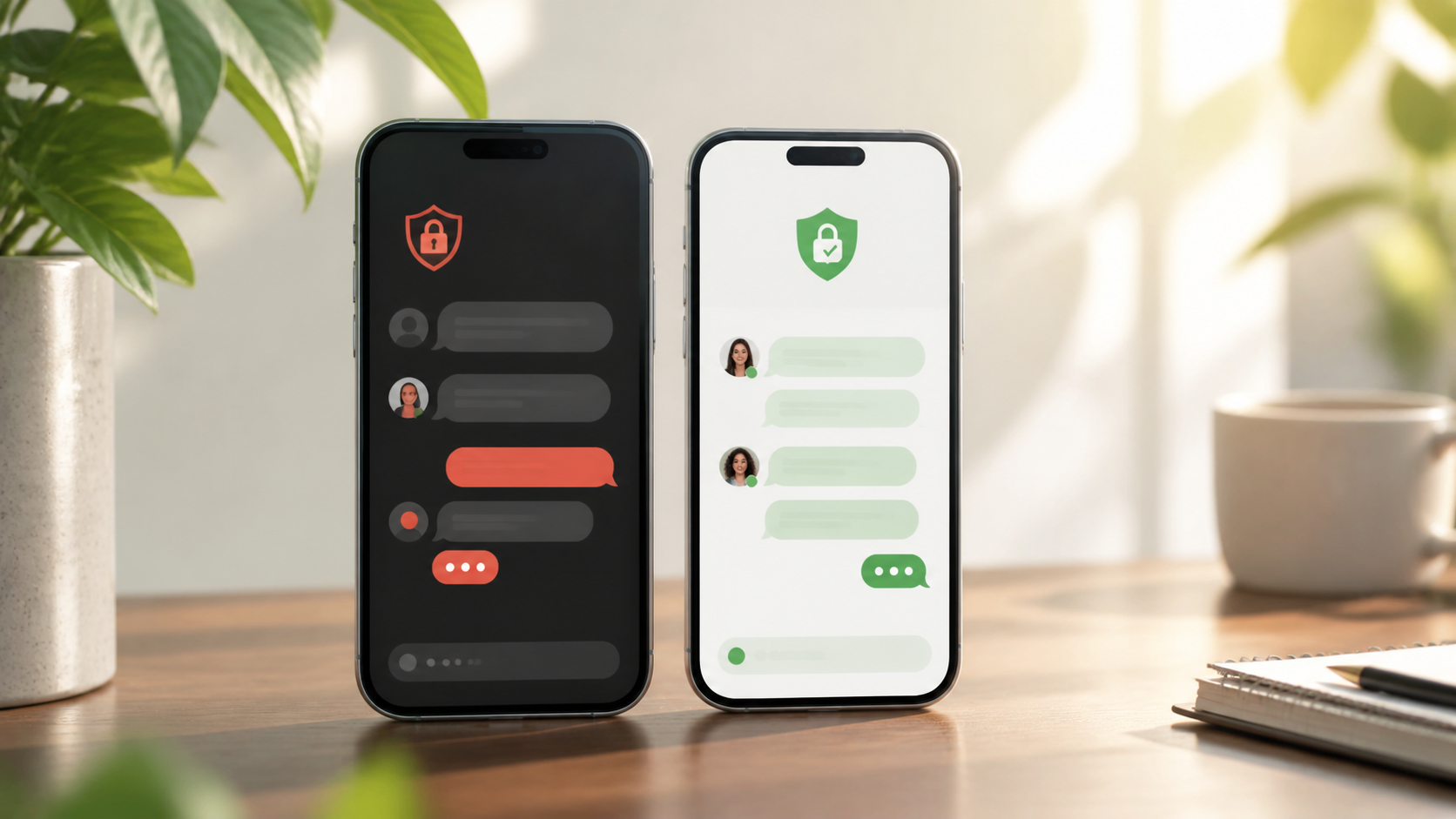
WhatsApp vs Pigeon chat for private messaging
Compare WhatsApp with Pigeon chat on privacy, phone-number signup, browser access, and the chat features people notice first.
When people compare WhatsApp and PigeonChat for private messaging, they often start with the obvious questions: which app is bigger, which looks simpler, and which one their contacts already use. Those are fair points, but they are not the whole story. The bigger difference is how each app handles identity, access, and the everyday workflow of a private chat.
That matters because messaging is not just about sending words. It is about who can reach you, how easily you can control that reach, and whether the app fits the way you manage conversations. If you are choosing between WhatsApp and a WhatsApp alternative like PigeonChat, it helps to look beyond branding and think about the practical details that shape trust and convenience.
This comparison is useful even if you never sign up for anything. The same questions apply to any private messaging tool: how do contacts find you, what does privacy mean in practice, and how much friction do you want in a chat app? Once you look at those factors, the trade-offs become much clearer.
Identity: phone number first vs a different kind of presence
With WhatsApp, identity is strongly tied to your phone number. That can be convenient because many people already understand phone-based contact lists. It also makes onboarding feel familiar. However, it means your messaging identity is closely linked to a personal number, which can be awkward if you want a clearer separation between social, work, and private communication.
PigeonChat takes a different approach to identity and contact discovery, which changes the feel of private messaging. Instead of relying on the same assumptions as a standard phonebook app, it is designed around a more intentional chat presence. That can be attractive if you prefer an app that feels less like an extension of your SIM card and more like a dedicated space for conversation.
This is one of the first places where the difference is not just branding. The identity model shapes everything that follows, from adding contacts to controlling who can start a chat with you.
Access: who can reach you, and how easily
Access control is a central part of private messaging. In WhatsApp, reachability is usually straightforward if someone has your number and the app. That simplicity is useful, but it also means the line between “known contact” and “anyone who has my number” can be thinner than some people would like.
With PigeonChat, the workflow is built more deliberately around private chat access. That makes it worth comparing for people who want messaging to feel more intentional and less exposed. If your priority is limiting casual reach, or if you want a cleaner boundary around who can start a conversation, the design philosophy matters as much as the feature list.
In practice, this is where many private messaging choices are won or lost. A good app is not only secure in the abstract. It also makes it easy to behave privately without needing to remember a dozen settings.
Private messaging workflows in daily use
People often judge chat apps by whether messages send quickly, but private messaging workflows go further than delivery. Think about what happens when you start a new conversation, move between devices, search for old messages, or decide to keep one chat separate from others. Those small actions define whether the app feels calm or cluttered.
WhatsApp has a very mature and familiar rhythm. For many users, that is a strength. The app is predictable, which helps in everyday use. The flip side is that the workflow is designed around mass adoption, so some users find it less suited to a more deliberate private messaging style.
PigeonChat, by contrast, is easier to think about as a WhatsApp alternative for people who care about workflow first. It is not only about chat features in the abstract. It is about whether the app supports a private, low-friction way to message without making you manage unnecessary noise.
- Starting a chat should be simple, but not so open that you lose control.
- Finding a contact should be quick, but not require exposing more than you need to.
- Organising conversations should feel natural, especially if you separate personal and work messaging.
- Notifications should support attention, not constantly interrupt it.
- Privacy settings should be understandable without a long setup process.
Chat features: familiar basics versus a narrower focus
When people compare chat features, the temptation is to make a checklist. Does it support groups, media, voice notes, and calls? That is useful, but only up to a point. For private messaging, the question is whether the features help you communicate cleanly, or whether they add complexity that gets in the way.
WhatsApp has a broad set of features and that breadth is one reason it is so widely used. It suits people who want one app for many kinds of conversation. PigeonChat leans more toward a focused experience, which may appeal if you would rather have a tighter private messaging environment than a do-everything platform.
The practical lesson is simple: more chat features are not automatically better. The best app is the one whose tools match your communication habits. If your conversations are mostly one-to-one and privacy-sensitive, a focused app can feel cleaner than a crowded one.
Privacy and trust: what users actually notice
Most people do not inspect privacy policy pages every day. They notice privacy through behaviour. Can someone contact me unexpectedly? Am I comfortable sharing this number? Does the app feel like it gives me control? Those are the everyday signals that build trust.
WhatsApp is familiar, and familiarity can be reassuring. But familiarity is not the same as a good fit for every kind of private messaging. If your goal is to reduce the amount of identity you hand over just to hold a conversation, then a different app structure may be preferable. That is where PigeonChat earns attention as a WhatsApp alternative.
In that sense, the choice is not really “safe app versus unsafe app”. It is “which privacy model suits me best”. The answer depends on whether you value the comfort of a widely used standard or the control of a more intentionally designed messaging space.
Which app suits which kind of user?
If you want the shortest path to messaging the people already in your life, WhatsApp remains the obvious choice. It is familiar, easy to explain, and widely understood. For many users, that solves the problem without further thought.
If you care more about identity boundaries, access control, and a private chat workflow that feels more deliberate, PigeonChat is worth a closer look. You do not need to adopt it to learn from the design approach. The app is a reminder that messaging can be built around the user’s sense of control, not just around reach.
So the real decision is less about “WhatsApp vs PigeonChat” in the abstract and more about what kind of messaging experience you want to live with every day. If you want to explore that difference directly, you can look at PigeonChat and judge the approach for yourself.
Frequently asked questions
Is PigeonChat a direct replacement for WhatsApp?
For some people, it may function as a private messaging alternative, but that depends on what you need from an app. If your main priority is talking to the largest possible share of your existing contacts, WhatsApp will usually be easier to adopt. If you care more about identity and access control, PigeonChat may fit better.
What is the biggest difference between WhatsApp and PigeonChat?
The biggest difference is not branding, but the underlying model of identity and access. WhatsApp is built around a phone-number-based social graph. PigeonChat is designed more like a focused private messaging space, which changes how chats begin and how access feels in daily use.
Should I choose based on chat features alone?
Probably not. Chat features matter, but they are only one part of the experience. For private messaging, the more important question is whether the app supports the workflow you want, especially around contact discovery, privacy boundaries, and ease of use.
In the end, the best private messaging app is the one that matches your habits without forcing you to compromise on control. WhatsApp is the familiar default, but PigeonChat shows how a different approach to identity and access can make private chat feel calmer and more intentional. If that sounds closer to what you want, it is worth paying attention to the design, not just the name.
Ready to try PigeonChat?

Writer & Editor at PigeonChat
Related Articles

How PigeonChat.site fits the Messenger and Telegram search

How PigeonChat.site differs from WhatsApp and Telegram

How PigeonChat.site compares with WhatsApp and Signal

When Signal is not enough: comparing private chat apps

Why PigeonChat.site asks you to invite your partner first
