
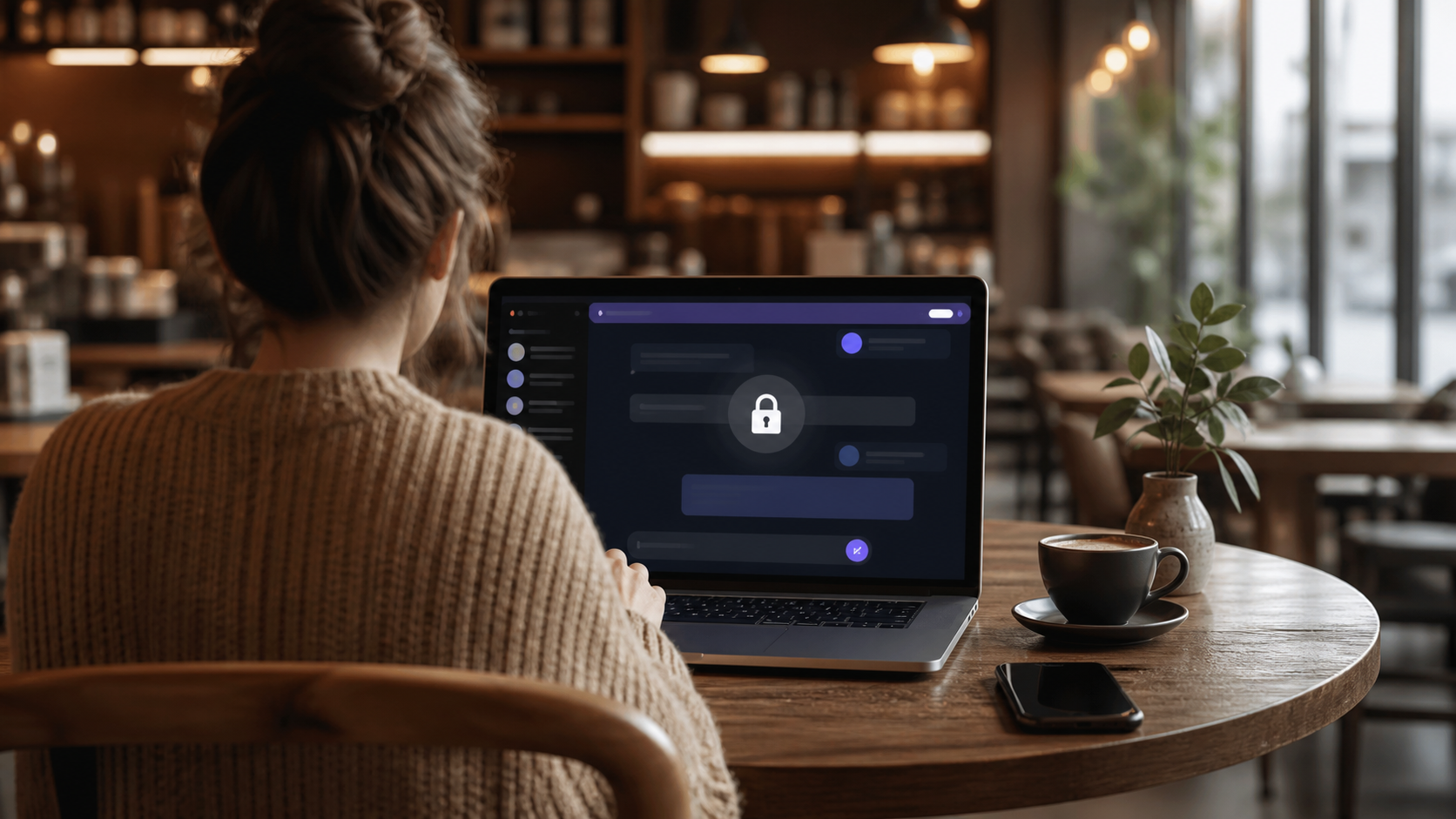
PigeonChat.site explained for private browser messaging
A clear guide to what PigeonChat.site does, who it fits, and why browser-based private messaging appeals to people who want no install and no phone number.
PigeonChat.site is best understood as a browser-first private messaging app. You open it in a web browser, start a conversation, and avoid the two things many people want to skip: an app install and phone-number signup. That makes it a simple option for anyone who wants quicker access and less friction before they decide whether a service is worth using.
In practical terms, that kind of setup is useful for private browser messaging because it lowers the barrier to entry. You do not have to clear storage space, wait for an app store download, or hand over a mobile number just to send a message. For people comparing options, it also sits in the broader category of alternative chat app choices that try to be lighter and more direct than the usual mobile-first platforms.
This article explains what that means in plain language, what a browser-based chat product can and cannot do, and why the idea has caught attention in conversations about simpler communication tools. If you have seen news about pigeonchat.site or the phrase pigeonchat.site new european chat app and wondered what it actually refers to, the short answer is that it points to a chat service designed around quick browser access and privacy-conscious signup.
What PigeonChat.site is trying to do
At a basic level, PigeonChat.site is a messaging service you use in the browser rather than through a dedicated app on your phone or desktop. That is not just a technical detail. It changes the first impression. Instead of asking people to commit to an install, browser-based chat lets them test the product immediately.
The appeal is straightforward. Some people do not want more apps. Others use shared devices, work computers, temporary laptops, or older phones where installing yet another app is inconvenient. A browser-first private messaging tool can fit those situations neatly, especially when the main goal is just to start a conversation without extra steps.
Why browser-first private messaging matters
Private browser messaging is attractive because it reduces the amount of personal information and software commitment needed to begin. For many users, a phone number feels like a strong identity tie. It can be useful for account recovery, but it also creates a clear link between a chat account and a mobile identity. A service that does not require that step feels simpler and, for some people, more comfortable.
It also makes the service easier to try in a low-risk way. If you are only looking for a secure or more discreet way to talk for a one-off project, a family event, a small community, or a temporary collaboration, browser access can be enough. In that sense, the product works as an alternative chat app for people who want convenience without immediately handing over a lot of details.
- No app store download before you can start
- No phone-number signup as the first hurdle
- Works naturally on devices where installing software is awkward
- Useful for quick trials, temporary use, or low-friction communication
How it compares with familiar chat apps
Most mainstream chat apps are built around the mobile phone first. That can be convenient if you already live in those ecosystems, but it is not ideal for everyone. Browser-based products like PigeonChat take a different route by making the web interface the main experience rather than a backup option.
That difference matters when you are choosing a tool for privacy, simplicity, or flexibility. A browser-first product may feel lighter and less intrusive. On the other hand, a dedicated mobile app may offer tighter integration with device features and offline convenience. The right choice depends on what you value most, not on which one is universally “better”.
For readers who have seen the wording PigeonChat.site and wondered whether it is merely a wrapper around a standard chat system, the key point is the use case. It is aimed at people who would rather open a link than install software. That alone makes it a different category of experience from the default app-store model.
What to look for in a private browser chat service
If you are evaluating a service like this, it helps to think in practical terms rather than marketing terms. Privacy claims are only useful when they are backed by sensible design. Even if a chat app is browser-based, you still want to know how conversations are handled, what data is stored, and how easy it is to leave the service later.
You should also consider everyday usability. A privacy-focused tool that is difficult to navigate can create more problems than it solves. Look for clear messaging controls, understandable settings, and a setup process that does not feel like a maze.
Useful questions to ask include:
- Does it require a phone number or other personal identifier?
- Can you start using it quickly in a browser?
- Are the privacy and retention policies easy to understand?
- Does it work well on desktop and mobile browsers?
- Is it meant for casual chat, private conversations, or something more specific?
How PigeonChat fits into current product trends
There has been a broader shift toward smaller, simpler tools that avoid the bloat of large platforms. People often want less friction, fewer permissions, and fewer reasons to install another heavy app. Browser-first communication fits that pattern well, because it trades some native-app convenience for speed of access.
That is also why you may see interest around news about pigeonchat.site in tech communities. Even when a product is early or niche, the idea of a messaging service that does not begin with a download and a mobile number feels timely. It reflects a wider appetite for tools that are easier to try and easier to control.
PigeonChat may not be the right fit for every user, but it represents a clear product direction. If you want to PigeonChat for a quick look, the browser-first model is easy to understand at a glance: open it, sign in without the usual hurdles if that is part of the design, and start messaging.
When a browser-based chat app makes the most sense
A service like this tends to shine in specific situations. It is especially sensible when you want to keep things lightweight, use a shared or temporary device, or avoid connecting a chat account to your mobile number. It can also be a good fit for people who dislike installing separate apps for every task.
That said, browser-first does not automatically mean better for everyone. If you rely heavily on push notifications, tight operating system integration, or deep offline support, a native app may suit you better. The real question is what problem you are trying to solve. If the problem is “I want a private chat tool with the least possible fuss”, then a browser-based option deserves attention.
In plain terms, PigeonChat.site is part of a simple but useful idea: messaging should not always require a large app or a phone number. For many people, that alone is enough reason to explore it.
Frequently asked questions
Is PigeonChat.site an app or a website?
It is primarily a website you use in a browser. That browser-first approach is what makes it different from many messaging services that expect you to install an app before you can begin.
Why would someone choose private browser messaging instead of a normal chat app?
People often choose it for convenience, privacy, or flexibility. If you want to avoid app installs and phone-number signup, a browser-based service can be a cleaner way to start chatting.
Is PigeonChat.site a good alternative chat app?
It can be, depending on your needs. If you value low-friction access and a simpler signup path, it is worth considering. If you need strong native-device features or heavy app integration, a traditional mobile chat app may still be better.
Overall, PigeonChat.site is best seen as a practical response to a common frustration: too much setup before you can say hello. For users who want private browser messaging without the usual app-store detour, that is a meaningful difference.
Ready to try PigeonChat?

Writer & Editor at PigeonChat
Related Articles

Can you find your match on PigeonChat.site without bots?

How dating on PigeonChat.site is meant to work

What PigeonChat.site is for, in plain English

Is PigeonChat.site a real dating app or chat app?

Why PigeonChat.site asks you to invite your partner first
