
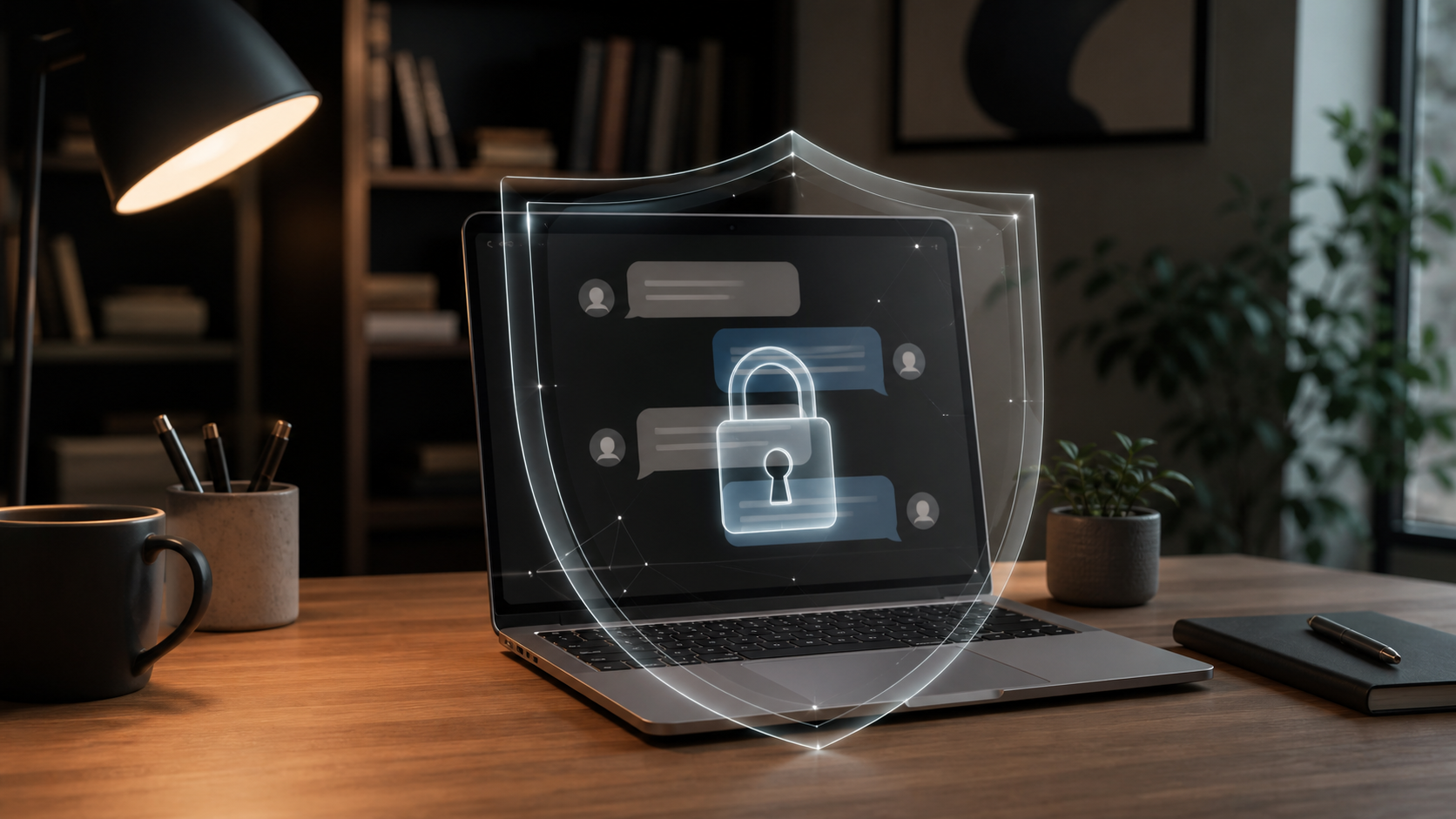
How encrypted private chats work in a browser app
Understand what end to end encryption means in browser messaging, how private chats are protected, and what users should check before joining.
Encrypted private chats in a browser app are not magic. They are a set of design choices that try to make message contents readable only to the people in the conversation, while keeping the app itself useful in an ordinary web browser. If you have ever wondered what an end to end encryption chat actually does, the short answer is that it limits who can decrypt the message, even when the message travels through servers.
That matters because a browser chat often feels both convenient and slightly fragile. You are opening it in a tab, maybe on a shared laptop or a work machine, and trusting that your private conversations stay private. A privacy first chat app earns that trust by being clear about what is encrypted, when it is encrypted, and who can access the keys needed to read it.
This article explains the basics in plain language. It is written for readers who want to understand encrypted private chats, whether they use a browser chat daily or are just comparing options like PigeonChat.
What end to end encryption means in a browser chat
End to end encryption means the message is encrypted on the sender’s device and only decrypted on the recipient’s device. In a well-designed end to end encryption chat, the service that carries the message does not need to be able to read the content itself. It can still route messages, store them temporarily, and deliver them, but the text remains unreadable in transit and at rest on the server.
In practice, this is the core idea behind encrypted private chats. The browser app may still know that a message was sent, when it was sent, and to whom it was delivered. But it should not be able to inspect the actual words unless the user chooses to reveal them in some other way. That distinction is important, because privacy is not all or nothing. It is about reducing unnecessary access.
A browser-based setup also introduces a few extra questions. Is encryption happening in the browser using code that runs locally? Are keys stored on the device, protected by a passphrase, or re-derived every time you sign in? These details affect how much confidence you can place in the system, especially if you use multiple devices.
How encrypted private chats protect message content
At a high level, encrypted private chats rely on cryptographic keys. Think of a key as a mathematical tool that turns readable text into scrambled data, then turns it back again for someone who has the matching key. The important part is that the server should not have the simple ability to reverse that process on its own.
Good browser chat systems usually separate message delivery from message reading. The app may create a fresh encryption key for each conversation or even for each message, then wrap that key in a way only the intended recipient can open. This helps limit damage if one key is ever exposed. It also means that old messages are not automatically readable just because a later key was compromised.
For users, the confidence comes from a few practical signs: the app explains how encryption works, the code path for encryption happens before the message leaves your browser, and the service does not ask you to trust a server with plain text. A privacy first chat app should be clear about these points rather than hiding them in vague promises.
What the browser sees and what the server sees
A common misunderstanding is that “in a browser” means “less secure.” That is not necessarily true. A browser can be a perfectly reasonable place to run encrypted private chats, provided the implementation is careful and the user understands the trade-offs. The browser can encrypt locally, send only ciphertext, and keep the actual message body out of the service’s hands.
However, the browser app still has a wider attack surface than a tightly controlled native client. It loads code over the web, depends on your browser’s security model, and can be affected by browser extensions or a compromised device. This is why trust in a browser chat is not only about encryption. It is also about how the app is built and how carefully it limits exposure.
On the server side, an encrypted browser chat should ideally keep only what it needs to operate. That usually includes account data, routing information, metadata needed for delivery, and ciphertext. Even then, metadata can reveal useful clues. Who talked to whom, when, and how often can still matter. Encryption protects message content, but it does not erase every trace of communication.
Signs you can trust a privacy first chat app
If you are trying to judge a privacy first chat app, look for concrete explanations rather than marketing language. Strong claims are easy to make. Clear architecture is harder to fake. The best services explain where encryption happens, what the server can and cannot see, and how keys are handled when you sign in from a new device.
- Encryption happens before the message leaves your browser.
- The service cannot read plain text on its servers.
- Key handling is explained in simple terms.
- Device changes, account recovery, and backups are documented.
- The app does not rely on hidden trust in the provider.
It also helps if the service is honest about limitations. For example, some encrypted private chats support searchable history, attachments, or multi-device sync, and each of those features needs careful design. A trustworthy team will explain what is protected and what is not. That kind of honesty is often more reassuring than a blanket claim of “secure messaging.”
If you are evaluating an e2e chat app pigeonchat.site style product, the useful question is not “Does it say encrypted?” but “Can I understand the trust model?” The more plainly an app explains its choices, the easier it is to decide whether those choices fit your needs.
Common trade-offs in encrypted browser chat
Encrypted browser chat often involves trade-offs between convenience and strict privacy. For example, browser-based systems are easy to access on different devices, but they can be awkward if you want very strong control over local data. If you close the tab, clear browser storage, or switch devices, you may lose some convenience features unless the app has a secure way to restore them.
There is also the question of backups. Backups are useful, but they can weaken privacy if they are not encrypted properly. Likewise, notifications, previews, and integrations can expose snippets of content outside the main chat flow. A careful service will let users understand which features may reveal information and let them choose the balance they want.
In a good browser chat, these trade-offs are handled openly. That does not mean every answer will suit every user. It does mean that the product is designed to make informed choices possible, rather than forcing people to guess how their messages are handled.
How PigeonChat fits into this picture
PigeonChat is one example of a browser-based privacy chat concept that tries to keep the experience simple while respecting message privacy. The important part is not the branding, but the principle: encrypted private chats should not require users to become security engineers just to have a confidential conversation.
When a browser app is designed well, it can feel straightforward without being careless. You open the app, sign in, and send a message as usual, but the app handles encryption locally so the service is not sitting in the middle reading your conversation. That is the basic promise of an end to end encryption chat, and it is the standard worth expecting from any modern privacy first chat app.
For readers comparing options, the key is to ask whether the product gives you practical confidence. Does it explain its model clearly? Does it avoid unnecessary collection? Does it make the privacy story easy to follow? Those questions matter more than any single feature list, and they are the best way to judge whether a browser chat deserves your trust.
Frequently asked questions
Is a browser chat less private than a native app?
Not automatically. A browser chat can still offer strong encryption if it encrypts messages locally before sending them. The difference is that browser apps depend on the browser environment, so security also depends on things like extensions, device safety, and how the web app is built.
Can the service provider read my messages if they use end to end encryption?
In a properly designed end to end encryption chat, the provider should not be able to read message content on its servers. It may still handle delivery, account management, and metadata, but the plain text should remain inaccessible without the user’s keys.
What should I check before trusting encrypted private chats?
Look for a clear explanation of where encryption happens, how keys are managed, and what data the server stores. A privacy first chat app should be upfront about backups, device changes, and any features that might expose content outside the encrypted channel.
Encrypted private chats work best when the technology and the explanation are both simple enough to trust. If an app makes the security model understandable, limits what it can see, and keeps encryption on the user’s side of the connection, that is a strong foundation. Convenience matters, but privacy depends on clear design choices, not vague reassurance.
Ready to try PigeonChat?

Writer & Editor at PigeonChat
Related Articles
Why privacy claims on PigeonChat.site need details
What privacy guaranteed on PigeonChat.site really means

What a European chat app should offer now

What an EU chat app needs beyond privacy claims

Why PigeonChat.site asks you to invite your partner first
