
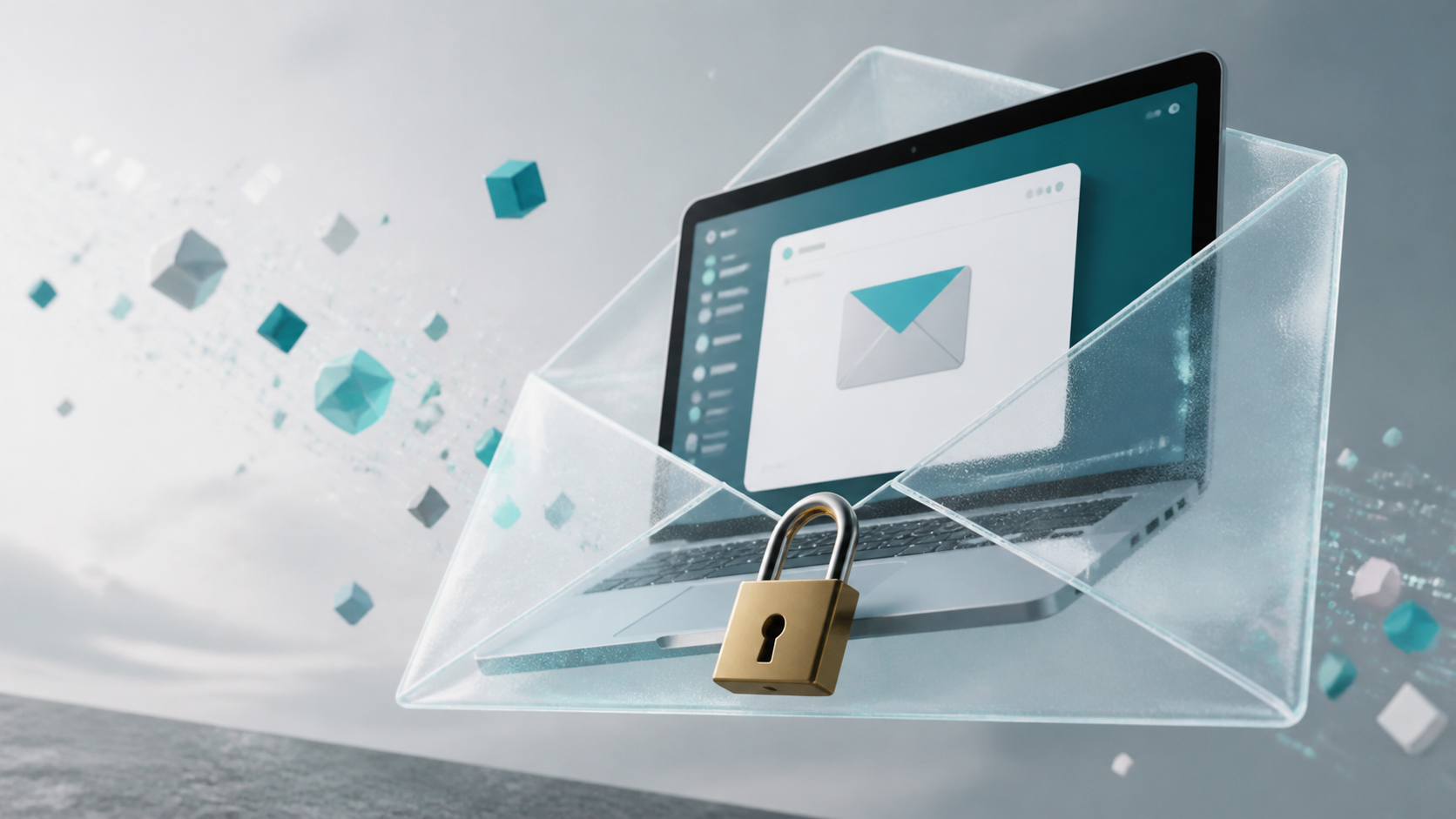
How encrypted private chats work in a browser app
A practical look at encrypted private chats in the browser, including what end to end encryption means, what it does not, and how it affects sharing.
Private messaging in a browser can sound contradictory at first. A browser feels light, temporary and web based, while privacy sounds like something you would expect from a locked-down app. In practice, though, a browser chat app can still be private if the design makes messages unreadable to anyone except the people in the conversation.
That is the idea behind end to end encryption chat. Your device encrypts the message before it leaves your screen, and only the recipient’s device can decrypt it. The service in the middle may help route the data, but it should not be able to read the conversation itself. Done properly, encrypted private chats are about reducing trust in the server, not asking you to trust it more.
This matters because many people now want the convenience of a browser chat app without giving up control. A privacy first chat app should make the secure path the normal path, not an advanced setting. That is the principle behind PigeonChat and similar tools that focus on keeping the content private before it ever leaves your device.
What encryption does before messages leave your device
In a private chat system, encryption happens locally in the browser. When you type a message, the app uses cryptographic keys stored on your device to transform the plain text into encrypted data. What gets sent across the network is not the readable message, but a scrambled version that is useless without the right key.
This is the crucial point. If encryption happens after the message reaches the server, the service can see the content on the way in. With end to end encryption chat, the server should only see encrypted packets. It can still move them from one user to another, but it should not have the ability to decode them.
For browser based encrypted private chats, this usually means the heavy lifting is done in the user’s browser using standard web cryptography. The browser is not automatically the weak link. The weak link is whether the app is built so that secrets remain on the device, and whether the developer avoids designs that expose those secrets later.
How keys make a privacy first chat app work
Encryption relies on keys. In simple terms, one key locks the message and another key unlocks it. In a well-designed privacy first chat app, each person has the material needed to decrypt their own messages, but not enough to read everyone else’s traffic or impersonate another user.
Key handling is where many of the important security choices live. The app may create keys when you set it up, store them securely in the browser, and use them to establish encrypted sessions with other users. If the keys stay on the device and are never shared in plain form, the service itself does not gain access to the conversation.
That is also why onboarding matters. A good encrypted private chats system should explain what happens to your keys in plain language. You do not need to understand the mathematics to use the app, but you should know whether messages are protected only in transit or protected end to end.
Why browser chat app privacy depends on the whole design
A browser chat app is not private just because it runs in the browser. Privacy comes from design choices across the whole stack. The page must load securely, the connection must use strong transport security, the code must avoid leaking message content, and the app must not silently back up readable copies of chats somewhere else.
It also helps when the app keeps metadata to a minimum. Even when content is encrypted, a service may still know account details, timing, message delivery events or device information. That does not mean the conversation content is exposed, but it does mean privacy is broader than encryption alone.
When evaluating a browser based chat tool, ask a simple question: what can the operator actually see? A genuine end to end encryption chat should leave the operator unable to read message text, even if they can still run the service that delivers it.
Common misunderstandings about encrypted private chats
One common mistake is assuming that if a website uses HTTPS, the chat itself must be end to end encrypted. HTTPS protects the connection between your browser and the site, which is important, but it does not automatically stop the service from reading messages once they arrive. Transport security and message security are related, but they are not the same thing.
Another misunderstanding is thinking that encryption only helps against outsiders. In reality, the point of e2e chat app design is also to limit what the service provider can see. That is especially important for people who want to keep business notes, personal conversations or source-sensitive discussions out of reach of the platform operator.
It is also worth remembering that encryption is not magic. If your device is compromised, if you share a screen carelessly, or if someone can read your notifications, message confidentiality can still be broken. Encryption protects messages in transit and at rest within the system, but it cannot fix every security problem around the edges.
- HTTPS protects the connection, not necessarily the message content from the service
- End to end encryption protects content before it leaves the device
- Device security still matters, because local compromise can expose chats
- Metadata may still exist even when message text is unreadable
- Clear key management is as important as the encryption algorithm itself
What to look for in encrypted private chats
If you are comparing tools, focus on practical signs of trustworthiness. Look for clear explanations of how keys are generated and stored. See whether the service distinguishes between transport encryption and end to end encryption. Check whether the app says message content is inaccessible to the provider, not just “secure”.
A solid privacy first chat app should also make security usable. If the setup is so awkward that people work around it, privacy will suffer. Good design means the secure option feels like the default, with minimal friction for ordinary chat.
If you are trying a browser chat app for work or personal use, choose one that is transparent about its limits. No system can promise absolute secrecy in every scenario, but a well built end to end encryption chat can dramatically reduce who has the technical ability to read your messages.
Frequently asked questions
Is a browser chat app less private than a native app?
Not necessarily. Privacy depends more on how the app is built than on whether it is browser based or installed. A browser chat app can be very private if it uses end to end encryption properly and keeps keys on the user’s device.
Can the service provider read end to end encryption chat messages?
In a properly designed system, no. The provider may still move encrypted data between users, but it should not have the keys needed to read the content. If the service can decrypt messages on its servers, it is not true end to end encryption.
Does encryption protect everything in encrypted private chats?
No. Encryption protects the message content, but not always the surrounding information. Account details, connection times and device-level issues may still reveal some information. That is why a privacy first chat app should be judged on more than encryption alone.
In the end, private browser chat is possible because modern encryption can protect messages before they leave your device. The real question is not whether the app runs in a browser, but whether it is designed so the service never needs to see your words in the clear. If it is, then a browser can be a perfectly sensible place for encrypted private chats.
Ready to try PigeonChat?

Writer & Editor at PigeonChat
Related Articles
Why privacy claims on PigeonChat.site need details
What privacy guaranteed on PigeonChat.site really means

What a European chat app should offer now

What an EU chat app needs beyond privacy claims

Why PigeonChat.site asks you to invite your partner first
