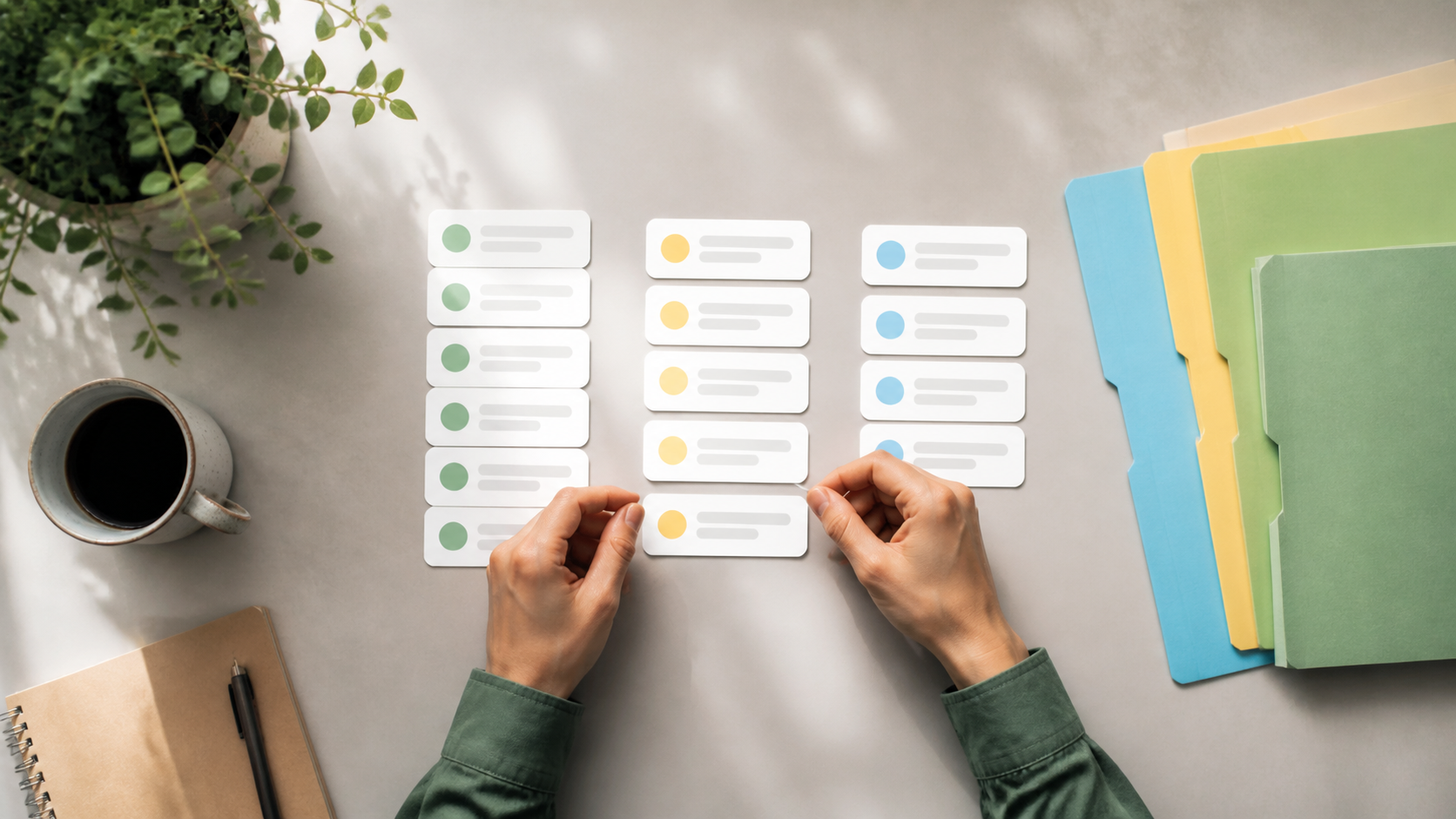
Why chat folders help busy teams and communities
Chat folders can turn a messy inbox into something manageable. Here is how people use them for work, classes, and communities.
When a team or community starts growing, the first problem is often not a lack of communication, but too much of it. Important messages get buried under planning chatter, side conversations, alerts, and quick replies. That is where chat folders can make a real difference. They give people a simple way to separate urgent threads from everything else, without needing to leave the chats they still care about.
For busy teams and active groups, the value is not just tidiness. It is speed. Good message organization helps people decide what to open first, what can wait, and what needs attention now. If you manage several chat groups or take part in a lively community chat, folders can reduce the sense of constant interruption and make the whole experience easier to handle.
Platforms such as PigeonChat are built with that kind of practical organisation in mind, but the principle applies broadly: when conversations multiply, structure matters. The aim is not to silence discussion. It is to help people find the right discussion quickly.
Why chat folders matter when conversations multiply
Most people do not struggle because they have too few chats. They struggle because they have too many open at once. Work projects, social planning, customer questions, volunteer coordination, family updates and hobby groups can all compete for attention in the same app. Without a system, the inbox becomes a long, flat list of noise.
Chat folders solve this by creating a mental shortcut. Instead of scanning every conversation, you can go straight to the ones that matter most in the moment. That is especially useful for busy teams who need to distinguish between active workspaces, archived discussions and low-priority notifications.
Folders also help communities stay welcoming. In a large community chat, people join for different reasons. Some want announcements, some want support, some just want to follow along. When chats are grouped sensibly, it is easier for members to keep up without feeling overwhelmed.
How folders improve message organization
Good message organization is not about making everything look neat for its own sake. It is about reducing friction. When chats are sorted by purpose, people spend less time searching and more time responding. That small saving adds up quickly in active environments.
Folders also support better habits. If your work conversations are in one place and your social chats are in another, you are less likely to miss a time-sensitive update while reading something casual. In practice, this can make a team feel calmer and more responsive without increasing pressure.
For communities, the same logic applies. A launch announcement, a moderation thread and a general discussion channel each serve different purposes. Putting them into clear folders can make it easier for members to understand where to look and what kind of activity to expect.
- Prioritise quickly - put urgent or frequently used chats where they are easiest to reach.
- Separate purposes - keep work, social and announcement chats apart.
- Reduce scanning time - fewer open tabs in your head means quicker decisions.
- Support consistency - teams can follow the same structure, making shared communication easier.
What busy teams gain from chat folders
In busy teams, every extra second spent hunting for the right chat can interrupt focus. Folders help everyone get to the right place faster, which is especially useful when several projects are moving at once. Instead of relying on memory, people can rely on a shared structure.
They also help reduce the common problem of “Where was that message?” When the same group handles multiple threads, folders create a clearer path through the noise. That makes it easier to follow up on decisions, check latest updates and keep a project moving.
There is also a human benefit. When people feel they can find things easily, they are less likely to avoid checking messages altogether. That can improve responsiveness without turning communication into a burden.
Why community chat needs a clear structure
A lively community chat can be valuable precisely because it is active. But activity without structure can push people away. New members may not know where to start, and long-term members may struggle to keep up with everything that is happening.
Folders give communities a way to guide attention. An announcements folder can hold official updates, a support folder can gather questions and answers, and a general folder can keep everyday conversation flowing. That helps people find the right space for the right kind of interaction.
For moderators and organisers, this is useful too. It is easier to keep an eye on the right conversations when they are grouped logically. In a well-organised environment, people are more likely to participate consistently because the chat feels manageable rather than chaotic.
How to set up folders without overcomplicating things
The best folder system is usually the simplest one that fits the way people actually work. Start with a few broad categories rather than trying to sort every possible chat into a separate bucket. Too many folders can create the same problem they were meant to solve.
A practical setup might include chats you need to check first, chats you want to review later, and chats you only need occasionally. For a team, that might mean active projects, internal updates and archive or reference channels. For a community, it might mean announcements, support and general discussion.
When creating your own structure, it helps to ask one question: “What do I need to see first?” If a folder system is built around priority, it will support faster decision-making instead of becoming another layer of admin.
Chat folders work best when habits match the structure
Folders are only useful if people use them consistently. That does not mean everyone needs the same workflow, but it does mean the system should be easy to understand. If a folder is meant for urgent messages, it should stay reserved for urgent messages.
Teams often get the best results when they agree on a few simple norms. For example, one folder for active work, one for reference, and one for lower-priority chats can be enough for most groups. Communities can do something similar by separating official notices from open discussion.
Tools like PigeonChat can support this kind of organisation, but the real benefit comes from the habit itself. The goal is not to have the most folders. It is to have the clearest path to the conversations that matter.
Frequently asked questions
Are chat folders only useful for large organisations?
No. They are helpful anywhere people deal with more than a handful of active chats. A small team, a volunteer group or an online community can all benefit from clearer message organization, especially when discussions are ongoing and priorities change often.
Do chat folders replace good notification settings?
Not really. They work best together. Notification settings control how often you are interrupted, while folders help you decide where to look once you do open the app. For many busy teams, that combination is more effective than either approach alone.
How many folders should a team or community use?
Usually fewer than you might think. Start with a small number based on purpose or priority, then adjust if people struggle to find things. If a folder system becomes hard to explain, it is probably too complex. Clear chat folders should make navigation easier, not harder.
In the end, chat folders are valuable because they respect attention. They help people move through active chats with less stress, spot what matters sooner, and keep communication usable as it grows. Whether you are running a project, moderating a group or just trying to keep up, thoughtful structure can make all the difference.
Ready to try PigeonChat?

Writer & Editor at PigeonChat
Related Articles

Do you need a phone number or real name on PigeonChat.site

How dating with PigeonChat.site may work in practice

How chat folders change the way busy chats stay organized

Chat features that make private apps easier to use

Why PigeonChat.site asks you to invite your partner first