
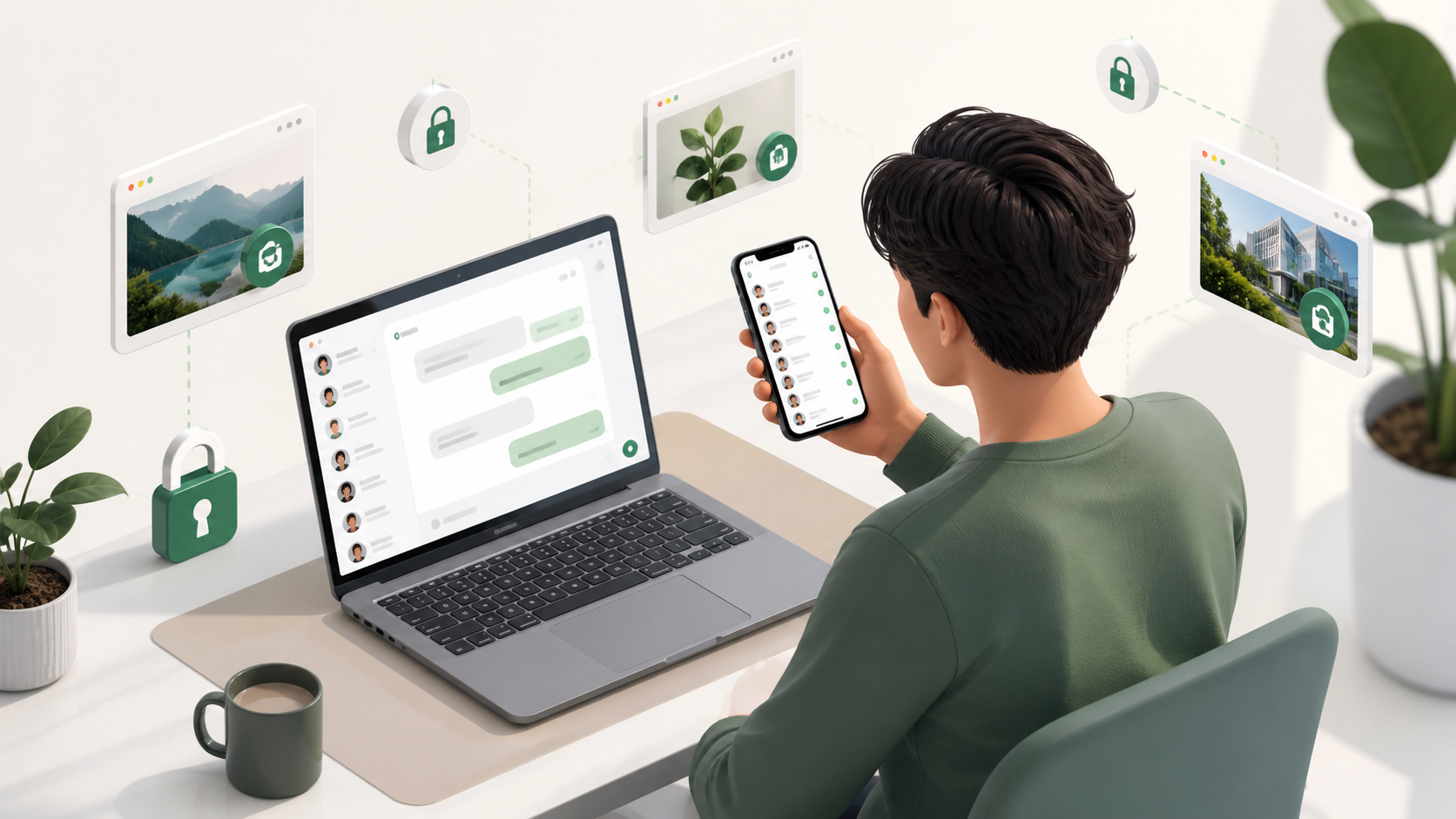
What people ask before switching to browser chat
A practical guide to the questions users ask about no install, no phone number login, encryption, and how browser chat actually works.
Before someone tries a browser chat app, the question is rarely “does it have enough features?” More often it is “can I trust it?” That is the real adoption barrier. People want to know whether the chat is private, whether they need to hand over a phone number, and whether the service will feel reliable enough for everyday use.
This matters because browser-based messaging changes the usual habit. Instead of installing yet another app, you open a link, type, and start talking. That sounds convenient, but convenience alone does not earn confidence. If the privacy story is unclear, the whole idea stalls before the first message is sent.
In this guide, we will cover the questions people ask most before switching to browser chat, and what a sensible answer looks like. The aim is not to sell you on any one product, including PigeonChat, but to help you judge whether this model fits your needs.
Why trust comes before features
Many chat tools compete on speed, reactions, file sharing, or polish. Those things matter, but only after someone feels safe enough to join. If a conversation involves work, community moderation, or personal contact, users tend to ask basic questions first: who can read this, what data is collected, and what happens if they stop using it?
That is why the trust barrier is so strong. People are not only deciding whether the software works. They are deciding whether they believe the service owner will respect the conversation and the relationship behind it. A browser chat app can be technically excellent and still fail to gain adoption if it feels opaque.
The most reassuring products tend to answer plainly. They explain how messages are protected, whether accounts are tied to a phone number, and what happens in a browser session. That clarity often matters more than an impressive feature list.
Is browser chat private enough?
Privacy is the first question for a reason. When people hear “browser chat”, they may assume messages pass through too many hands or that the browser itself makes things less secure. In reality, the answer depends on how the service is built, not on the fact that it runs in a browser.
A useful way to think about it is this: a browser is just the window. The privacy level comes from the service’s design, including encryption, session handling, and data retention. A browser-based messaging tool can be reasonably private if it is designed with those concerns in mind.
If privacy is important to you, look for plain language about how messages are handled. If a service is vague, that is a warning sign. If it clearly explains what is stored, what is encrypted, and what is not retained, that is much more encouraging. People usually do not need every technical detail. They do need an honest summary.
Do I need a phone number?
For many people, this is the second big hurdle. A phone number can feel like a barrier because it is tied to identity, device ownership, and sometimes unwanted contact. Some people also simply do not want another service linked to their personal number.
Browser chat can be attractive precisely because it may reduce that friction. A no phone number sign-up is easier for temporary collaboration, community groups, shared projects, or anyone who wants to keep messaging separate from their mobile identity. It can also make first-time use feel less like an application process and more like a conversation.
That said, no phone number alone does not guarantee privacy. It is one piece of the picture. Users still want to know whether access is account-based, whether logins expire, and whether their identity is protected by sensible defaults. A good service makes this understandable without forcing the user to learn a security manual.
What does encrypted private chats actually mean?
This phrase appears everywhere, but it is often used loosely. For a non-technical user, the important question is simple: can anyone other than the intended participants read the message content? If the answer is yes, the chat is not truly private in the way most people mean it.
Encrypted private chats should mean that message content is protected while it moves across the internet, and that access is limited to the people in the conversation. A service may also protect stored data, but the details matter. Encryption is only reassuring when the product explains it clearly and consistently.
It helps to ask practical questions instead of chasing jargon. Can the service provider read my messages? Are links, attachments, or profile details handled differently? What happens if I open the chat in another browser? These are the sorts of details that build real confidence.
What people usually want to know before trying browser-based messaging
Most people are not looking for a perfect technical specification. They want enough certainty to begin without feeling exposed. The same questions come up repeatedly because they reflect everyday concerns, not niche preferences.
- Will my messages stay private from the service provider and other third parties?
- Do I need to share a phone number or personal identifier?
- How easy is it to start and stop using the service?
- Will it work well enough for ongoing conversations, not just a quick test?
- What happens to my chats if I close the browser or switch devices?
These questions are sensible because they focus on risk, convenience, and continuity. If a browser chat tool answers them well, it removes friction before the first message is sent. That is often more important than adding another feature that only a small group will use.
Products like PigeonChat tend to appeal when they make the basics feel obvious. People do not want to decode a complex setup just to send a private note. They want the service to get out of the way.
How to judge a browser chat app before signing up
You do not need to be a security specialist to make a good decision. Start with the service’s own explanation. If the privacy policy, help pages, and onboarding flow are easy to understand, that is a positive sign. If the language is evasive or full of marketing terms, be cautious.
Look for consistency between promise and behaviour. A service that says it values privacy should not ask for unnecessary details. A service that says it is simple should feel simple from the first screen. Trust grows when the experience matches the explanation.
It is also sensible to test how you feel using it for a low-stakes conversation first. That gives you a better sense of whether the browser-based model suits your habits. Sometimes the answer is yes because the convenience is excellent. Sometimes it is no because your use case demands a different setup. Either outcome is useful.
Frequently asked questions
Is browser chat less secure than a dedicated app?
Not necessarily. Security depends on how the service is designed, not just whether it runs in a browser. A well-built browser chat can be private and secure, while a poorly built app can still be risky.
Why do people care so much about no phone number?
Because a phone number can feel like an extra layer of identity collection. Many people prefer not to link messaging to their mobile number, especially for community use, temporary projects, or private conversations.
How can I tell if encrypted private chats are real?
Look for clear explanations of who can access message content, how data is stored, and what happens during login and device changes. If the service cannot explain this plainly, it is fair to be sceptical.
Browser chat will not convince everyone, and it does not need to. For many people, the deciding factor is not whether the interface is clever, but whether the service feels trustworthy, private, and easy to enter. If a platform like PigeonChat can answer those concerns clearly, the rest of the experience becomes much easier to judge.
Ready to try PigeonChat?

Writer & Editor at PigeonChat
Related Articles

Can you find your match on PigeonChat.site without bots?

How dating on PigeonChat.site is meant to work
What PigeonChat.site is for, in plain English
Is PigeonChat.site a real dating app or chat app?

Why PigeonChat.site asks you to invite your partner first
