
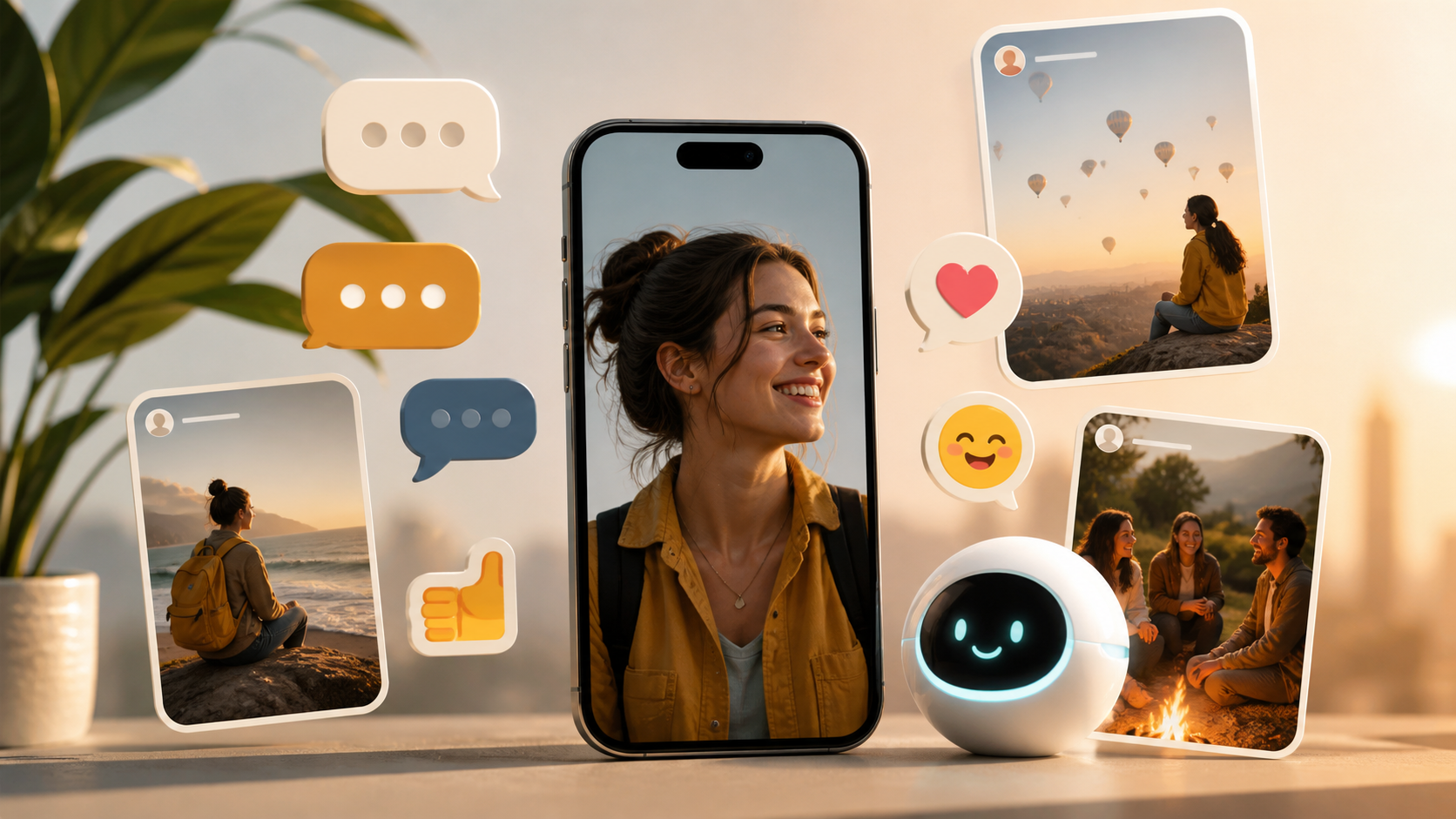
What chat features matter most in private apps
From stickers to stories and AI, this guide breaks down which chat features people care about and which ones they ignore.
When people compare chat apps, they often start with the wrong question. They ask how many chat features an app has, when the better question is which features make a conversation easier, safer and more natural to use. A private chat app does not need to imitate every public platform. It needs to support the way real people actually talk.
That means the best product is rarely the one with the longest list of extras. It is the one with the right balance of speed, privacy, clarity and a few well chosen tools. In a private chat app, the most useful features are usually the ones you barely notice once they work well.
If you are choosing a messenger for yourself, a team or a small community, it helps to separate essentials from decoration. Some additions, like stickers or stories, can be fun. Others, like an ai assistant, can be genuinely useful in the right setting. But none of them should get in the way of the conversation.
Start with the core chat features
The foundation of any good private conversation is simple message delivery. People should be able to send text quickly, read replies easily and know when a message has reached the other person. If those basics feel slow or confusing, the rest of the app will not matter very much.
Look for features that reduce friction rather than add noise. Good typing indicators, reliable read states, message editing and message deletion can all help keep conversations smooth. In a private setting, these are often more valuable than flashy extras because they make everyday communication feel tidy and responsive.
It is also worth paying attention to search and message history. Being able to find an address, a file name or a decision from last week saves time and prevents duplicate messages. For many people, this is one of the most practical chat features in any app.
Privacy should shape the feature set
A private chat app should treat privacy as a design principle, not a marketing line. That does not only mean encryption, although that is important. It also means being careful about metadata, defaults, notifications and how much of your activity is visible to others.
Features can help or harm privacy depending on how they are built. For example, message reactions may be harmless in one context and intrusive in another if they create a visible trail you did not expect. The same is true of link previews, contact syncing and cloud backups. Useful features are only useful if they fit the privacy model you want.
If privacy matters to you, ask a simple question: does this feature support a real conversation, or does it create more surfaces for data exposure? That question is often more useful than comparing long feature lists. It is also one reason people like PigeonChat, because it keeps attention on communication first.
Fun features are best when they stay optional
Extras like stickers can make a conversation warmer, faster and more expressive. In the right group, a well timed sticker can say what a paragraph cannot. The same is true of emoji reactions and lightweight voice notes. These features matter because they help people communicate tone, not just information.
Stories are more complicated. In a public social app, they can be a way to share updates and context. In a private chat app, though, they can feel out of place if they pull attention away from direct conversation. If stories are included, they should be clearly secondary and easy to ignore.
The key is not to ban playful features. It is to keep them from taking over the interface. A chat app should feel like a place to talk, not a stage for constant updates. If the fun features are optional and unobtrusive, they can add personality without weakening the core experience.
- Useful fun - stickers, reactions and voice notes can add tone without adding much complexity.
- Questionable in private contexts - stories, public profiles and social feeds may distract from direct chats.
- Best rule of thumb - if an extra feature changes how often people talk privately, it probably matters more than its novelty suggests.
An ai assistant can help, if it knows its place
An ai assistant can be genuinely helpful in a chat app, but only if it supports the conversation rather than interrupting it. Good uses include summarising a long thread, helping draft a reply, translating a message or pulling out action items from a discussion.
Where things go wrong is when the assistant becomes a constant presence. People do not usually want an app that guesses what they meant before they have finished typing, rewrites their tone without asking or pushes itself into every exchange. In private chat, subtlety matters.
A good rule is that the assistant should be there when invited, not when it assumes it is needed. That keeps the conversation human. It also helps users trust the app, because they can tell when the tool is assisting rather than steering.
Speed, reliability and small details matter more than novelty
Many people only notice performance when it is bad, but in messaging that is often enough. If an app opens slowly, delays notifications or takes too long to sync messages, the conversation starts to feel awkward. This is especially true in private chat, where users expect something quick and dependable.
Small details also shape trust. Clear delivery states, predictable notification controls and sensible attachment handling all make an app easier to live with. These features may not be exciting to describe, but they are often the reason people keep using a messenger after the novelty fades.
This is why product decisions should be based on conversation quality, not feature count. An app with fewer moving parts can feel better than one full of elaborate tools. If the basics are polished, people will usually forgive a modest feature set.
How to judge which chat features matter most
When comparing apps, try looking at each feature through three questions. Does it help people talk more easily? Does it respect privacy and user intent? Does it stay out of the way when it is not needed? If the answer is yes, the feature probably earns its place.
You can also think in layers. The first layer is core messaging, including text, media and notifications. The second layer is conversation support, such as search, edits, reactions and pinned messages. The third layer is optional extras, like stickers, stories and an ai assistant. The best private chat app usually gets the first two layers right before adding anything else.
That approach keeps product decisions practical. It also helps you avoid being distracted by novelty. If a feature does not improve the real rhythm of conversation, it may be nice to have but not worth prioritising.
Frequently asked questions
Do private chat apps need lots of features to be good?
No. Most people value a small set of reliable features over a large bundle of extras. Fast messaging, clear controls and good privacy are usually more important than novelty. A focused app often feels better because it is easier to understand and use every day.
Are stickers useful in a private chat app?
Yes, if they are optional and easy to use. Stickers can add tone, humour and warmth to a conversation. They are most useful when they support expression without cluttering the interface or distracting from the message itself.
Should a chat app include stories and an ai assistant?
Only if they fit the app’s purpose. Stories can make sense in some communities, but they are not always a good match for private messaging. An ai assistant can be helpful for summaries, drafting and translation, as long as it stays unobtrusive and user controlled.
The strongest chat apps are rarely the busiest ones. They are the ones that make ordinary conversation feel easy, private and human. If you keep that principle in mind, it becomes much easier to judge which chat features deserve space and which ones are just decoration. That is the kind of thinking that guides the most useful private chat app choices, including products like PigeonChat.
Ready to try PigeonChat?

Writer & Editor at PigeonChat
Related Articles

Can you find your match on PigeonChat.site without bots?

How dating on PigeonChat.site is meant to work

What PigeonChat.site is for, in plain English

Is PigeonChat.site a real dating app or chat app?

Why PigeonChat.site asks you to invite your partner first
