
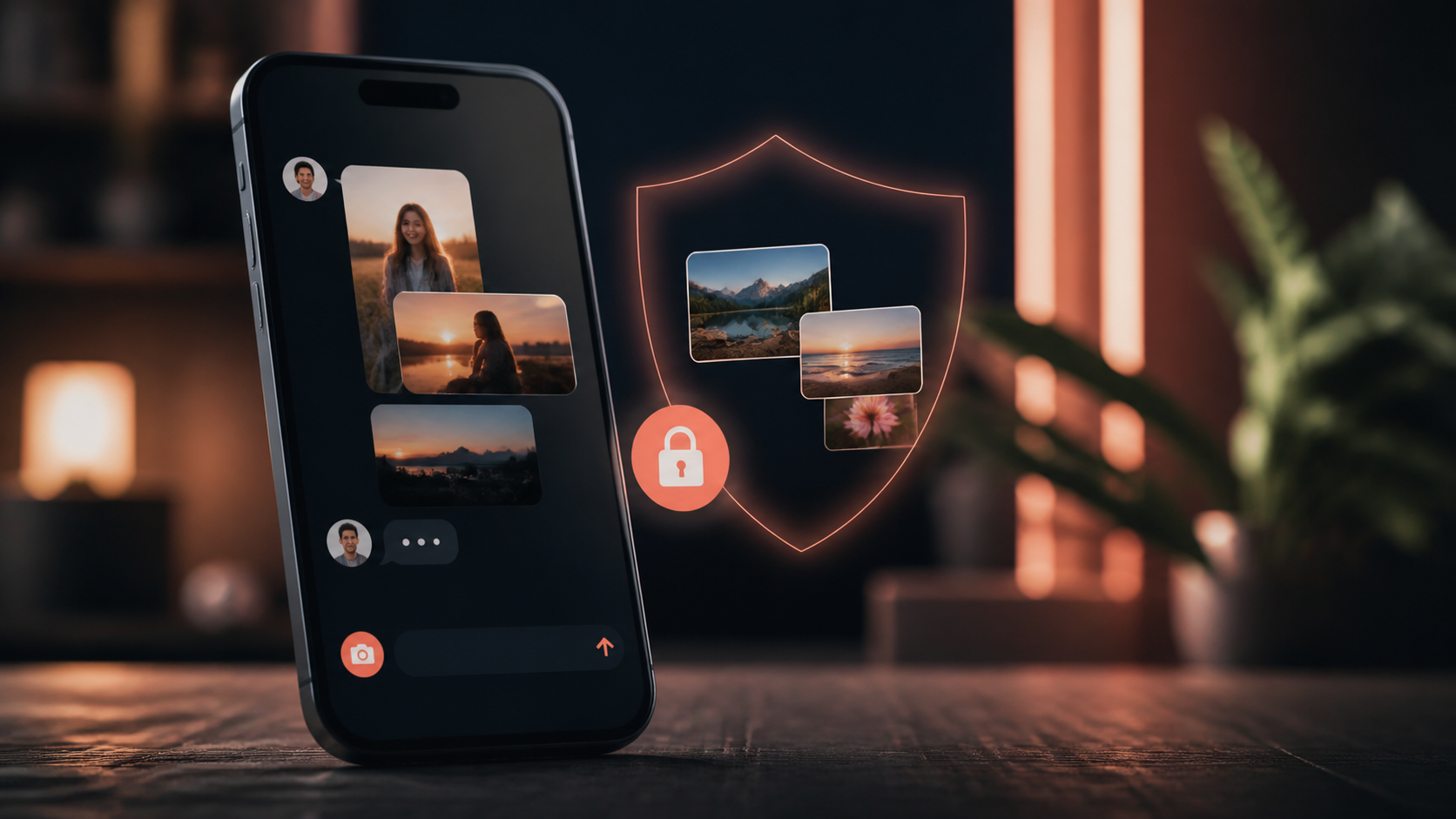
Image sharing in private chat without losing control
People want easy image sharing, but not at the cost of privacy. This article explains what to look for in a private chat app.
Image sharing in modern messaging looks simple on the surface. You tap, attach, send, and move on. But every photo carries more than pixels. It can reveal faces, locations, work documents, receipts, room layouts, and relationships. In a private chat, that makes image sharing a privacy issue as much as a convenience feature.
The problem is not just whether a message is encrypted in transit. It is also about what happens after the image arrives, who can forward it, where it is stored, how long it remains on servers, and whether the app gives you any real control. If you care about private chat, you need to think beyond the send button.
This matters whether you use a personal messenger, coordinate with a team, or rely on an end to end encryption chat for sensitive conversations. Tools like PigeonChat are useful not because they make every risk disappear, but because they remind us that control over media sharing should be designed in, not bolted on later.
Why image sharing changes the privacy equation
Text messages are often easy to skim and forget. Images are different. They are dense with information and can expose more than the sender intended. A casual screenshot can contain names, addresses, calendar details, or metadata that gives away time and place. In practice, image sharing often creates a larger privacy footprint than plain text.
That is why encrypted images are only part of the story. Encryption protects the route, but it does not stop the recipient from saving, forwarding, or photographing the image on another device. In other words, private chat can keep outsiders out, while still leaving you with limited control once the file is inside the conversation.
What to check before you send media
Good media sharing should answer a few simple questions. Where is the file stored? Is it compressed or resized? Does the app keep a copy on its servers? Can the recipient save it automatically? Does it support disappearing media or view-once options? These details matter more than glossy privacy claims.
If you are choosing an end to end encryption chat, look closely at the handling of attachments, not just messages. Some apps protect text well but treat media differently. Others sync everything across devices in a way that is convenient, but not always ideal for privacy. The key is to know the defaults before you rely on them.
- Check whether images are end to end encrypted by default.
- Look for controls over downloads, forwarding, and saving.
- Find out if metadata is stripped before sending.
- See whether expired or deleted media is actually removed from all devices.
- Review whether cloud backups include attachments.
Useful habits for safer private chat
The best privacy gains often come from small habits. Crop screenshots before sending them. Remove sensitive background details from photos. Avoid sharing images that include lock screens, file paths, or visible notifications. If the picture does not need to be an image, consider sending text instead.
It also helps to treat every shared file as potentially permanent. Even in a private chat, the recipient may be able to copy it elsewhere. So, before sending, ask whether the image adds value that text cannot provide, or whether you are simply using image sharing because it is easier in the moment.
When the image is sensitive, do a quick check for app permissions and device settings. This includes camera roll access, automatic backups, and gallery sync. A secure conversation can still be undermined by a phone that quietly copies media into another service.
Encrypted images are not the same as controlled images
People often assume that encryption solves the whole problem. It solves an important part, but not all of it. Encrypted images can still be seen by the recipient, stored by their device, backed up by their cloud account, or forwarded into another chat. Privacy is not just about interception. It is about retention and reuse too.
That is why some end to end encryption chat apps add extra controls, such as one-time viewing, manual download approval, or message timers. These features are helpful, but they are not magic. A determined recipient can still capture the screen or re-photograph the image. The goal is to reduce risk, not pretend it can be eliminated.
If you are comparing apps, think in terms of practical control. Can you revoke access? Can you limit previews? Can you prevent automatic saving? Can you see where attachments are synced? That is the difference between simple encryption and genuinely privacy-aware media sharing.
How private chat can balance convenience and control
There is no perfect messenger for every use case. Sometimes you want speed and ease. Other times you need tighter control over who sees what, and for how long. A good private chat experience lets you share images without forcing you to give up all control over them.
That balance can look different depending on the conversation. A family photo album needs different rules from a workplace exchange of ID documents. A service like PigeonChat is part of a broader shift towards messaging that treats media handling as a privacy feature, not just a product extra.
In practical terms, the best apps make the safe choice easy. They should show clear indicators for encryption, avoid unnecessary long-term storage, and make it obvious when images are downloadable, forwardable, or temporary. If you have to hunt through menus to find those controls, the app is probably not built with privacy first.
Common mistakes when sending images
Many privacy problems come from routine habits rather than sophisticated attacks. People send images of documents without hiding account numbers. They share location-sensitive photos with metadata intact. They upload the same image to multiple services, each with its own storage policy. These are small actions that can become long-lasting exposures.
Another common issue is over-trusting group chats. In a group, one careful person cannot control what everyone else does. If the image is sensitive, assume that any member might save it, forward it, or show it to someone else. That is true in ordinary chat apps and in end to end encryption chat systems alike.
A more cautious approach is often simpler than it sounds:
- Use text for details that do not need to be visual.
- Strip metadata before sharing where possible.
- Send cropped or blurred versions of documents.
- Use disappearing media only when it genuinely fits the situation.
- Be selective about which device or app you use for sensitive images.
Frequently asked questions
Is image sharing less private than text messaging?
Often, yes, because images can reveal more information at a glance. A photo may include location clues, personal items, document details, or visible notifications. Even if the message is encrypted, the content itself may expose more than intended once it is opened.
Are encrypted images enough to keep private chat secure?
Not on their own. Encryption protects the transmission, but it does not stop recipients from saving, forwarding, or capturing the image. Good privacy also depends on retention rules, download controls, backups, and whether the app gives you meaningful control over media sharing.
What should I look for in an end to end encryption chat app?
Focus on how the app handles attachments. Check whether images are encrypted by default, whether they are stored on servers, whether you can prevent automatic downloads, and whether there are options for view-once or disappearing media. Those details tell you more than broad privacy marketing claims.
Image sharing will always be part of modern messaging, but it does not have to mean losing control. The best approach is to treat every image as potentially sensitive, choose tools that respect that reality, and build habits that reduce accidental exposure. Convenience matters, but in private chat, control matters just as much.
Ready to try PigeonChat?

Writer & Editor at PigeonChat
Related Articles
Why privacy claims on PigeonChat.site need details
What privacy guaranteed on PigeonChat.site really means

What a European chat app should offer now

What an EU chat app needs beyond privacy claims

Why PigeonChat.site asks you to invite your partner first
