
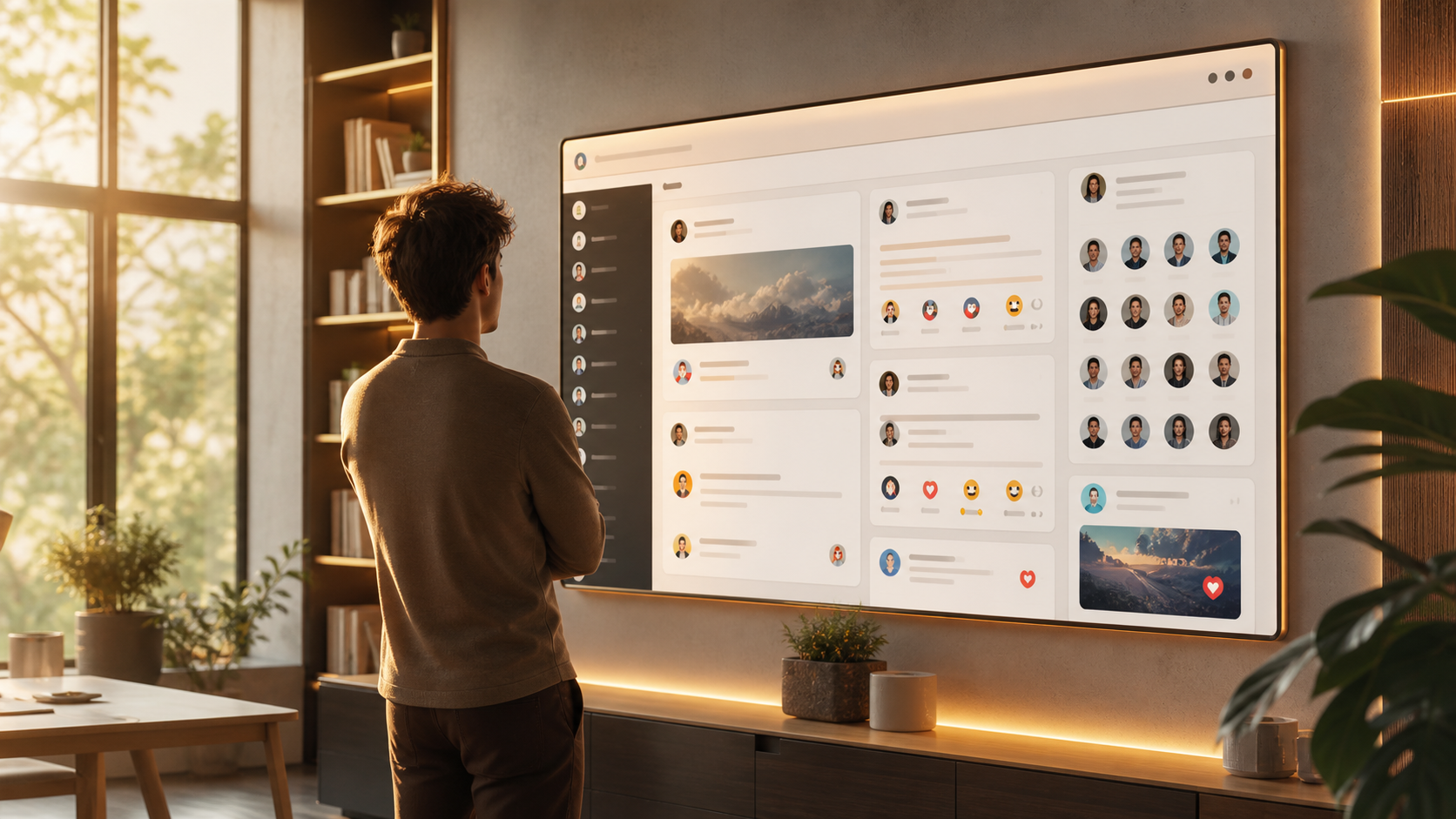
How public channels help communities stay active online
Public channels can keep communities informed, make announcements visible, and support ongoing discussion without inbox overload.
Public channels work best when a community needs two things at once: a place to broadcast updates and a place for people to gather around those updates. That combination is more useful than a simple announcement feed, because members can see what is happening, respond in context, and help keep the conversation alive.
For organisers, moderators, clubs, creators, and neighbourhood groups, public channels can act like a shared noticeboard with a discussion thread attached. The message is visible to everyone who needs it, but it does not vanish into the noise of private chats. That makes it easier to keep people aligned without forcing them into long, fragmented group messages.
This is why public channels keep showing up in online communities of all kinds, including groups built around hobbies, local events, and creator updates. Tools like PigeonChat are useful here because they make that broadcast plus gathering pattern feel natural rather than bolted on.
Why public channels suit active communities
A healthy community needs a rhythm. People want to know what is new, but they also want a place to react, ask questions, and share their own angle. Public channels support that rhythm by giving one clear surface for updates and replies.
Compared with scattered direct messages or multiple small group chats, a public channel reduces duplication. The organiser posts once, and everyone sees the same version. Members can then respond in the open, which helps other people catch up without asking for the same information again.
This is particularly helpful when the topic changes often, such as event planning, product updates, or community announcements. A public channel keeps the latest information visible and creates a better memory of what was said. New members can join later and still understand the recent context.
How broadcast updates and conversation work together
The real strength of public channels is not just reach, but structure. A broadcast update gives the community a focal point. The comments, replies, or follow-up posts around it turn that update into a live gathering place.
That matters because most communities do not want pure top-down broadcasting. They want a bit of energy around the message. A release note can lead to suggestions. A schedule change can lead to practical questions. A photo from an event can spark memories, planning, or simple encouragement.
When this works well, the channel feels active without becoming chaotic. People know where to look for the main message, and they know where to respond. That clarity is often what keeps a group feeling healthy over time.
Practical ways to use public channels
Public channels are flexible, but they work better when you give them a clear purpose. The most effective communities usually choose one main job for each channel and keep the format consistent.
- Announcements - share event dates, policy changes, product notes, or important reminders.
- Weekly prompts - post a question or theme that invites member replies and keeps the group moving.
- Showcase posts - let members share work, wins, photos, or useful links in one visible place.
- Support threads - use a public channel for common questions so answers help more than one person.
- Local updates - coordinate neighbourhood notices, meetups, and practical community information.
If you are running a group, it often helps to write posts in a repeatable format. Lead with the main point, add the details underneath, and make it obvious what people should do next. That might be to RSVP, comment, vote, share, or simply stay informed.
On visually driven platforms like Instagram, the same idea applies in a different shape. A public post or channel-style update can carry the headline, while replies, captions, or follow-up stories give people a place to engage. The principle is the same: keep the message visible, then invite the community around it.
Keeping public channels healthy and readable
Visibility alone does not make a community active. If a public channel becomes too noisy, people stop checking it. If it becomes too quiet, people assume nothing is happening. The best channels strike a balance between useful structure and human warmth.
Moderation matters here. Clear rules about relevance, tone, and spam protect the channel without making it feel sterile. It is usually better to ask for posts that add value than to try to police every small misstep. A light but consistent hand tends to work well.
It also helps to separate different types of activity. For example, one channel can be used for announcements, another for general discussion, and another for member sharing. That way, broadcast updates do not get buried under chatter, and conversation still has room to breathe.
What makes people come back
People return to public channels when they feel useful, predictable, and welcoming. Utility comes from clear information. Predictability comes from a steady posting pattern. Welcoming comes from replies that feel thoughtful rather than performative.
A good public channel does not need constant activity. It needs the right kind of activity. A well-timed update can bring people back into the space, and a few good responses can keep the momentum going. That is often enough to make a group feel alive.
For community builders, this is a useful reminder: not every interaction has to happen privately. When people can see one another learning, reacting, and contributing in public, the community becomes easier to trust and easier to join.
Frequently asked questions
Are public channels better than group chats?
Not always. Group chats are good for fast back-and-forth among a small set of people. Public channels are better when you need a visible record, wider reach, and a place where more members can follow along without being pulled into every message.
How do public channels help a community stay active?
They give the group a shared point of reference. People can see updates, reply in context, and return later without losing the thread. That makes it easier for conversations to continue instead of restarting from scratch each time.
What should I post in a public channel?
Post things that matter to the whole group, such as announcements, questions, event details, shared resources, or member highlights. If a message would only help one person, it is usually better kept private. If it helps many, public channels are often the right place.
Public channels are at their best when they make information easy to find and conversation easy to join. That is why they work so well for communities that need both broadcast updates and a sense of shared activity. Whether you are building a local group, a creator space, or a niche interest community, the format can help people stay informed without feeling disconnected.
Ready to try PigeonChat?

Writer & Editor at PigeonChat
Related Articles

PigeonChat.site for teams that need private group chat

How chat groups help schools and universities stay organized

How chat groups help schools and universities

How chat groups help schools and universities stay organized

Why PigeonChat.site asks you to invite your partner first
