
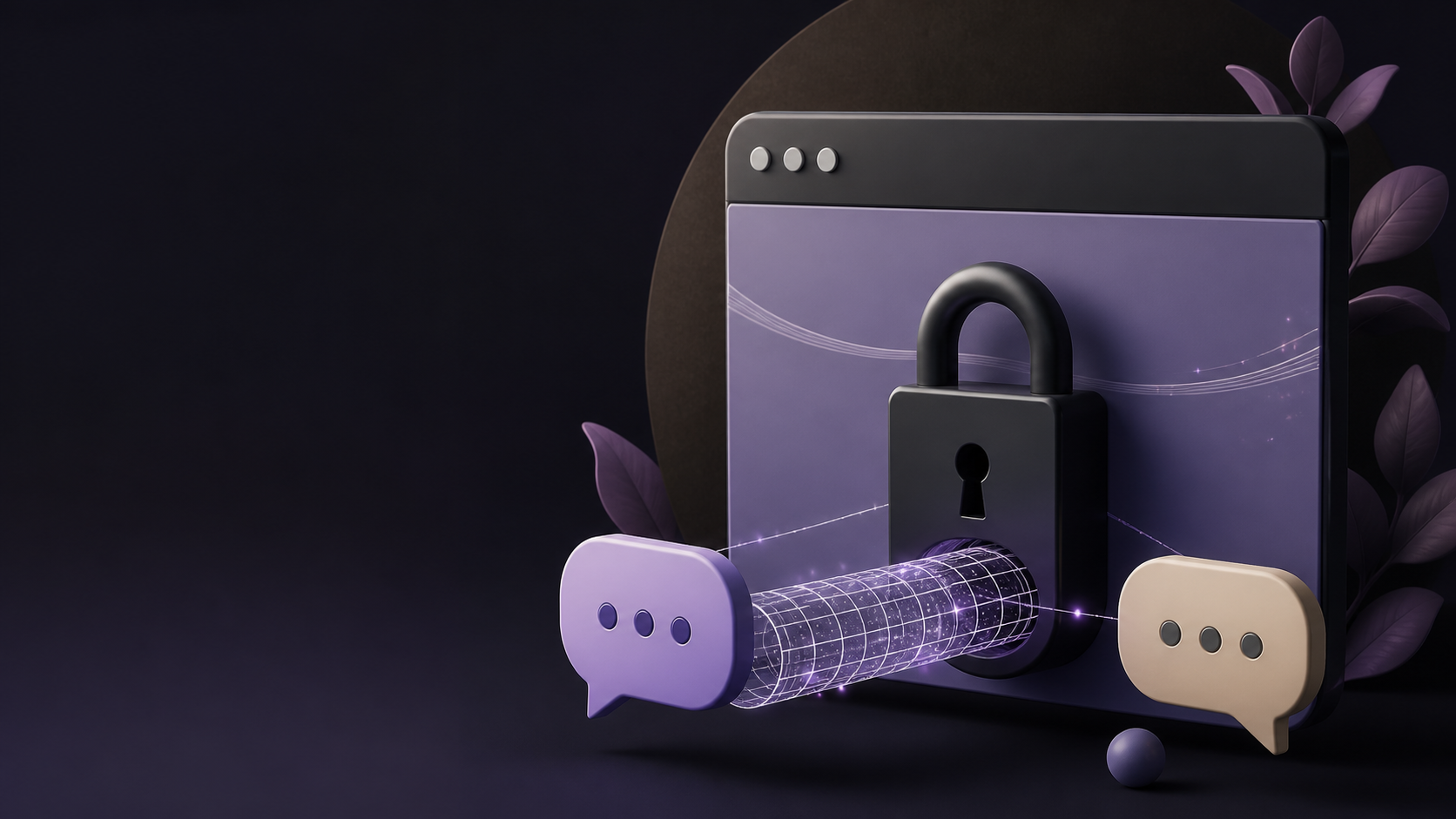
How encrypted private chats work in a browser app
If you want private chat in the browser, this guide explains the basic privacy model, what encryption does, and what users should check first.
Browser-based encrypted private chats have become a practical middle ground between convenience and privacy. You open a tab, log in if needed, and start messaging without installing a desktop client or mobile app. For people who want a private browser chat that works quickly on a shared device, on a work machine, or on a low-storage laptop, that simplicity matters.
The important part is that "browser-based" does not automatically mean "less secure". A private chat app can still use encryption in transit and, in some cases, end-to-end encryption so that only the people in the conversation can read the messages. The browser is just the place where the chat runs. The security depends on how the app is designed, how keys are handled, and how carefully the user manages access.
If you are trying to understand encrypted private chats without getting lost in jargon, it helps to separate what happens in your browser from what happens on the server. That distinction is the key to knowing what privacy you really have, and where the limits are.
What encryption does in a browser chat
Encryption turns readable message content into scrambled data that should only be understandable to the right recipient. In a browser chat, the message may be encrypted before it leaves your device, while it is travelling to the service, or both. The exact model matters, because it changes who can potentially read the content.
In the strongest common model, end-to-end encryption means your browser creates or stores the keys needed to lock and unlock the messages. The server helps move data around, but it cannot read the actual conversation content. That is why many people look for encrypted private chats when they want a private space that is not openly inspectable by the service provider.
There are also apps that encrypt traffic between your browser and the server, which is still valuable. It protects messages from being casually intercepted on the network, but the service itself may still be able to access the plaintext. When comparing a private chat app, it is worth asking which kind of encryption is being used, because the difference is significant.
Why browser apps do not need to be insecure
A browser app runs inside software that many people already trust for banking, shopping, and work. That does not make it perfect, but it means the browser can act as a capable environment for private messaging. Modern browsers support secure connections, local storage, cryptographic functions, and strong isolation between tabs and sites.
For users, the advantage is convenience without giving up the option of private communication. You do not need to install updates manually, wait for a desktop package to download, or manage another app on every device. A private browser chat can be especially useful when you only need occasional secure messaging and do not want another permanent app on your phone or laptop.
That said, browser apps inherit browser risks. If your device is compromised, if you leave a session open on a shared machine, or if a malicious extension can access page data, your privacy can be reduced. Encryption protects content in transit and at rest in some cases, but it does not replace basic device hygiene.
How keys and sessions usually work
Encrypted private chats depend on keys. A key is the secret that lets one side decrypt what the other side has encrypted. In browser-based systems, keys may be generated locally, derived from a password, or stored in a secure session once you sign in. The app then uses those keys each time it sends or receives a message.
Some services keep the key in your browser session so that you can stay signed in comfortably. Others require you to unlock the chat each time or re-enter a passphrase. This is where practical trade-offs appear. More convenience usually means more care is needed with session timeouts, device access, and logout behaviour.
- Keys should ideally be created and handled on your device, not guessed by the server.
- Longer sessions are easier to use but can be less safe on shared devices.
- Strong passwords help, but they are not a substitute for proper encryption design.
- Logging out matters, especially if you use public or work computers.
- Clearing local storage can help reduce leftover data on devices you do not control.
For a private chat app, the best design is one where the server knows as little as possible about the message content and the keys remain under user control. Services such as PigeonChat are often evaluated on that basis, because users want private messaging that is easy to open in a browser but still respects the boundaries of encryption.
What the server can and cannot see
People often assume encryption makes everything invisible. In practice, it mainly protects message content, not every piece of metadata. A server may still know that a message was sent, when it was sent, which account sent it, and possibly who it was delivered to. Depending on the system, it may also learn group membership or IP-related information.
That is why encrypted private chats are best thought of as reducing exposure, not eliminating it entirely. Even when the content is unreadable, surrounding data can reveal useful patterns. If privacy is important, read the app’s documentation carefully to see what it stores and for how long.
There is also an important difference between "the server cannot read the messages" and "the service has no records". A chat app can be encrypted and still keep some operational logs. That may be normal for security, abuse prevention, or reliability, but it is worth understanding before you rely on it for sensitive conversations.
How to judge a private browser chat app
When you are choosing a private browser chat, focus on design details rather than marketing language. Words like secure, private, and encrypted are useful only if they are backed by sensible implementation and clear documentation. You do not need to be a cryptographer to ask the right questions.
A good app should explain what is encrypted, where keys live, whether the provider can access content, and how accounts are protected. It should also make it easy to end sessions, remove devices, and understand whether messages are stored temporarily or permanently.
Useful things to check include:
- Is encryption end-to-end, or only between your browser and the server?
- Does the app explain key handling in plain language?
- Can you log out of all devices and revoke old sessions?
- Does it support secure sign-in options, such as strong passwords or second-factor authentication?
- Are there clear details about message retention and deletion?
- Does the app work reasonably well without extra plugins or downloads?
If an app cannot answer these basics, treat its privacy claims cautiously. Good security is usually described clearly. Vague security is often just vague.
Practical habits that improve privacy
Even the best encrypted private chats can be weakened by poor habits. If you want a private browser chat to stay private, treat device access as part of the security model. A chat may be encrypted, but if someone can open your browser session, they may be able to read everything already unlocked.
Use a strong, unique password for the account. Avoid staying signed in on machines you do not fully control. If the app offers it, enable second-factor authentication. When you finish a sensitive conversation, sign out properly rather than just closing the tab.
It also helps to keep browser extensions to a minimum, especially ones that read page content. Update your browser regularly, because security fixes often matter more than new features. On shared devices, use private browsing carefully and do not assume it erases every trace. It reduces local history, but it does not magically make a session untouchable.
Frequently asked questions
Is a browser chat less secure than a downloaded app?
Not necessarily. Security depends on the design, not just the delivery method. A browser-based app can be very strong if it uses proper encryption, good session handling, and careful key management. A downloaded app can also be weak if it is poorly built. The main difference is often convenience and the browser’s own attack surface, not the app format alone.
Can the provider read my messages if they are encrypted?
If the app uses true end-to-end encryption, the provider should not be able to read the message content. If it only encrypts traffic between your browser and the server, the provider may still be able to access the plaintext. This is why it is important to check what kind of encryption the service actually uses rather than relying on the word "encrypted" on its own.
What is the biggest risk with encrypted private chats in a browser?
Often the biggest risk is session access, not broken encryption. If someone gets into your unlocked browser, your saved session, your device, or a risky extension, they may be able to see messages after they are decrypted for display. Good encryption protects data in transit and storage, but it cannot fully protect against a compromised device or careless access.
Browser-based private messaging can be a sensible choice when you want privacy without the friction of another install. The best encrypted private chats are the ones that explain their model clearly, keep secrets where they belong, and make ordinary secure habits easy to follow. If you remember that encryption is only one part of privacy, you will be much better placed to choose a private chat app with confidence.
Ready to try PigeonChat?

Writer & Editor at PigeonChat
Related Articles
Why privacy claims on PigeonChat.site need details
What privacy guaranteed on PigeonChat.site really means

What a European chat app should offer now

What an EU chat app needs beyond privacy claims

Why PigeonChat.site asks you to invite your partner first
