
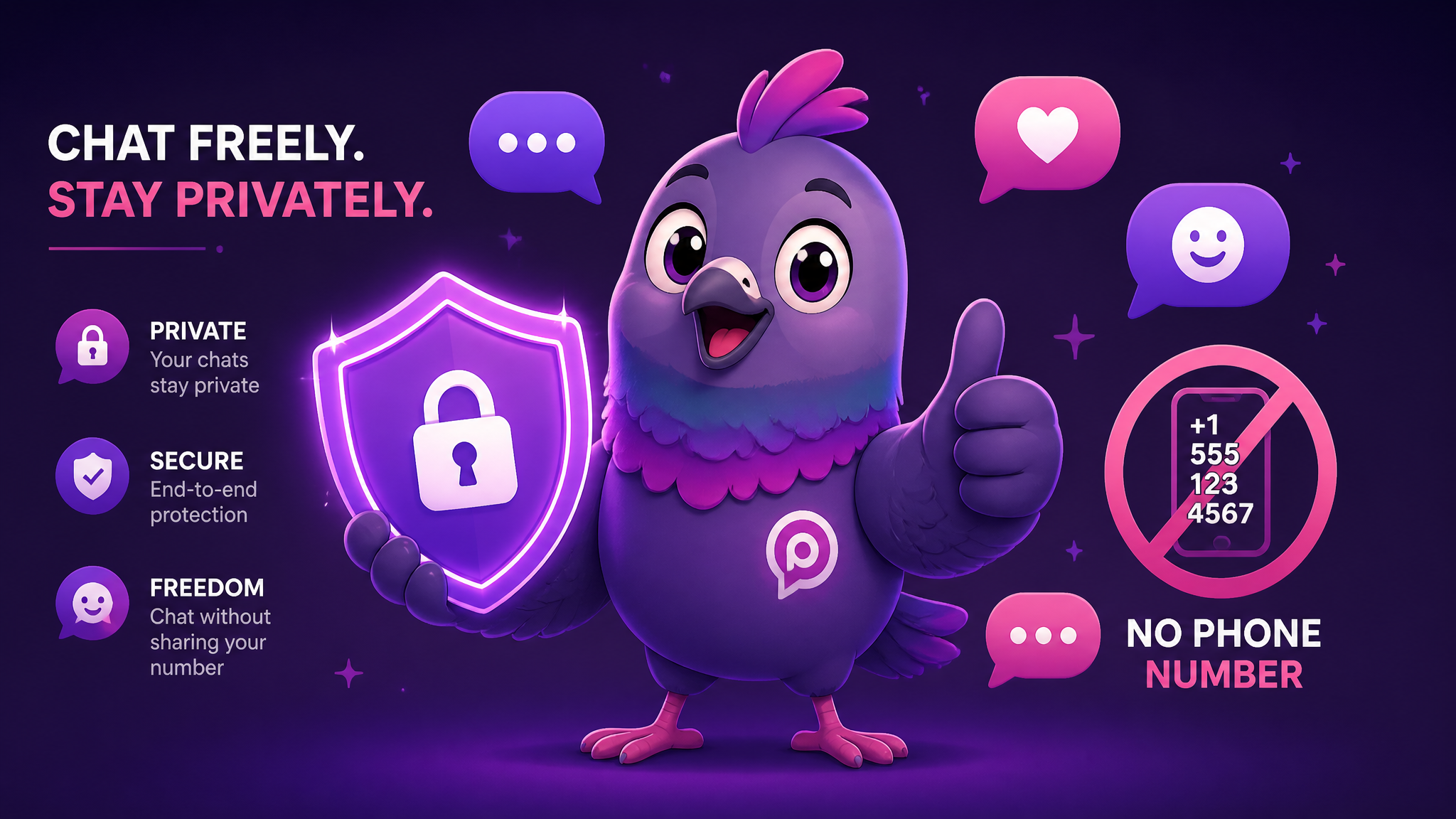
Secure Messaging App Without a Phone Number: The 2026 Guide
Tired of handing over your mobile number just to chat? Here is how to use a truly secure messaging app without a phone number in 2026 — and why PigeonChat leads the pack.
For over a decade, signing up for a chat app meant one thing: handing over your phone number. WhatsApp, Telegram, Signal, Viber, and Messenger all built their networks on top of your SIM card. But your phone number is one of the most sensitive pieces of personal data you own — it is tied to your identity, your bank, your two-factor codes, and your real-world location. In 2026, a growing number of people are asking a simple question: why do I need a phone number just to send a message?
This guide explains why phone-number-based messaging is a privacy problem, what a real secure messaging app should offer, and how to use a messaging app without a phone number like PigeonChat.
Why Your Phone Number Is a Privacy Liability
When an app requires your phone number, it creates a permanent, unique identifier that links every conversation back to the real you. Here is what that enables:
- Contact discovery leaks. Apps that use your number let anyone who has it find your profile — including strangers, spammers, and people you would rather not hear from.
- SIM-swap attacks. If an attacker convinces your carrier to move your number to their SIM, they can hijack accounts tied to that number.
- Cross-platform tracking. Data brokers use phone numbers to stitch together your activity across dozens of services.
- Forced identity. In some countries, buying a SIM requires government ID, so your number is effectively your legal name.
A private chat app that does not require a phone number removes all of these risks at once. You become a username, not a SIM card.
What a Truly Secure Messaging App Looks Like in 2026
Not every app that skips the phone number is actually secure. Look for this full checklist:
- Username or email sign-up — no SIM required, no contact-list scraping.
- Strong encryption — your messages are protected in transit and at rest.
- No ad-tech business model — the app is not selling your behaviour to advertisers.
- Granular privacy controls — you decide who can find you, message you, or add you to groups.
- Cross-device access — use it on your phone, tablet, and the web without exposing your number.
PigeonChat: A Secure Messaging App With No Phone Number Needed
PigeonChat was designed from the ground up to break the link between your identity and your conversations. You sign up with a username — no SIM card, no phone number, no Facebook login. That single design choice makes it a genuine chat app without Facebook and without the tracking that comes with it.
Here is what you get:
- Username-based accounts. Share your handle, not your digits. Strangers cannot find you by number because there is no number to find.
- Encrypted conversations. Private one-to-one and group chats are protected so your words stay between you and the people you choose.
- Full control over discovery. Decide who can add you to groups, who can message you first, and who sees your activity.
- Channels and communities. Follow public Pigeon Channels or run your own without ever revealing personal contact details.
- AI features built in. Enhance your photos and even generate original images right inside your chats.
How to Get Started Without a Phone Number
- Open PigeonChat on the web or download the app.
- Create an account with a username and password — no SIM verification step.
- Pick a display name and (optionally) an avatar. You can even generate one with the built-in AI.
- Share your username with friends, or join a channel to start meeting people around a shared interest.
What About bitchat and Other No-Number Apps?
Newer projects like bitchat have popularised the idea of messaging without any central phone directory, often using peer-to-peer or Bluetooth mesh approaches. These are fascinating for niche, offline, or protest scenarios, but they can be hard to use day to day, have limited features, and small user bases. PigeonChat offers the same core privacy win — no phone number — while still giving you a full-featured, always-available app with channels, stickers, group chats, and AI tools that your friends will actually want to use.
Frequently Asked Questions
Can I really use a messaging app without a phone number?
Yes. PigeonChat lets you sign up with just a username and password. There is no SIM verification and no requirement to link a mobile number at any point.
Is a no-phone-number app less secure?
Quite the opposite. Removing your phone number eliminates SIM-swap attacks and contact-scraping, two of the biggest weaknesses of traditional messengers. Combined with encryption, it makes for a more private experience.
Can people still find me?
Only through your username, and only if you allow it. You control who can find you, message you, and add you to groups.
Does it work on the web?
Yes. You can use PigeonChat directly in your browser or download the app — your account is the same everywhere and never tied to a SIM card.
Ready to chat without giving away your number? Get PigeonChat and take back control of your identity.

Writer & Editor at PigeonChat
Related Articles

What makes an end to end encryption chat app secure

What a fully compliant EU chat app should include

Why people search for a WhatsApp alternative without a number

What end to end encryption chat really protects

Why chat folders matter for busy group conversations
